Can AI Replace Manual CAD Modelling? Exploring the Capabilities of SOLIDWORKS 2027
By Panshul Technologies LLP
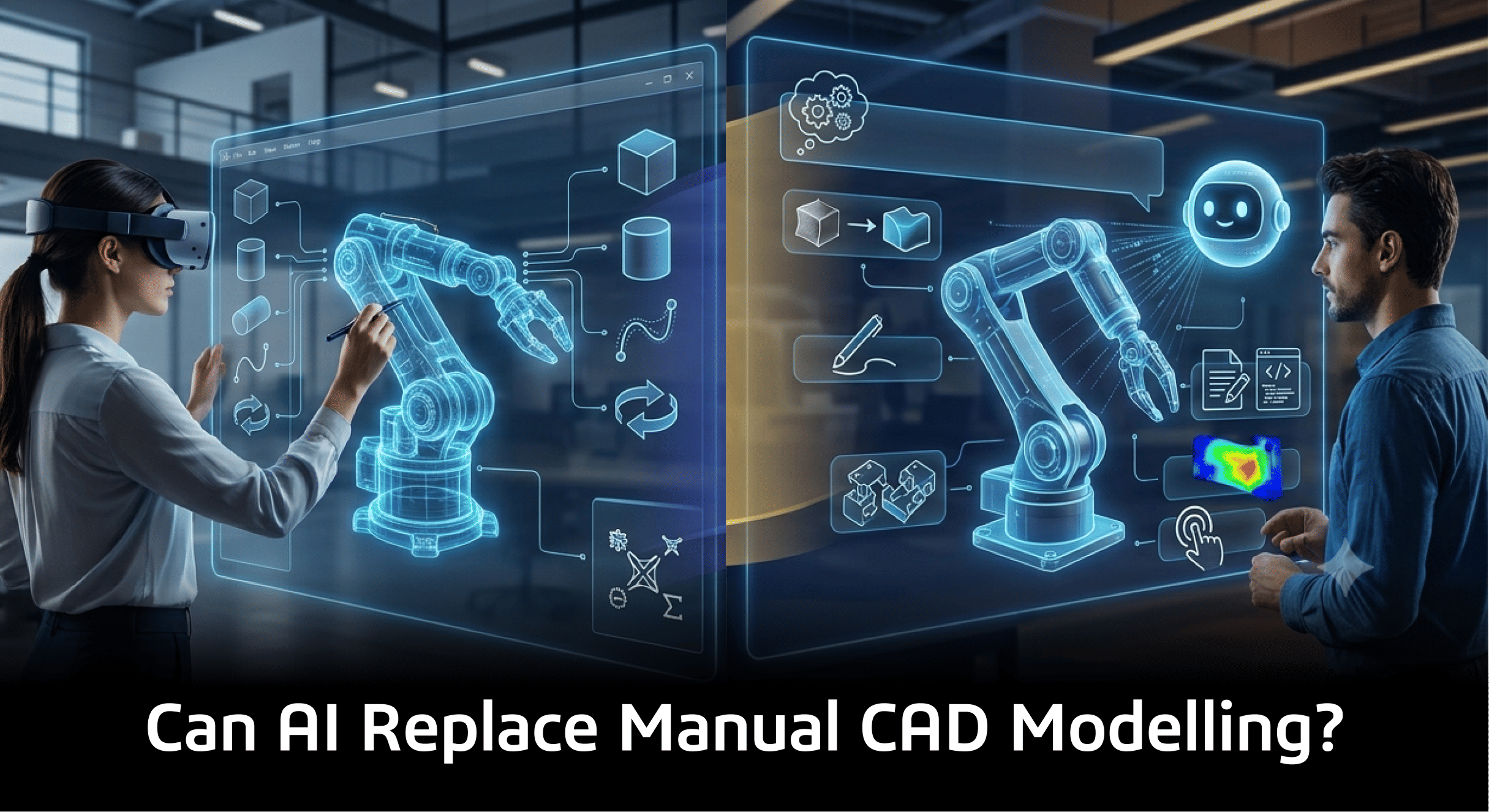
Every few years, CAD gets a headline that sounds like the end of the modeller. Type a sentence, get a part. Upload a photo, get a 3D model. With SOLIDWORKS 2027 bringing the LEO virtual companion into the mainstream design workflow, the question is back on every engineering floor: can AI CAD modelling genuinely replace manual modelling?
The honest answer is neither yes nor no. AI is already removing a meaningful amount of low-value modelling effort. It is not yet a substitute for the thing that makes a CAD model worth having: engineering judgement encoded in geometry.
What “AI CAD modelling” actually means in SOLIDWORKS 2027
The term covers several different capabilities, and mixing them up is where most of the hype comes from.
- Text to CAD: describing a part or specification in natural language and getting an engineering starting point. SOLIDWORKS has positioned Spec to CAD, delivered through LEO, as a way to turn written requirements into CAD rather than a blank sketch.
- Image to 3D model: the announced Image to Mesh capability turns images into mesh geometry. A mesh is a useful reference, but it is not a parametric solid with a feature tree.
- Drawing to parametric model: rebuilding a 3D model from existing 2D drawing information.
- BREP to parametric conversion: asking LEO to turn imported STEP or IGES geometry into native, editable SOLIDWORKS features, so supplier or legacy data is no longer a dead end.
- Assembly structure generation: LEO can generate an assembly structure from a prompt. In early demonstrations this produced placeholder components, not finished 3D geometry, which is exactly the kind of research-phase time saver it is meant to be.
A note on timing: several of these (Spec to CAD, Image to Mesh, Drawing to Parametric Model) were announced on the 2027 roadmap, and feature availability can change. Check your installed build and the official What’s New documentation before you plan a workflow around any of them.
Geometry is not the same as a model
This is the core distinction. Generated geometry tells you what a part looks like. A professional parametric model tells you why it looks that way and how it should change.
Consider a bracket. Two models can be dimensionally identical. In one, the hole spacing is driven by a mating part, the wall thickness is tied to a casting rule, and the fillet radii follow a family standard. In the other, every value is a dead number. Change one requirement and the first model updates in seconds; the second needs rebuilding.
AI can produce the second kind quickly. Producing the first kind requires knowing your design intent, and that knowledge lives in your head, your standards and your product history, not in a prompt.
The feature history question
For mechanical engineers, the feature tree is the real deliverable. When evaluating AI-generated or AI-converted geometry, inspect it the way you would review a colleague’s work:
- Is the feature order logical, or is it a pile of extrusions that happens to look right?
- Are sketches fully defined, with relations that reflect the real constraints?
- Are dimensions named and driven by equations or global variables where they should be?
- Will the model survive a change to the key parameter without failing rebuilds?
- Could another engineer edit it without reverse-engineering it first?
BREP-to-parametric conversion is the clearest practical win here, because it takes geometry you would otherwise rebuild by hand and gives you editable features. But a converted tree reconstructs how the shape could be built. It cannot know how you intended it to be varied.
Engineering constraints and design intent
Geometry that looks right can still be wrong for the job. AI does not inherently know:
- Your manufacturing process, tooling limits, draft requirements or tolerance stack
- The mating interfaces and clearances defined in the rest of the assembly
- Material behaviour under your actual load cases and temperatures
- Your company’s standards, preferred parts and release rules
This is why verification cannot be skipped. Run the geometry through SOLIDWORKS Simulation for stress, deflection and thermal checks, review it against manufacturing constraints, and confirm interfaces in the assembly. An AI-generated starting point that has not been validated is a draft, not a design.
Where AI genuinely reduces manual effort
So, will AI replace manual CAD modelling?
For repetitive, rule-like modelling tasks, much of the manual effort is going away, and that is good news. Nobody’s best work is rebuilding imported geometry feature by feature or hand-building a drawing template for the hundredth time.
For design-intent-heavy work, such as products with tight interfaces, regulated parts, or families of variants, manual modelling skill becomes more important, not less, because someone has to judge whether the AI’s output is fit to build on. The engineers who benefit most will be those who can write precise requirements, read a feature tree critically, and validate results quickly.
A practical way to adopt AI CAD modelling
- Start with low-risk tasks: conversion of legacy geometry, assembly structures, drawing drafts.
- Define a review checklist: feature tree quality, constraints, parameters, naming.
- Validate with analysis: use simulation before trusting any generated geometry for a load-bearing part.
- Keep data governed: manage AI-assisted models in your data management system, ideally through the 3DEXPERIENCE platform, so revisions and approvals stay traceable.
- Train for prompting and critique: these are now core CAD skills alongside sketching and feature planning.
If you are exploring where SOLIDWORKS CAD and its AI capabilities fit your team, the right first step is a pilot on a contained project, not a company-wide switch.
FAQ
Can AI create a fully parametric SOLIDWORKS model from a text prompt? It can give you an engineering-ready starting point. Treat the result as something to review and refine, because intent and constraints still need human definition.
Is an image-to-3D model the same as a CAD model? No. Image-based generation typically produces mesh geometry, which lacks a parametric feature history. It is useful for reference, not as a drop-in replacement for an editable model.
Do I still need to learn manual modelling? Yes. Reviewing, correcting and extending AI output requires the same skills as building it.