Why Choose SolidWorks Over Other CAD Software? A Smarter Choice for Modern Engineering Teams
By Panshul Technologies
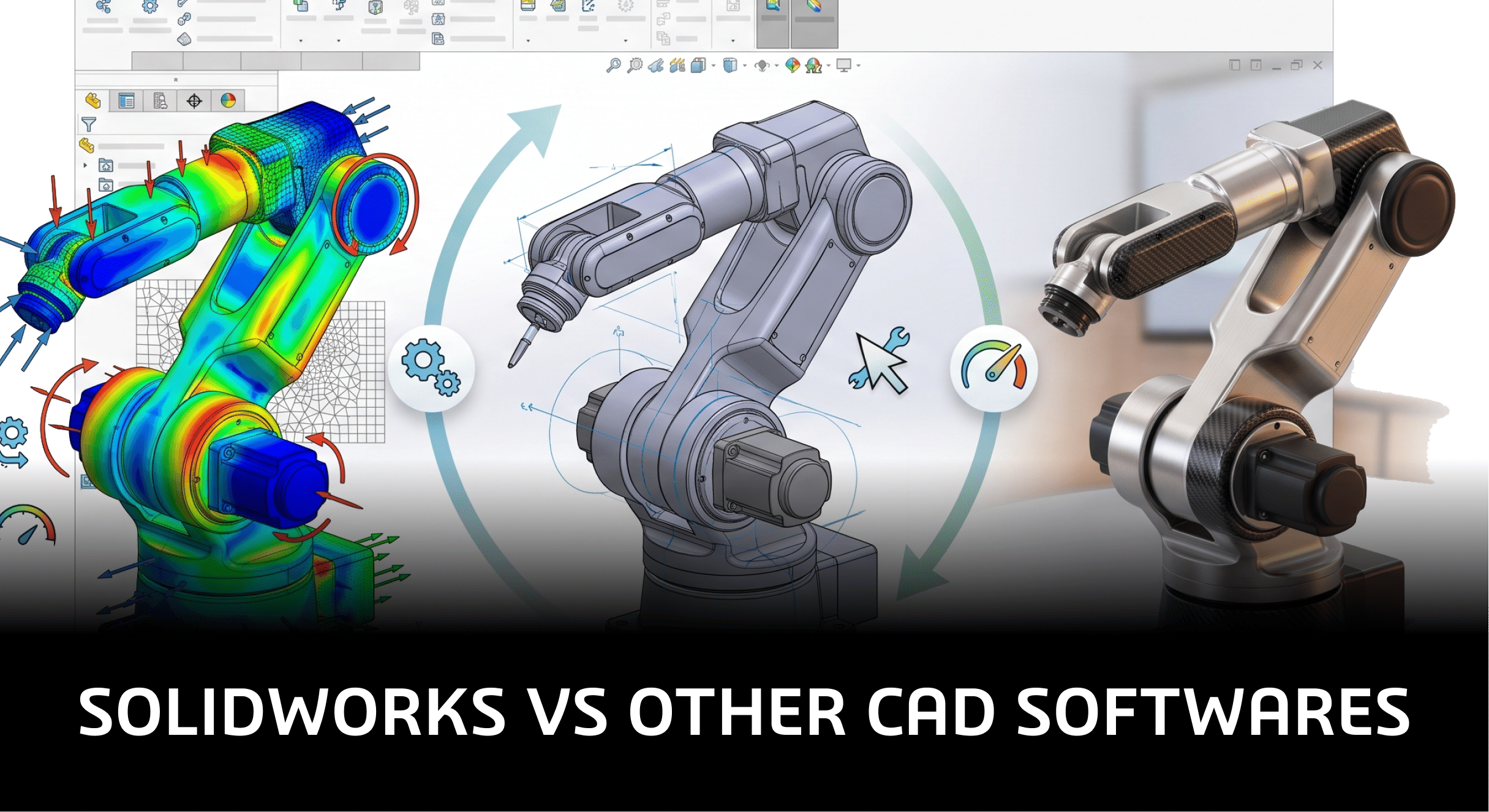
Why Choose SolidWorks Over Other CAD Softwares?
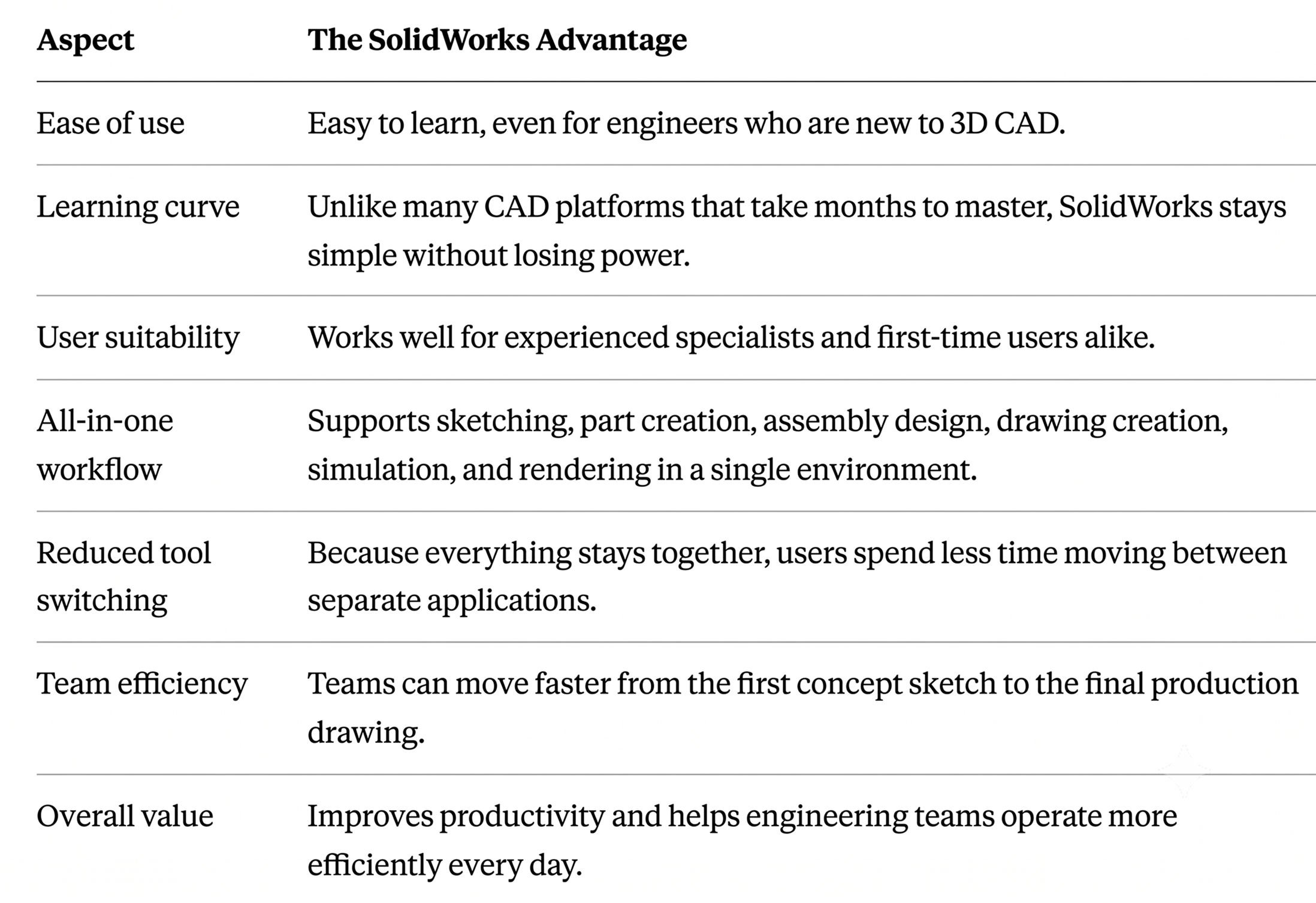
Picking the right design software shapes everything downstream — how fast a team can iterate, how clean the final product is, and how quickly it gets to market. Among the many 3D CAD platforms available today, SolidWorks continues to stand out as the tool that design teams, manufacturers, and product developers keep coming back to. It pairs an approachable interface with serious depth, covering everything from sketching and part modeling to simulation and rendering in one connected environment.
Introduction
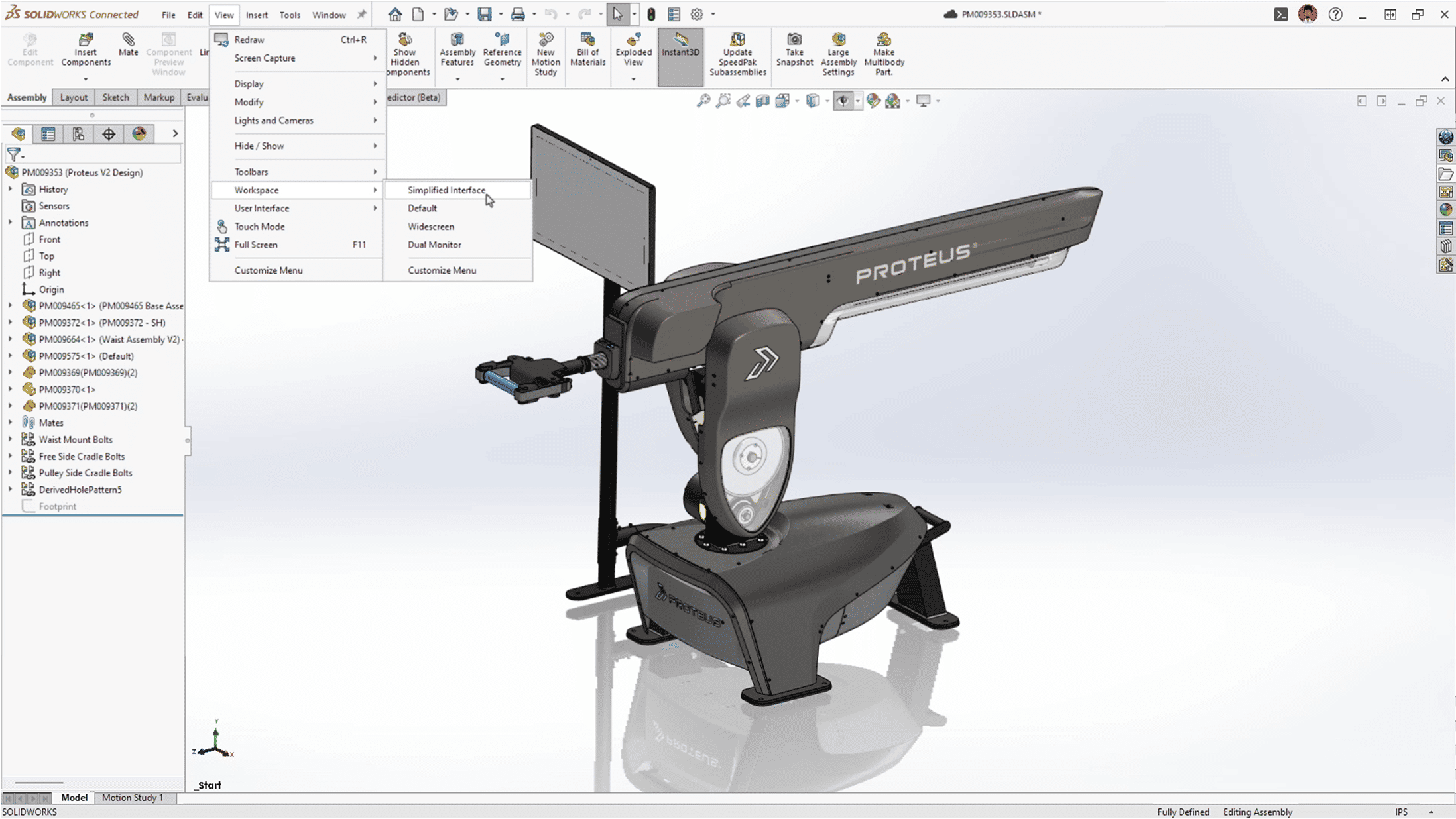
Choosing a CAD platform is one of the more consequential decisions a manufacturing or product development team will make. The right software speeds up iteration, reduces costly errors, and keeps a team aligned from concept to production. There's no shortage of options on the market, but SolidWorks has earned its reputation by being genuinely easy to pick up without sacrificing the power that experienced engineers expect.
Companies that buy SolidWorks through an authorized reseller, such as Panshul Technologies, get more than just a license key. They get onboarding support, licensing guidance, and hands-on help learning the software efficiently — which matters, because even the best 3D CAD tool only pays off once a team is actually using it well. It's a big part of why so many businesses that evaluate several CAD platforms still end up standardizing on SolidWorks for the long haul.
Where SolidWorks Stands Out
.
Built for Everyday Design and Real Collaboration
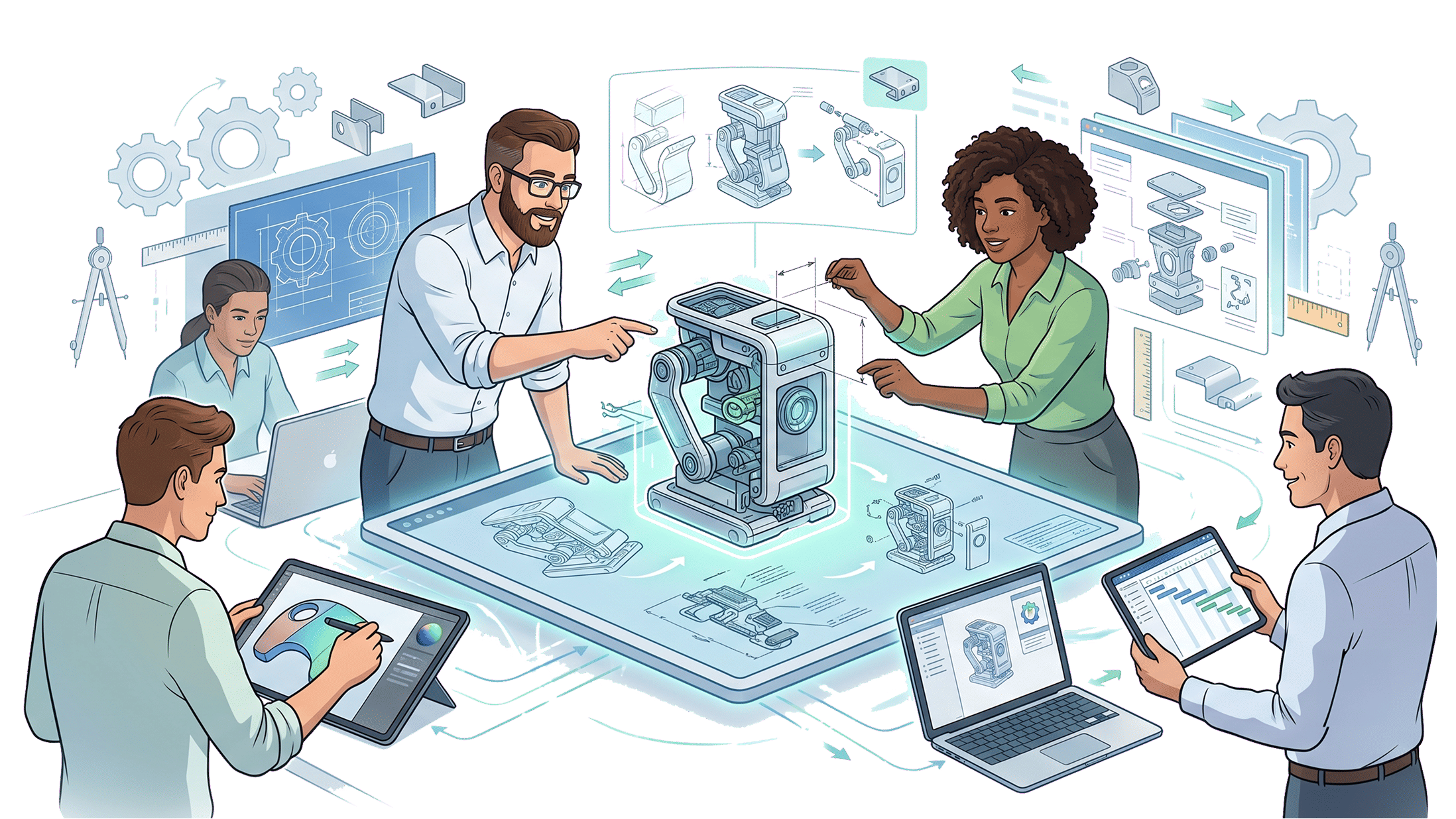
A common question is why choose SolidWorks over other CAD software, and one of the clearest answers is how well it holds up under everyday, real-world engineering demands. It's built for teams that need to revise models quickly, communicate designs clearly, and get production-ready documentation out the door without delays — which makes it especially useful for product design, sheet metal work, and manufacturing-driven projects with tight timelines.
Collaboration is another strength. Designers, engineers, and managers can all work from the same model, since the platform was designed around shared, cross-functional product development rather than isolated individual work, which is one reason SolidWorks fits so well into team-based engineering environments. That shared context cuts down on miscommunication, reduces rework, and speeds up decisions across a whole organization — designers and engineers iterate on the design itself, while managers use the same files to track progress, without anyone working from an outdated version.
Simulation and Rendering, Built Into SolidWorks
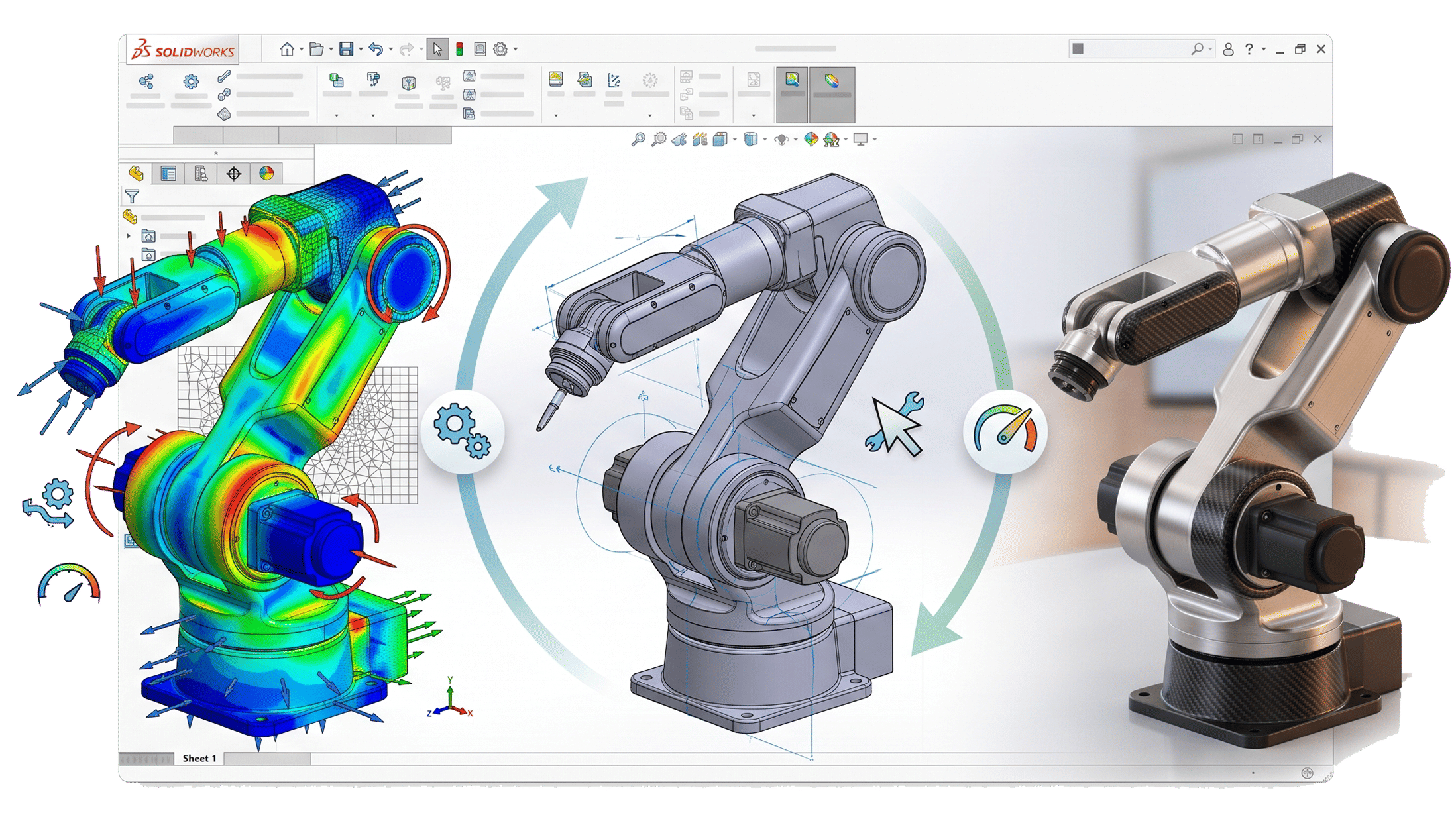
One meaningful advantage over many other 3D CAD tools is that simulation and rendering aren't bolted-on extras — they live directly inside the same environment used for modeling. Engineers can run a simulation on a part or assembly to check how it holds up under real loads, heat, or motion, long before anything gets manufactured. Catching a structural weakness at that stage, rather than after a prototype has already been built, saves real time and money.
On the visual side, built-in rendering lets teams turn a working model into a photorealistic image for marketing materials, client sign-off, or investor presentations — without exporting the geometry into a separate rendering application. Having simulation and rendering sit alongside the modeling tools means a design can be validated and presented without ever leaving the same workspace.
A Strong Ecosystem Behind the Software
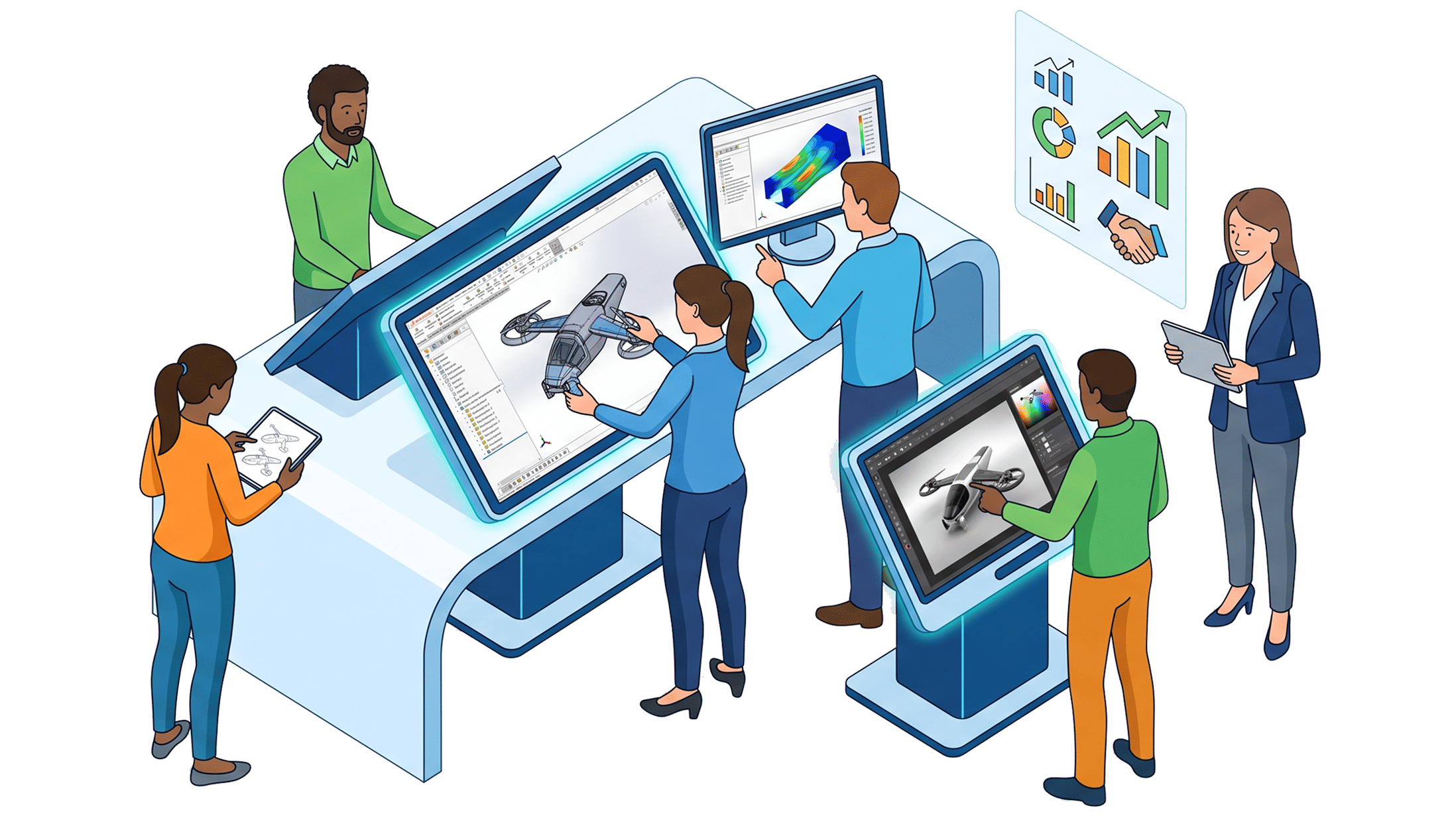
Part of what makes SolidWorks so effective in practice is the ecosystem around it: a large, active global user community, plenty of peer troubleshooting help, and no shortage of tutorials for learning it at any skill level. Features alone rarely decide which software a team sticks with — what matters just as much is how quickly people can get productive and keep growing into the tool over time.
For companies based in India, working with a local, authorized reseller like Panshul Technologies makes that ramp-up considerably smoother. They can help you choose the right product tier, sort out licensing and pricing, and get everything installed and configured correctly from the start — which takes a lot of the guesswork out of the decision.
Why It's a Worthwhile Investment

This isn't just a modeling tool — SolidWorks is a fuller system for designing, validating, and presenting products under one roof. That combination tends to help companies develop ideas faster, get new hires productive sooner, and make the overall engineering process more reliable, from the first concept sketch through simulation and final rendering.
It's also a platform trusted across a wide range of industries and company sizes. Whether a business is just getting started, growing as a mid-sized manufacturer, or operating at enterprise scale, it's built to scale alongside the company rather than being outgrown. That mix of stability and staying power is a big reason teams tend to stick with it well past the initial purchase.
Conclusion
For a business looking for CAD software that's simple to learn, dependable day-to-day, and backed by strong support, SolidWorks remains a stronger option than most alternatives on the market. It brings together ease of use, genuine collaboration, integrated simulation, built-in rendering, and long-term value inside a single 3D CAD environment — a practical, dependable foundation for teams that want to design better products, move faster, and grow with confidence.