Why It's Time to Move from 2D to 3D CAD??
By Panshul Technologies
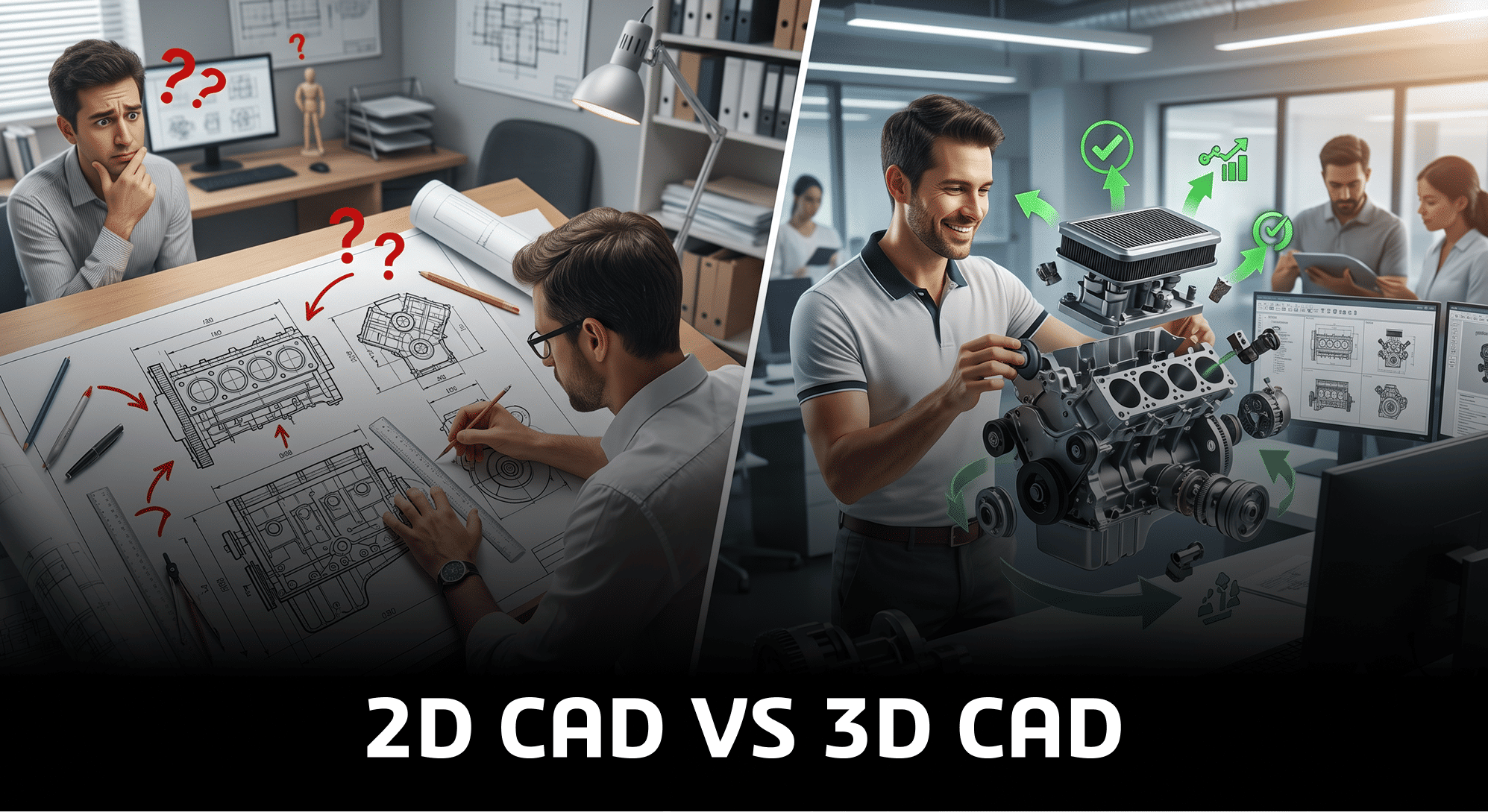
2D CAD vs 3D CAD key points you should know about!!
For many years, 2D CAD has been an important tool in engineering and manufacturing. It has helped companies create technical drawings and manufacture products accurately. Even today, 2D CAD is useful for creating documentation and production drawings.
However, products are becoming more complex, and businesses need to develop them faster than ever before. Because of this, using only 2D CAD is no longer enough.
Companies now need better ways to design, review, and improve products before they go into production.
This is where SOLIDWORKS 3D CAD helps. It allows companies to create complete 3D models, find design problems early, and work better as a team. Moving from 2D to 3D CAD is not just about changing software—it is about making the entire product development process faster, smarter, and more efficient.
Why 2D CAD Is Not Enough Today!!
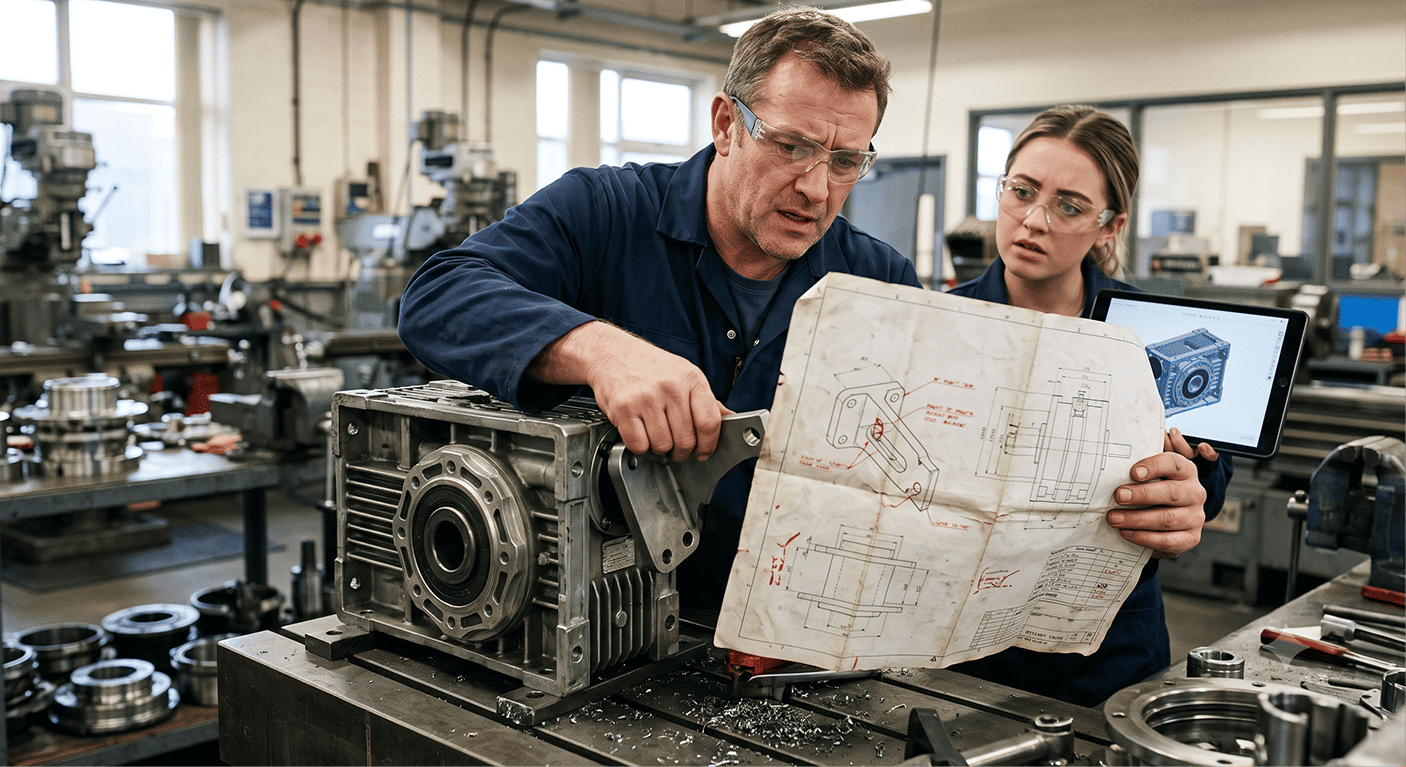
2D CAD has served industries well for many years, but it also has some limitations.
Flat drawings can be difficult to understand, especially when products have many parts or complex shapes. In many cases, design mistakes are found only after manufacturing or assembly has started. This can lead to extra work, wasted materials, higher costs, and project delays.
Another challenge is communication. A 2D drawing shows dimensions, but it does not always show how different parts fit and work together. This can create confusion between the design, production, and manufacturing teams.
As products become more advanced, companies need a better way to design and communicate.
Why 3D CAD Is Better?
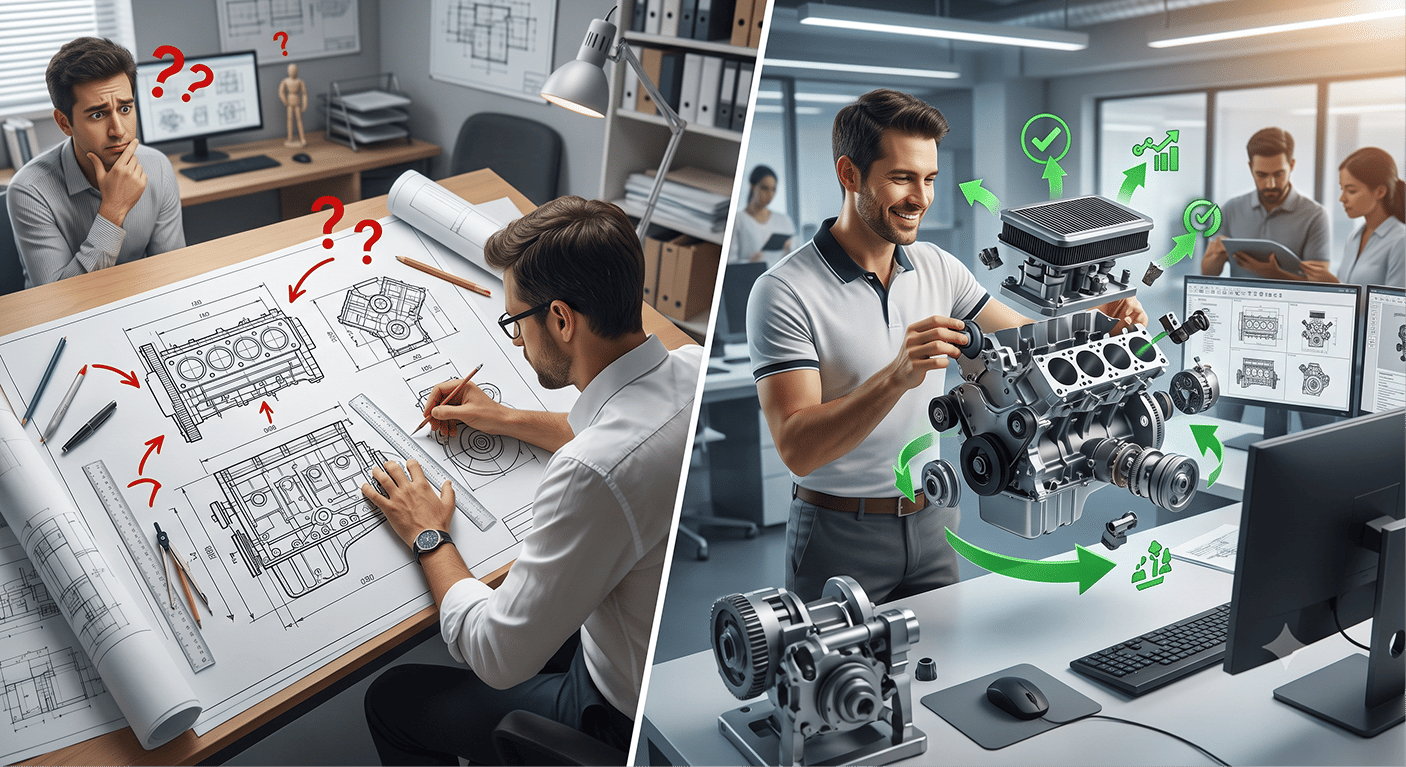
3D CAD helps designers create a complete digital model of the product before it is manufactured.
With SOLIDWORKS, designers can easily see the product from every angle, make changes quickly, and check if all the parts fit together correctly. They can also find and fix problems before production starts.
This reduces mistakes, saves time, and helps companies launch products faster.
Another major benefit is better teamwork. A 3D model is much easier for engineers, managers, production teams, and even customers to understand than a 2D drawing. Everyone can clearly see the design, making it easier to discuss ideas and make decisions.
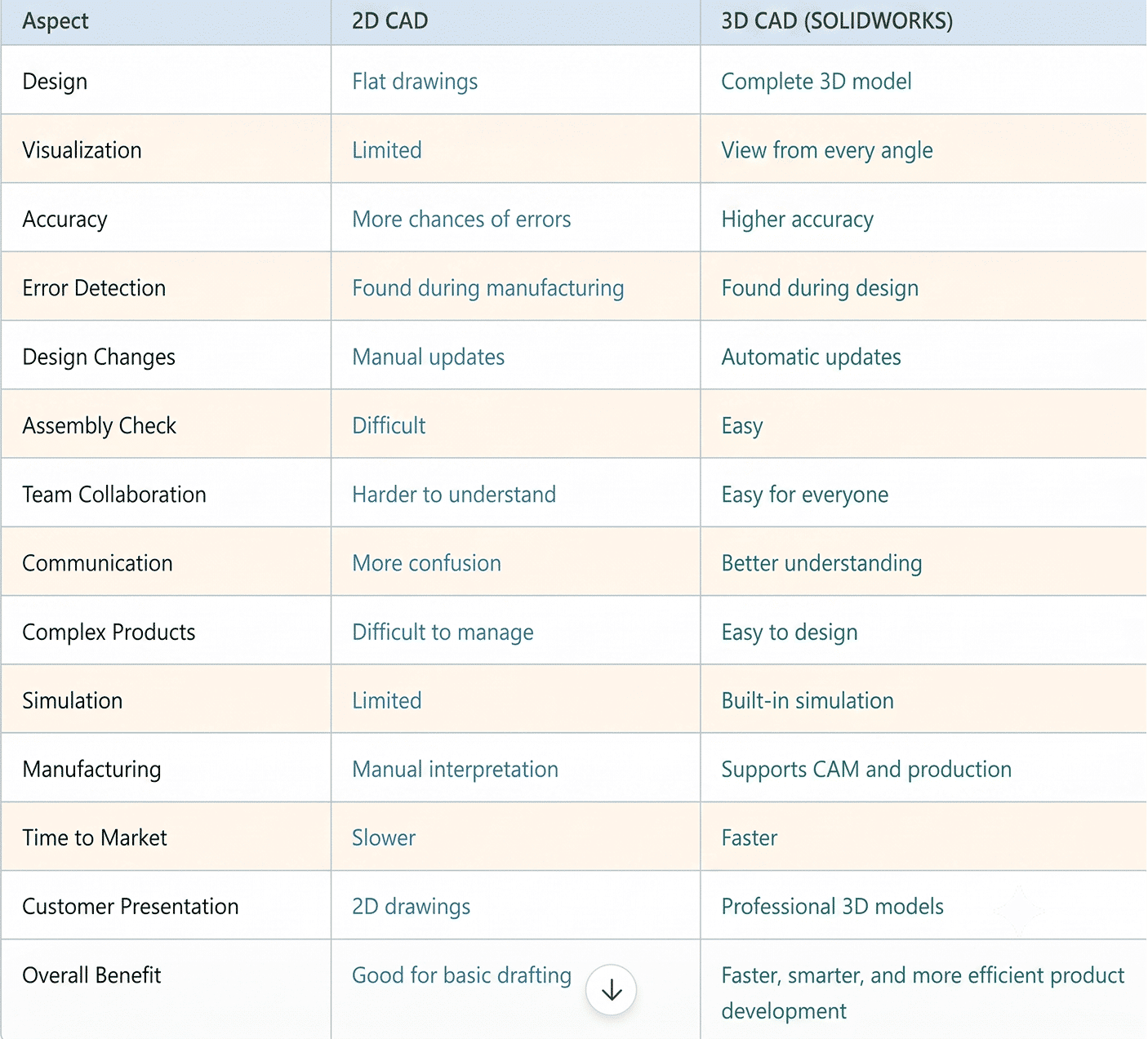
Why Companies Choose SOLIDWORKS:
SOLIDWORKS is one of the most popular 3D CAD software solutions used by engineers and manufacturers around the world. It is easy to learn and provides powerful tools for product design.
SOLIDWORKS helps companies with:
- Part and assembly design
- Sheet metal design
- Weldment design
- Simulation and testing
- Technical drawing creation
- Product data management
Instead of being just a drawing tool, SOLIDWORKS supports the complete product development process from design to manufacturing.
Many companies search for the SOLIDWORKS price or SOLIDWORKS 3D CAD price to understand the investment. In most cases, the software helps save time, reduce errors, and improve productivity, making it a valuable investment.
Companies choose SOLIDWORKS for its comprehensive ecosystem, streamlining the path from initial concept to final manufacturing. The following visual sequence illustrates the key stages where SOLIDWORKS provides significant advantages.
1. Unified and Efficient 3D Design
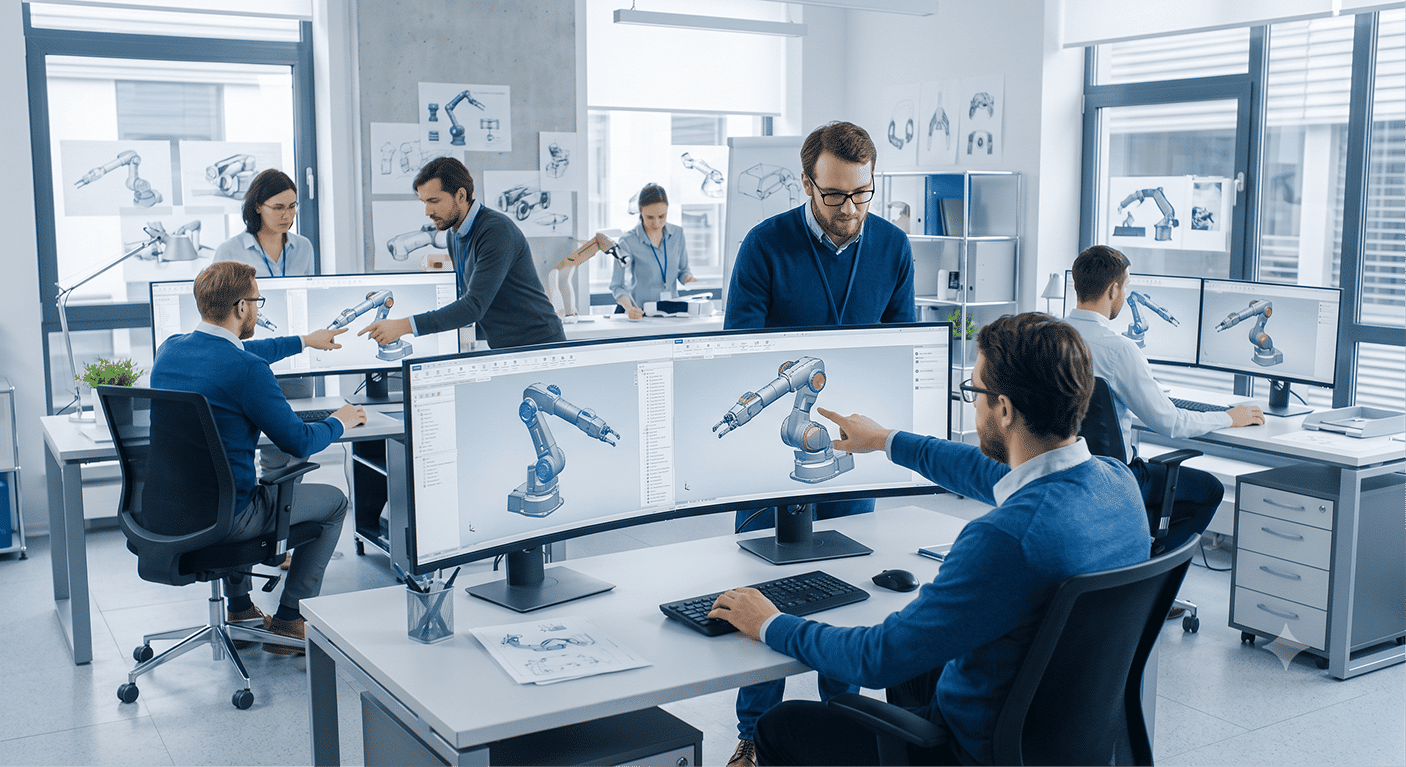
The foundation of SOLIDWORKS is intuitive, powerful 3D CAD. This image captures the collaborative environment that efficiency enables. Multiple designers work on a complex robotic arm assembly simultaneously in a modern open-plan studio. The capability to rapidly model, iterate, and share 3D data shortens design cycles and fosters innovation.
2. Seamless Integration: Design to Manufacturing
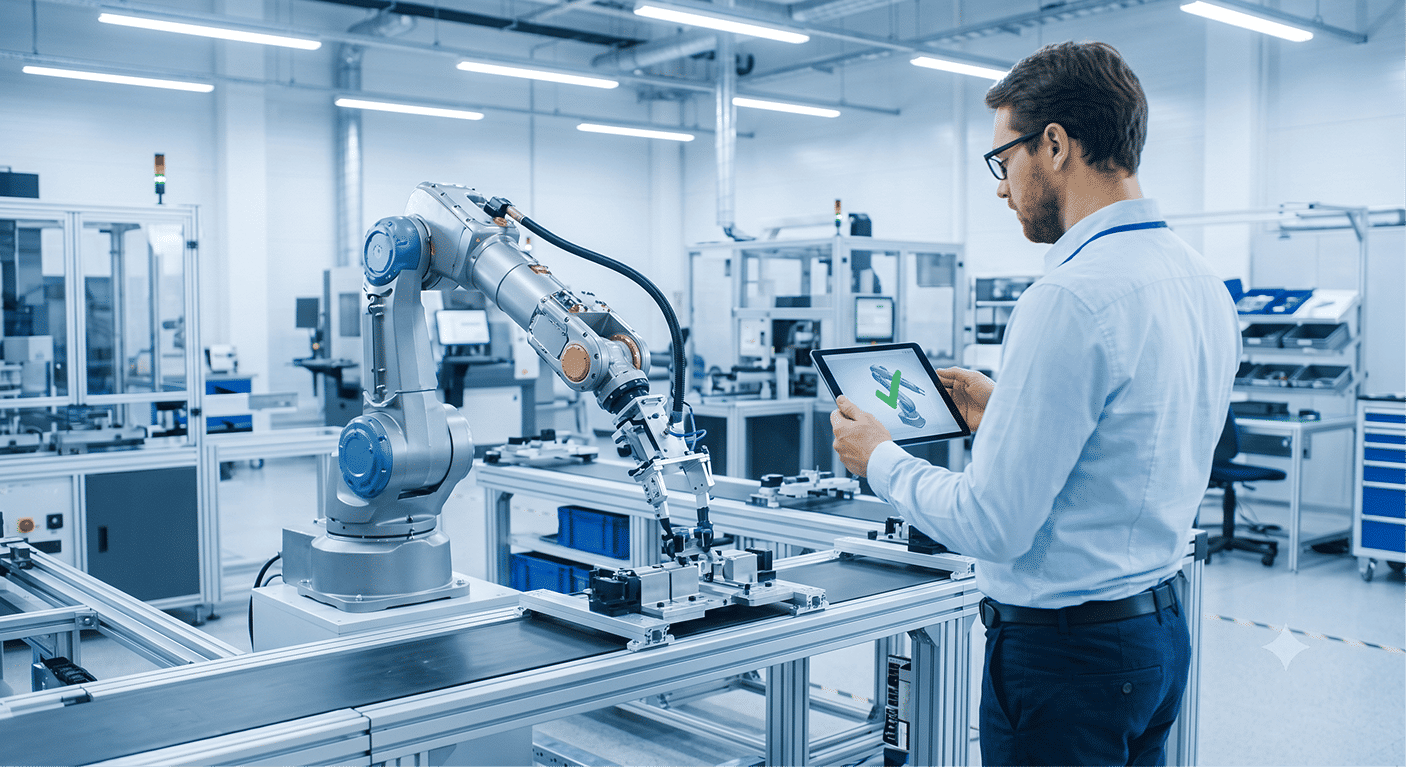
A major advantage is that SOLIDWORKS is not just CAD; it connects design directly to production. Moving from the office to the factory floor, this image shows the 3D robotic arm model from Image 1 being actively assembled by an industrial robot. A technician uses a tablet showing a green checkmark visual, symbolizing that the integrated manufacturing data is accurate and ready for production. This digital continuity minimizes manufacturing errors and accelerates time-to-market.
3. Integrated Simulation and Virtual Testing
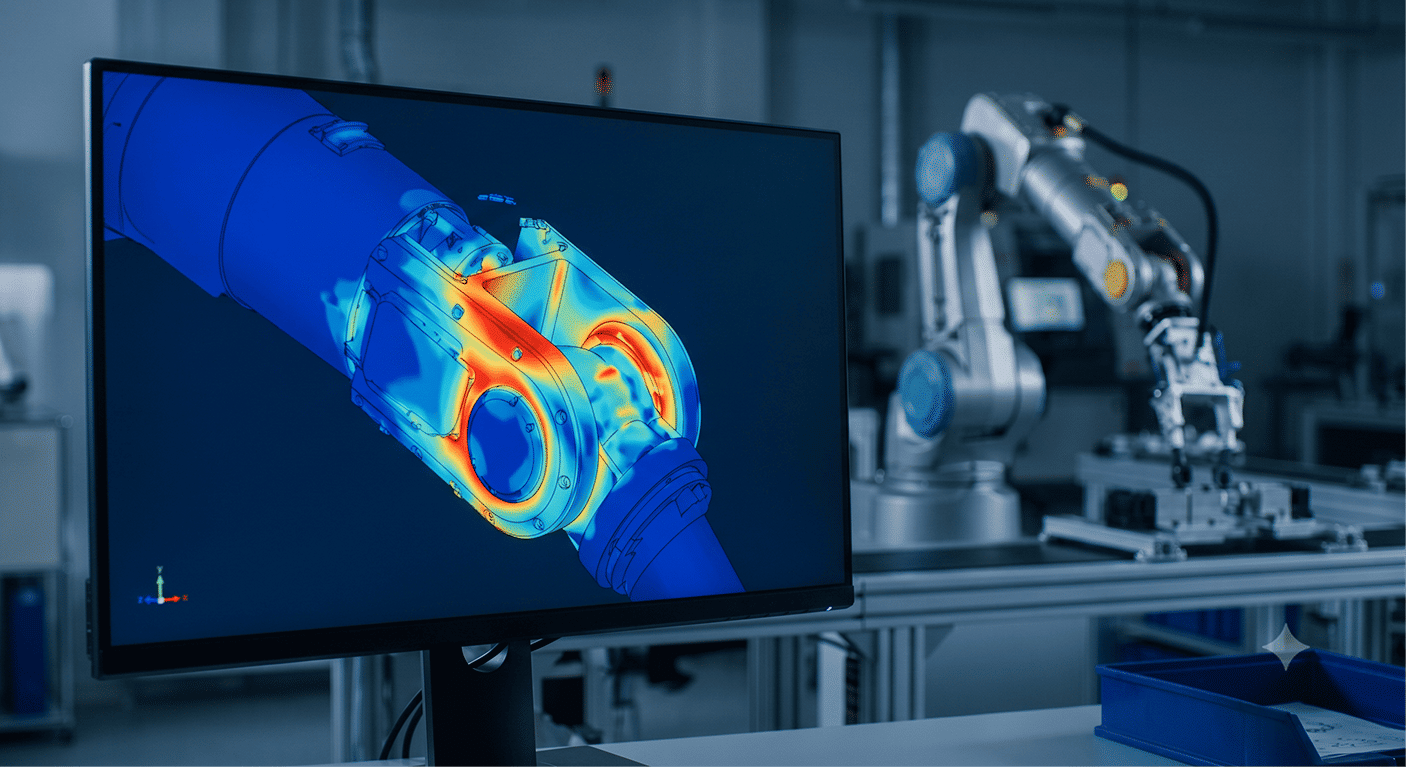
Validating performance early in the design cycle is critical. This image focuses on the specialized simulation environment. A key structural joint of the robotic arm (the same asset used in previous images) is subjected to a virtual load test. On the monitor, a high-stress area glows bright red (Finite Element Analysis result), indicating where material failure might occur. The ability to perform complex fluid, thermal, or structural simulations within the design environment reduces reliance on costly physical prototypes.
4. Global Collaboration and Data Management (PDM)

In today's distributed workforce, keeping design data synchronized is complex. This final image illustrates secure, global collaboration (Product Data Management). Executives and engineers in a futuristic conference room interact with a holographic display showing a connected globe. Icons representing global teams (the designers from Image 1, the factory from Image 2) are all connected via glowing data lines. This visualizes a single source of truth, ensuring everyone accesses the correct version, controlling revisions, and managing the complete product lifecycle efficiently.
Working with a SOLIDWORKS Authorized Reseller also helps businesses choose the right license, receive training, and get technical support whenever needed.
Business Benefits of Moving to 3D CAD
Moving from 2D to 3D CAD gives many benefits to a business.
Companies can:
- Design products faster
- Reduce design errors
- Improve product quality
- Save material and manufacturing costs
- Improve communication between teams
- Get customer approvals more quickly
- Launch products faster
For manufacturing companies, 3D CAD also supports production processes like CAM, CNC programming, sheet metal nesting, and production planning.
Is It Difficult to Move from 2D to 3D CAD?
Many companies worry that moving to 3D CAD will take too much time or cost too much money.
In reality, the transition is much easier with proper planning and training. Companies can move step by step without affecting their ongoing work.
With the right guidance, teams quickly learn the software and start seeing improvements in productivity.
Conclusion
2D CAD is still useful for creating technical drawings, but it is no longer enough for modern product development.
SOLIDWORKS 3D CAD helps companies design better products, reduce errors, improve teamwork, and speed up product development.
If your company still depends mainly on 2D drafting, now is the right time to move to 3D CAD and build a faster, smarter, and more efficient design process.