01
Import Your CAD Part
Bring your 2D or 3D CAD files into SigmaBEND and prepare the model for bending.
Intelligent Bending and Press Brake Programming
SigmaBEND is an intuitive and powerful bending software solution designed to simplify press brake programming and improve sheet metal bending operations.
Accurate. Intelligent. Automated.
SigmaBEND combines 3D bending simulation, automatic bend sequencing, tooling management, collision detection, and production automation in one comprehensive bending software solution.
It helps manufacturers move from CAD models to accurate bending programs while providing better visibility into parts, tooling, bend sequences, machine movements, and production information.
With offline simulation and interactive programming controls, SigmaBEND allows users to verify bending operations before production, helping improve first-off reliability and reduce the bending bottleneck.
Connect With Us>>SigmaBEND provides a complete 3D environment that gives users a clear view of the bending process and greater control over press brake programming.
Simulate bending operations in a 3D environment to understand how the part, tooling, and machine interact throughout the bending process.
Verify bending operations before production to reduce machine downtime and minimize the need for trial-and-error programming directly on the press brake.
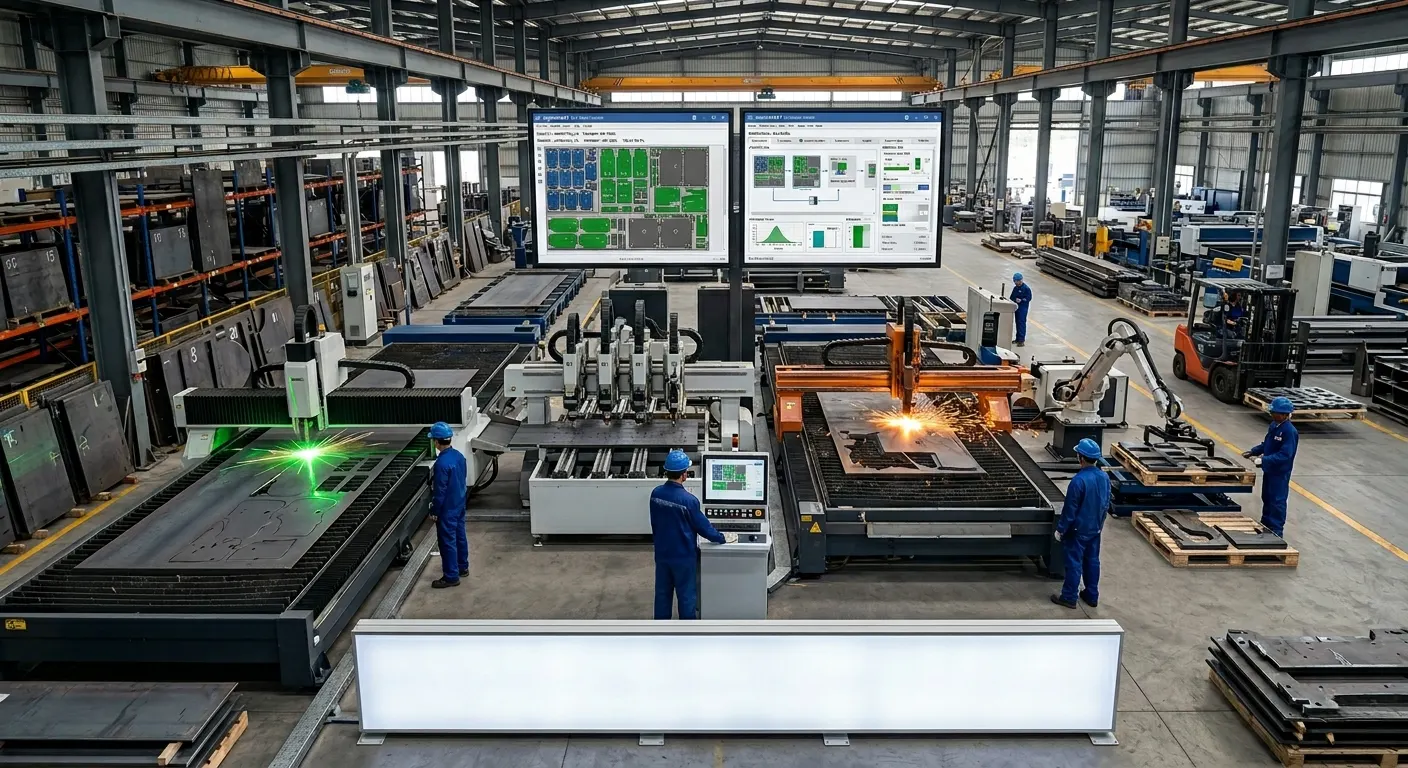
Interactively change programming parameters and adjust bending operations according to specific production requirements.
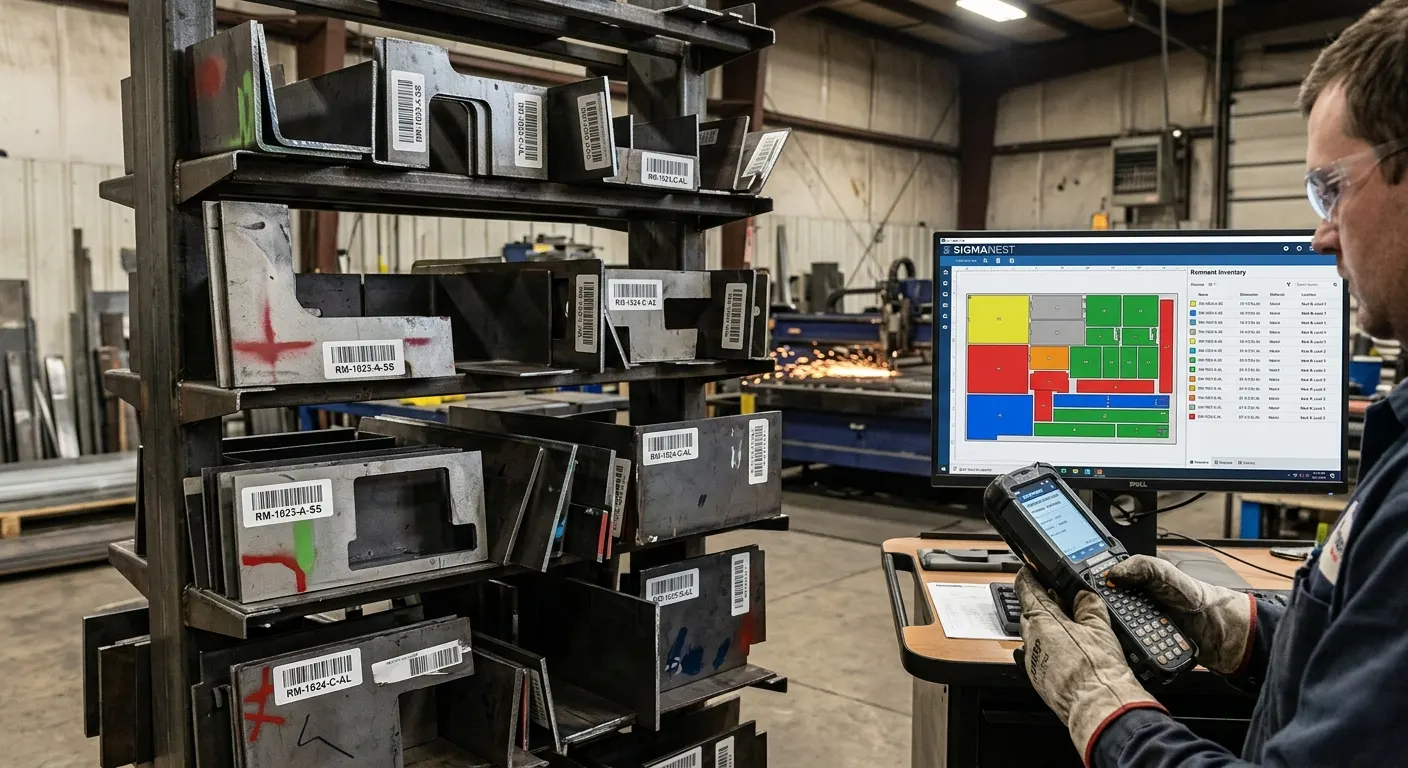
Detailed bend instructions help operators understand tooling requirements and bend sequences before production, supporting accurate parts from the first operation.
Creating an optimized bend sequence is an important part of efficient press brake production. SigmaBEND provides automated capabilities to simplify this process.
Create optimized and reliable bend sequences quickly, reducing manual programming effort and helping improve production efficiency.

SigmaBEND simplifies repetitive programming tasks and reduces the number of programming steps required to prepare bending jobs.

Select appropriate tooling as part of the programming process to help create reliable bending sequences and efficient machine setups.
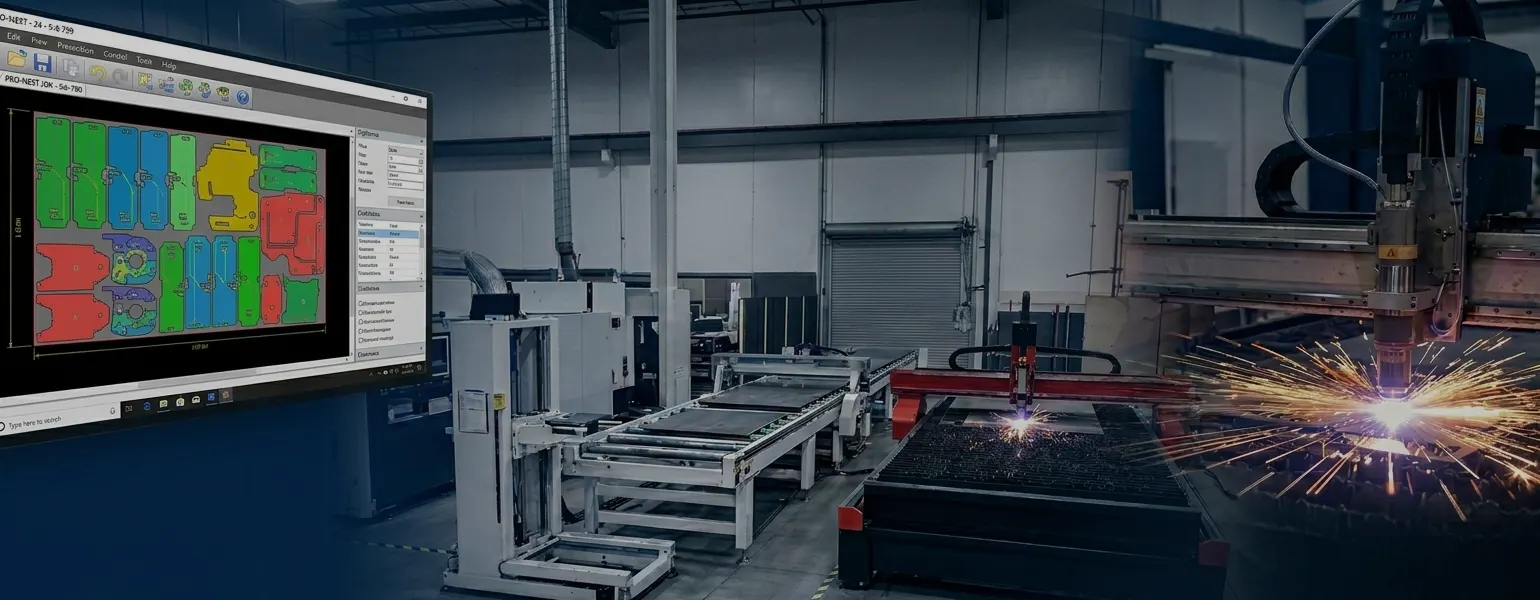
Use automated sequencing and tool selection to create consistent bending programs while reducing the bending bottleneck.
SigmaBEND provides flexible tooling capabilities to help manufacturers prepare accurate and efficient press brake setups.
Use industry-standard tooling libraries to simplify tool selection and support faster bending program preparation.
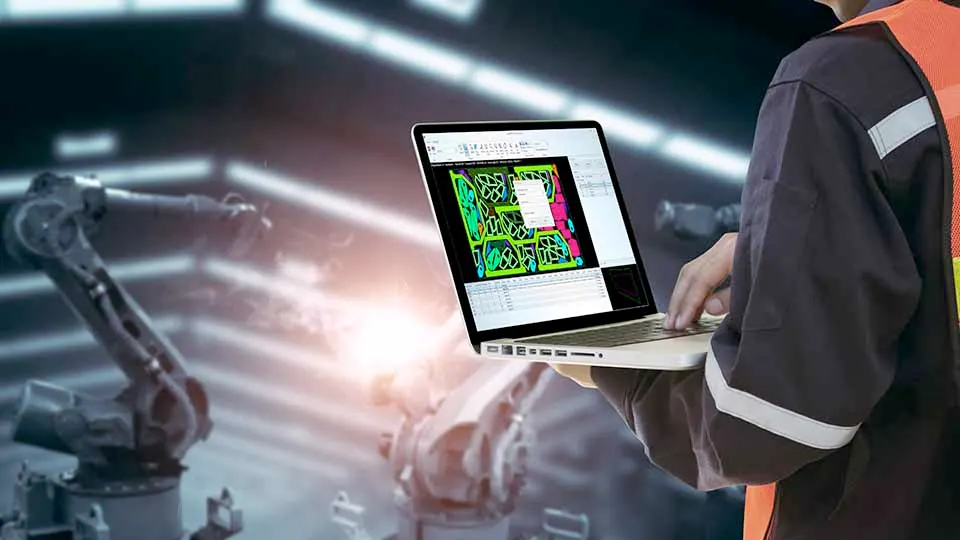
Add custom tool profiles using DXF files or parametric shapes to accommodate specific production requirements.
Manage tooling libraries with specific profiles, segment lengths, and quantities to support accurate station setups.
Support special tooling requirements, including tools used for hemming and extensions.

Customize preferred tooling according to individual jobs and production requirements.
SigmaBEND helps manufacturers identify potential problems during virtual programming before they reach the press brake.
Analyze bending operations and identify potential collisions involving machine and tooling elements during simulation.
Early detection of programming issues and collisions can help reduce costly errors, rework, and unnecessary material waste.
Detailed bend instructions provide operators with information about tooling and bend sequences before the bending operation begins.
Identify potential problems during virtual bending instead of discovering them after the program reaches the machine.
Automatic sequencing and tool selection help create optimized and reliable bending programs.
SigmaBEND provides tools for preparing parts and flat patterns for accurate bending operations.
Customize the unfolding of large-radius bends by creating smaller individual steps for the unfolding and bending process.
Process individual parts within assembly files using an interactive assembly processing workflow.
Create bends that can be reversed using a second unbending process to help prevent collisions during bending.
Add new bends to existing parts when the required bend was not included in the original model.
Specify the film location on the 3D model to help identify the part as it is flipped and rotated during programming.
Add pre-bends to existing bends to help prevent collisions during part bending.
Assign bends as passive when they have already been formed or should be ignored during programming.
SigmaBEND connects bending programming with downstream manufacturing processes to support a more efficient production workflow.
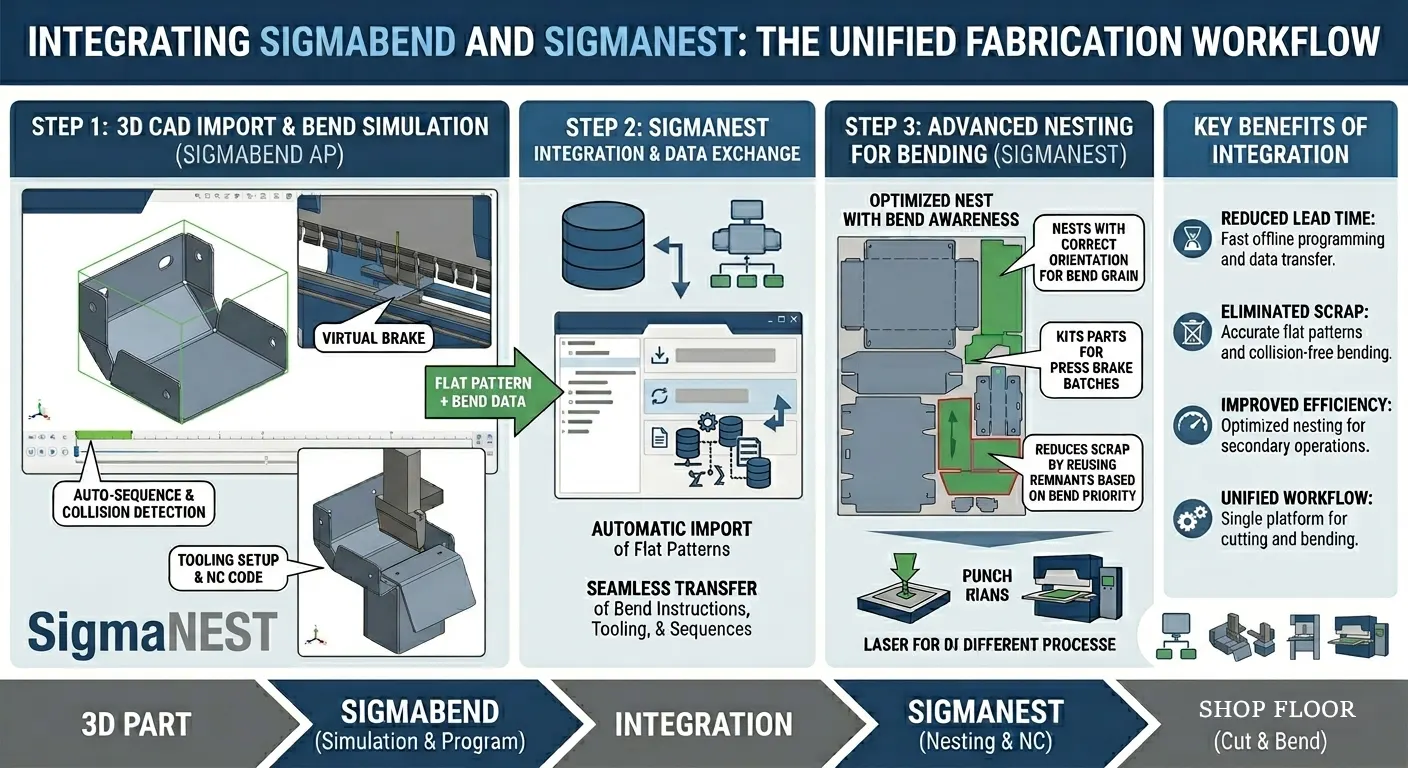
Create updated flat patterns based on tooling selection to help ensure accurate finished parts.
Map bend program details to SigmaNEST part data fields to provide better visibility into bending information.
BendSim Pro supports unattended processing of parts and assemblies and can sequence programs to help reduce tool changes.
SigmaBEND integrates with SigmaNEST to support a connected workflow from bend programming to flat-pattern cutting.
SigmaBEND AP BendSim Pro can export additional part property information through Industry 4.0 data-sharing XML for downstream operations or ERP integration.
SigmaBEND provides a complete environment for press brake programming, 3D bending simulation, tooling management, bend sequencing, and collision detection.
SigmaBEND streamlines the process of taking a CAD part or assembly and preparing it for bending and production.
Bring your 2D or 3D CAD files into SigmaBEND and prepare the model for bending.
Process the model and identify the geometry and bending information required for programming.
Create or update the flat pattern and prepare the part for the bending process.
Choose the appropriate tooling from available tooling libraries and configure the required station setup.
Automatically generate an optimized bend sequence to simplify programming and improve bending efficiency.
Visualize the complete bending operation and review the movement of the part, tooling, and machine.
Identify potential collisions involving the machine and tooling during simulation before production.
Prepare the required bending program, flat-pattern information, bend details, and production data for downstream manufacturing.
SigmaBEND helps manufacturers improve accuracy, reduce programming effort, optimize tooling, and connect bending with the rest of production.
Use 3D simulation, detailed bend instructions, optimized sequences, and tooling information to help produce accurate parts from the first operation.
Automatic bend sequencing, tool selection, and simplified programming help reduce the time required to prepare bending jobs.
Identify programming problems and potential collisions before production to help minimize material waste and costly errors.
Simulate machine and tooling movements in 3D and identify potential collisions before the bending operation begins.
Verify bending operations offline so programming and simulation can be completed without occupying the press brake.
Understand the tooling and bend sequence before production to improve confidence in the first manufactured part.
Connect with Panshul Technologies to learn more about SigmaBEND and explore how its 3D simulation, automatic bend sequencing, tooling management, and collision detection capabilities can support your sheet metal bending workflow.
Common questions about SigmaBEND bending software, press brake programming, and the SigmaBEND AP packages.
SigmaBEND is a bending software solution designed for press brake programming and simulation. It provides 3D simulation, automatic bend sequencing, tooling management, collision detection, and other capabilities for efficient bending operations.
Bending software is used to prepare, simulate, and optimize bending operations for manufacturing. SigmaBEND provides tools for bend programming, sequencing, tooling selection, simulation, and collision detection.
SigmaBEND AP is a 3D press brake software solution designed to improve the speed, quality, and efficiency of press brake operations. It provides capabilities for programming, simulation, tooling, bend sequencing, and collision analysis.
Yes. SigmaBEND provides a 3D environment for simulating bending operations and reviewing the interaction between the part, tooling, and machine.
Yes. SigmaBEND provides collision analysis during simulation to help identify potential problems involving machine and tooling elements before production.
Are you interested in a design or manufacturing solution, service, or technical support? Complete the form to contact the sales team.


