
SOLIDWORKS Composer
Transform 3D Designs into Compelling Technical Content.
SolidWorks Composer — Communicate Your Design. Clearly.
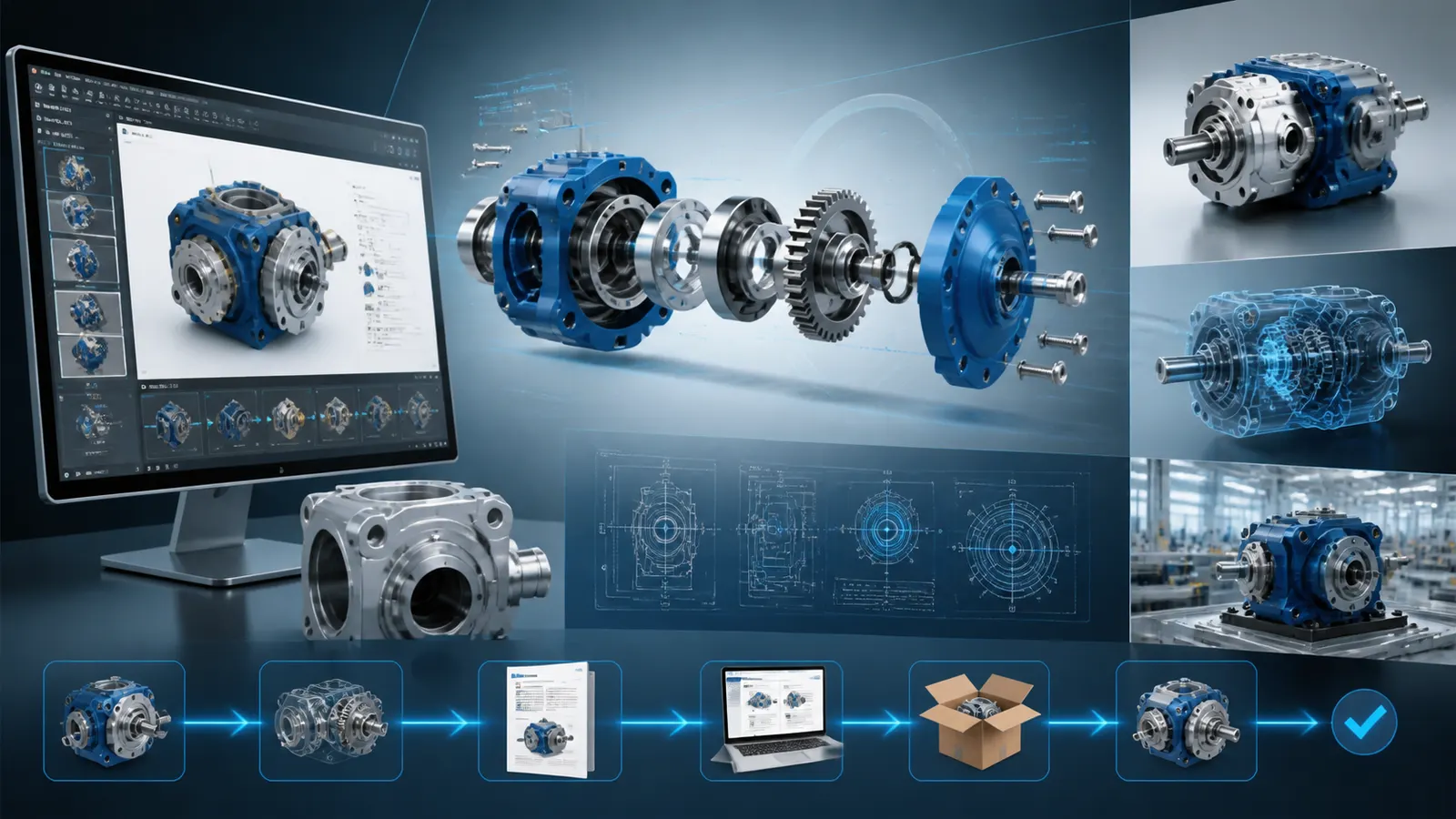
Great products deserve great documentation. SolidWorks Composer turns your SolidWorks 3D CAD models into high-quality technical communications — interactive animations, assembly instructions, and product documentation — without needing a specialist or starting from scratch.
Why Choose Solidworks Composer?
1. No ReDesign Required
You can work directly from your existing SolidWorks design data. Just drag, compose and publish. That's it. No rebuilding or reformatting is required.
2. Faster Documentation Turnaround
Creating manuals, work instructions and product guides is now much faster. You can cut down the time spent on it from days to hours.
3. Always in Sync with Your Design
Your Composer content will always be in sync with your design. When your SolidWorks 3D CAD model updates, your content updates too. This way your documentation is always accurate.
4. Engage Customers & Teams Better
With SolidWorks you can replace hard-to-read PDFs with interactive 3D views and animations. These are easier to understand and act on.
5. Flexible SolidWorks Licensing
SolidWorks Composer is available as part of the SolidWorks licenses portfolio. Panshul Technologies, your authorized SolidWorks reseller in India, will help you find the fit at the best SolidWorks price.
6. Trusted Across Industries
Many industries trust SolidWorks Composer. From manufacturing to aerospace it is the go-to tool for grade technical communication worldwide.
OVERVIEW DEMO
Develop Informative Graphics with SOLIDWORKS Composer
What's New in SOLIDWORKS Composer 2026

SOLIDWORKS 2026 is here
Every new release of SOLIDWORKS Composer implements hundreds of enhancements requested by the global community of designers and engineers. Produce professional technical documentation and interactive work instructions faster with the latest capabilities in SOLIDWORKS 2026.
What's New in SOLIDWORKS Composer
Technical Documentation Creation−
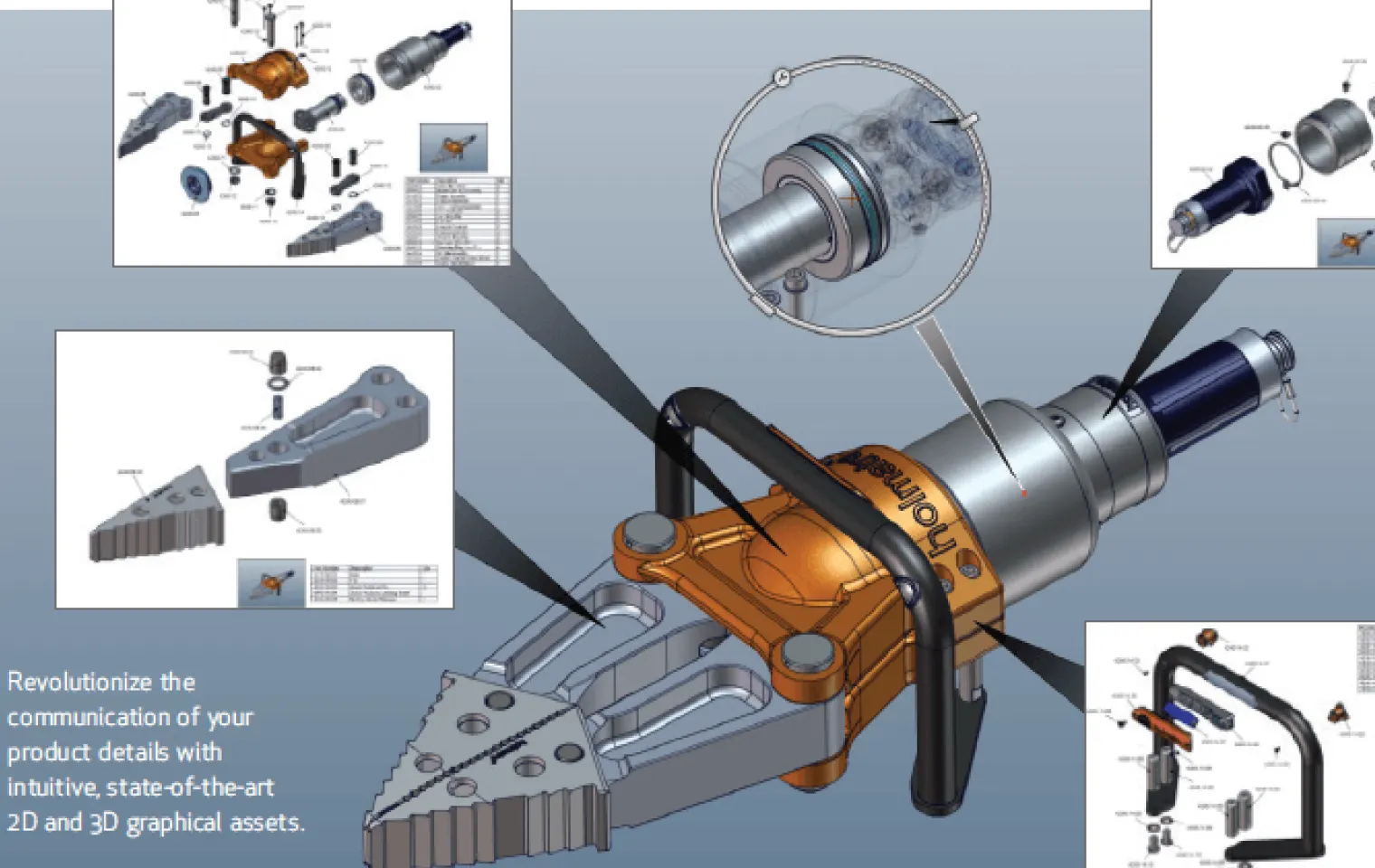
Interactive Work Instructions+
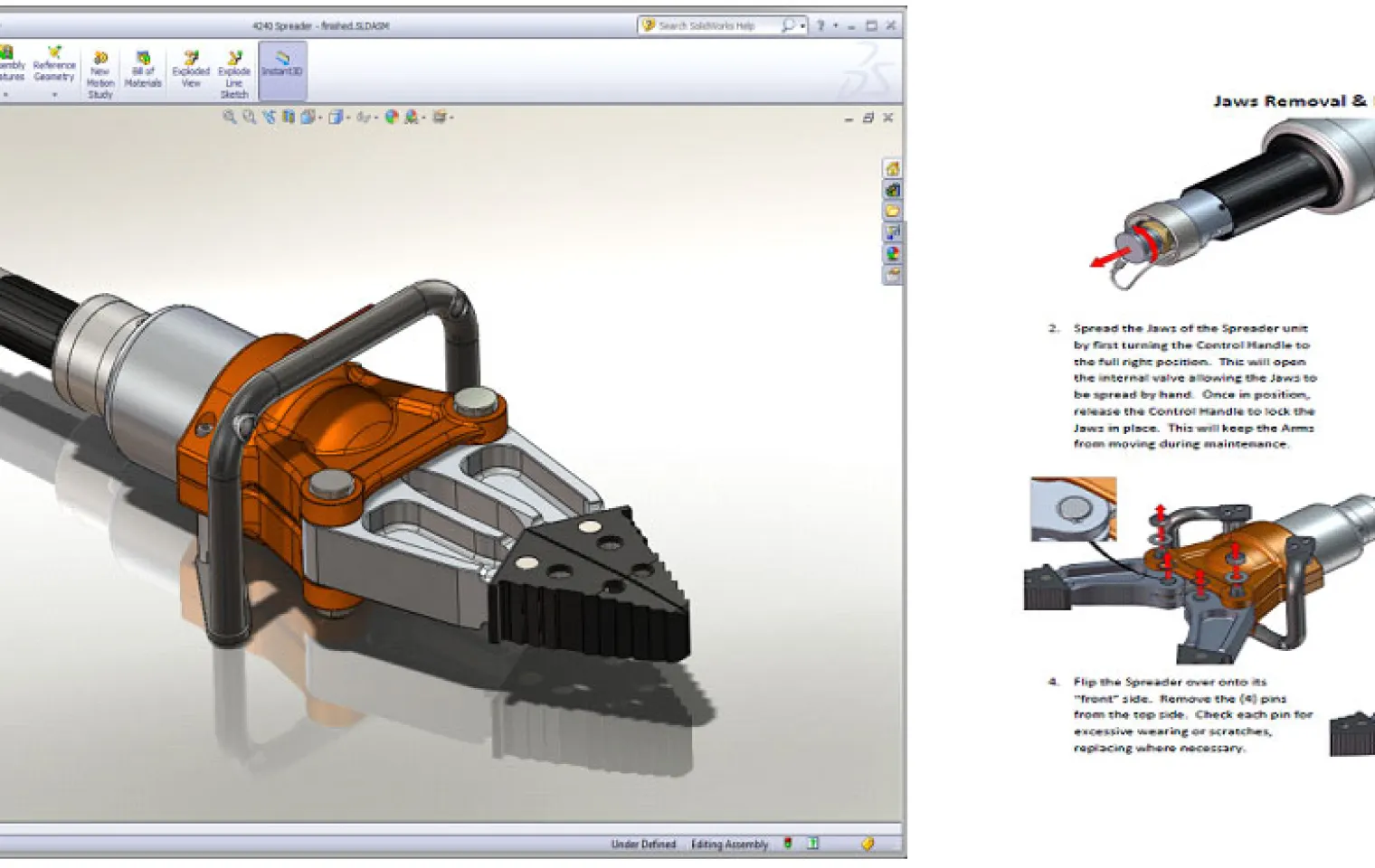
Animation & Exploded Views+
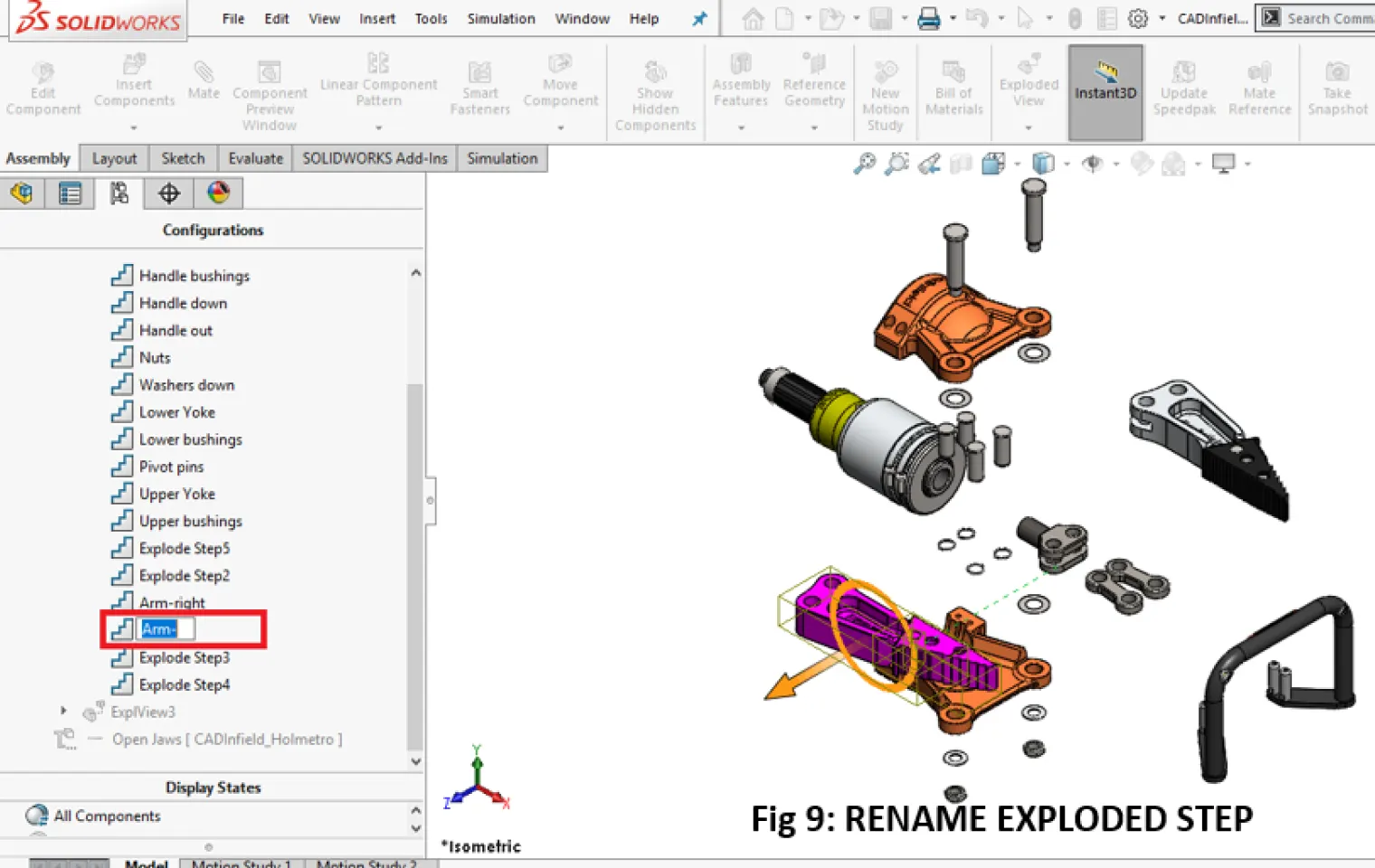
BOM & Product Communication+
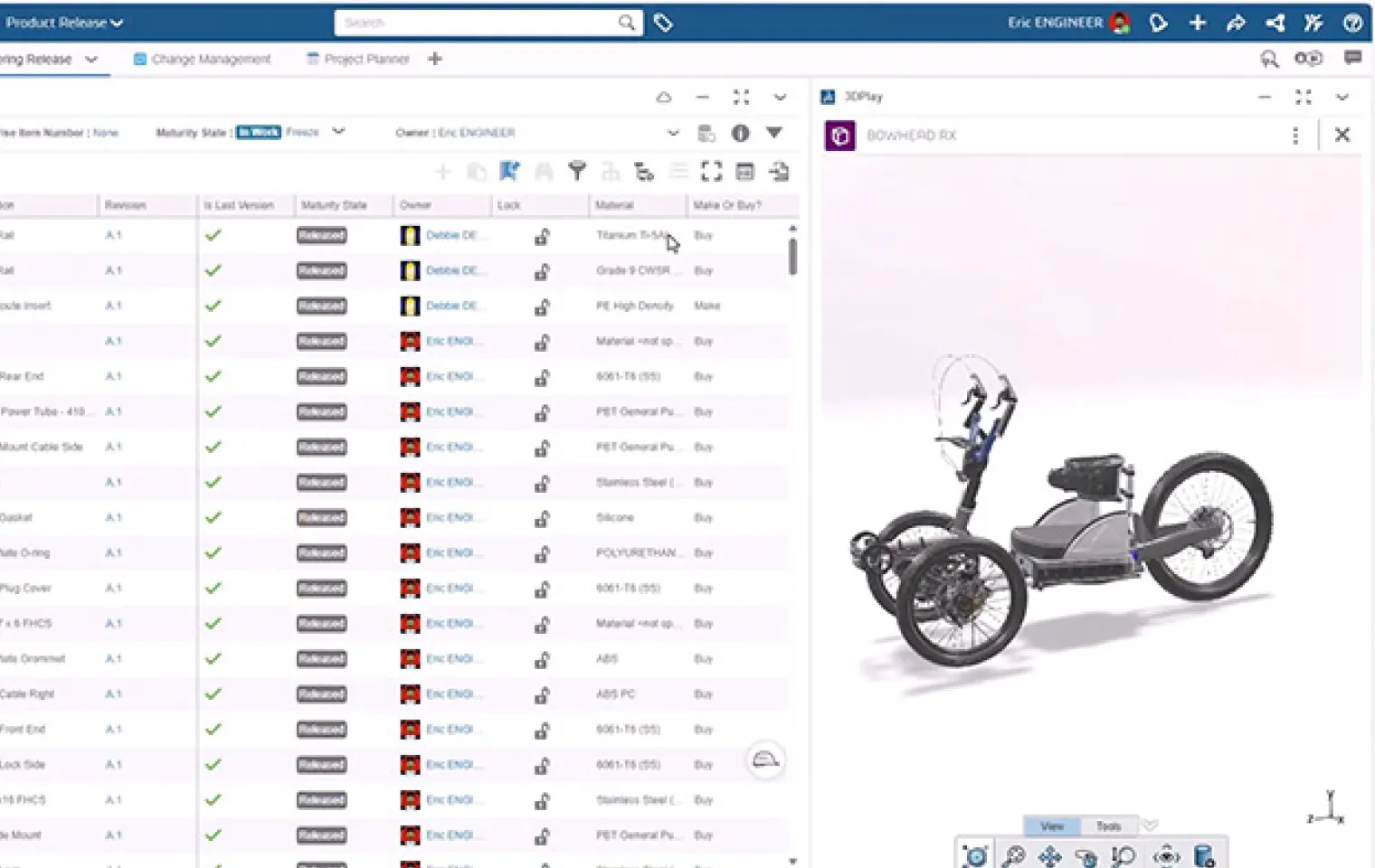
Publishing & Collaboration+
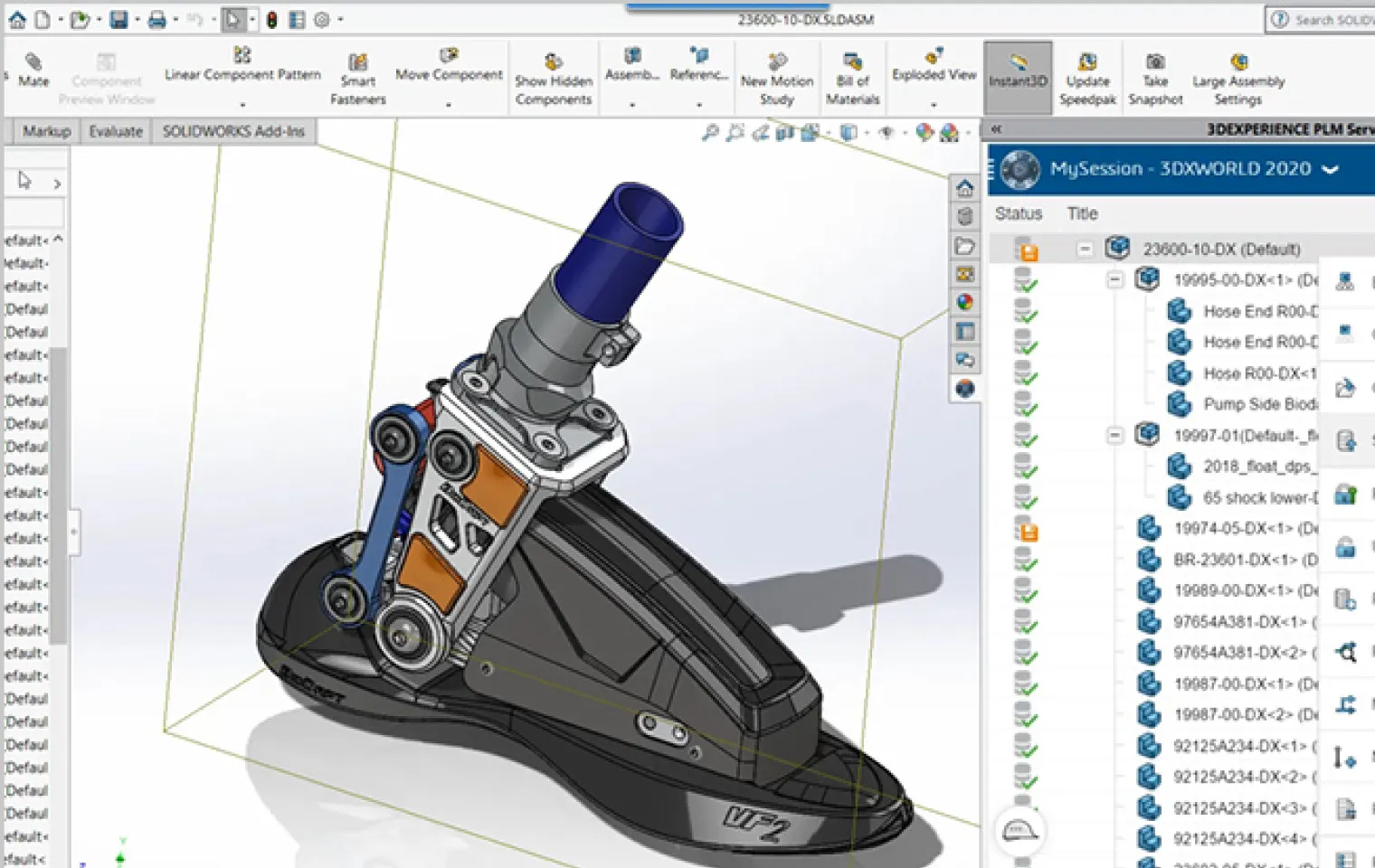
Capabilities of SolidWorks Composer
SolidWorks Composer bridges the gap between engineering and communication — turning technical CAD data into compelling visuals your customers and teams actually get.
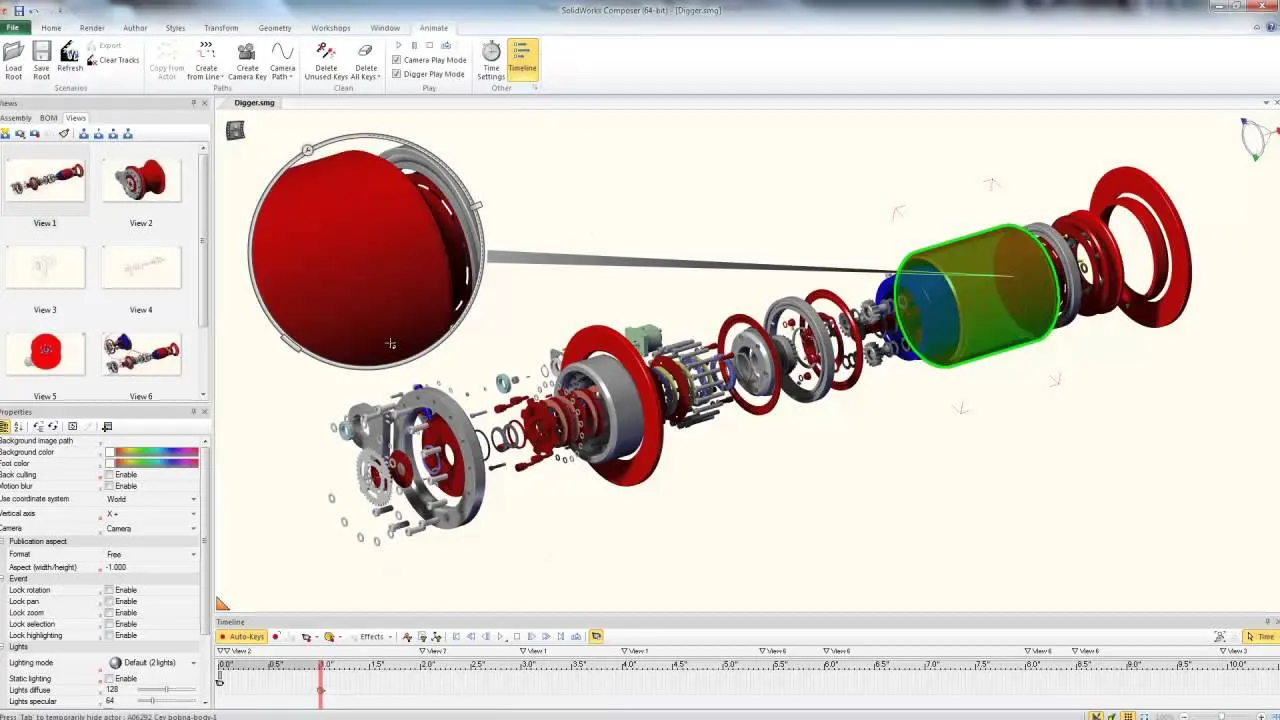
Interactive 3D Animations
Create engaging assembly and disassembly animations directly from your CAD models.
- •Animate assembly sequences
- •Visualize product operation
- •Simplify training content
- •Improve user understanding
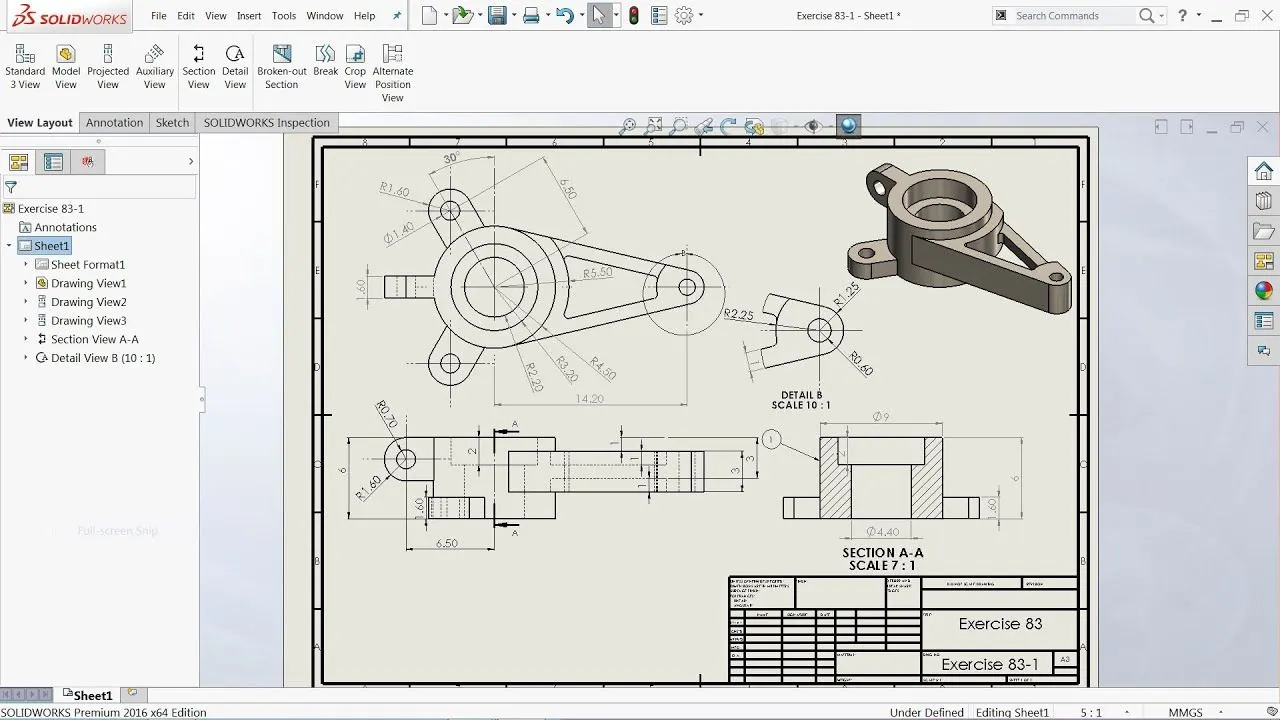
Technical Illustrations
Generate professional 2D and 3D visuals for clear and effective product communication.
- •Create detailed illustrations
- •Enhance technical manuals
- •Support marketing materials
- •Improve visual clarity
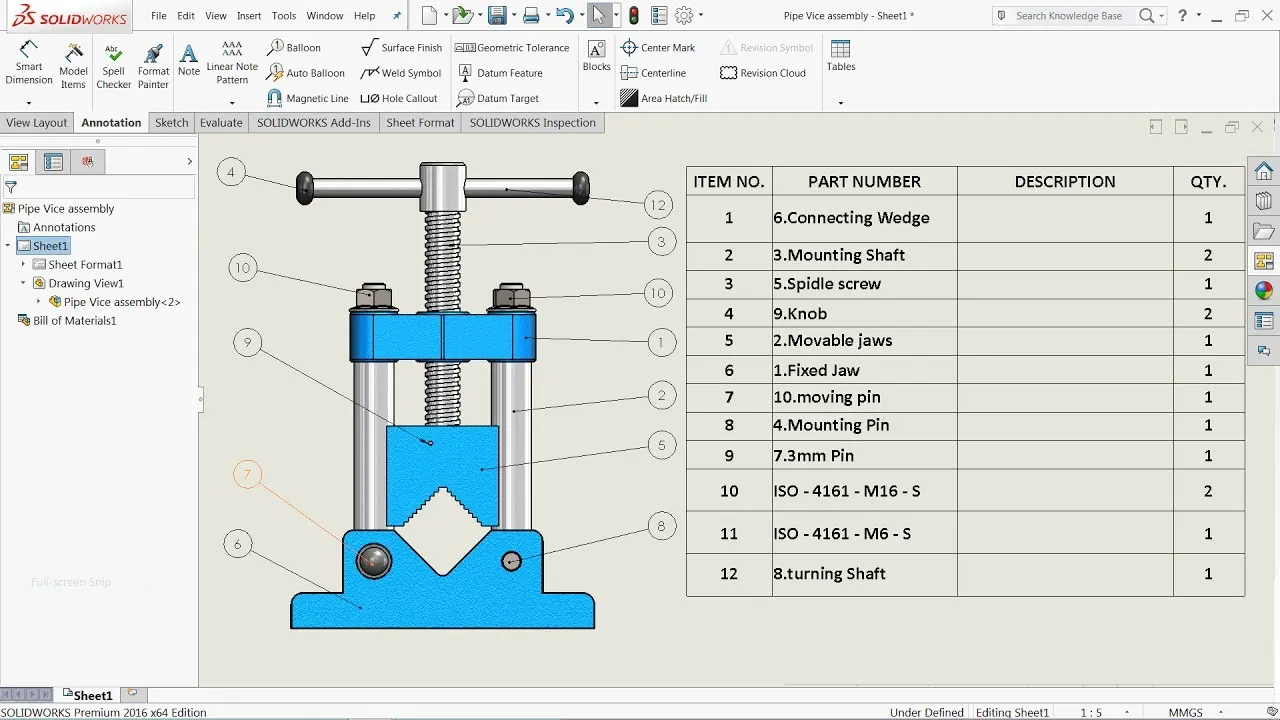
Automated BOM & Callouts
Automatically generate accurate Bills of Materials and component references from CAD data.
- •Auto-generate BOMs
- •Create component callouts
- •Reduce manual effort
- •Ensure documentation accuracy
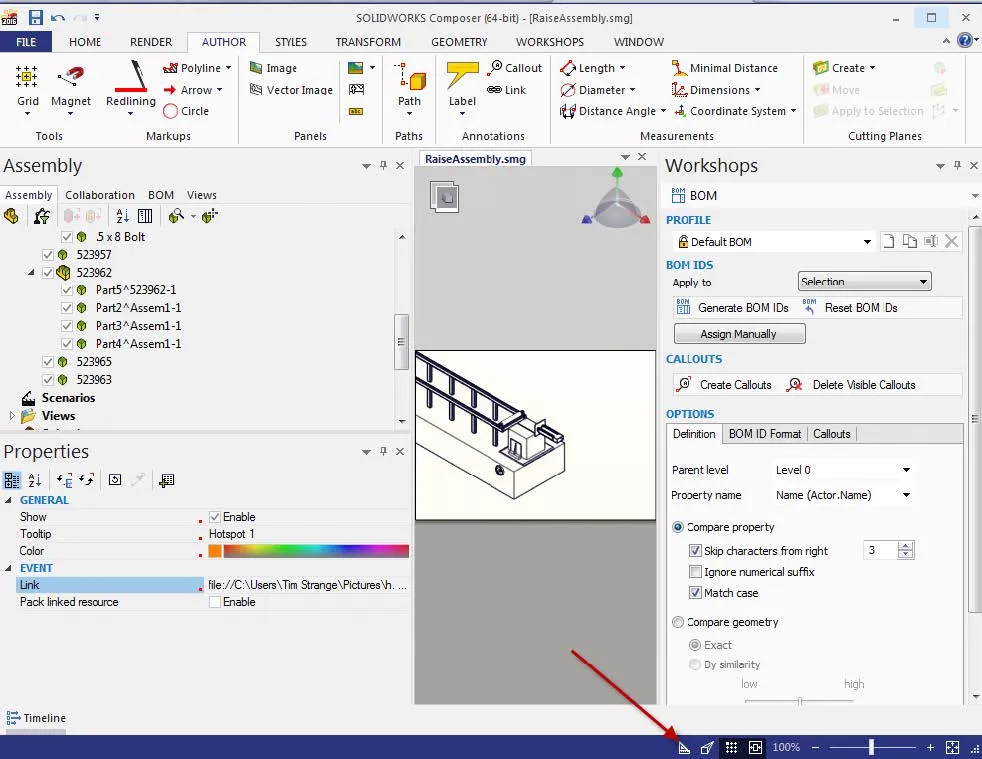
Multi-Format Publishing
Publish technical content in multiple formats for seamless distribution and accessibility.
- •Export to PDF and HTML
- •Generate SVG graphics
- •Create video content
- •Support multiple platforms
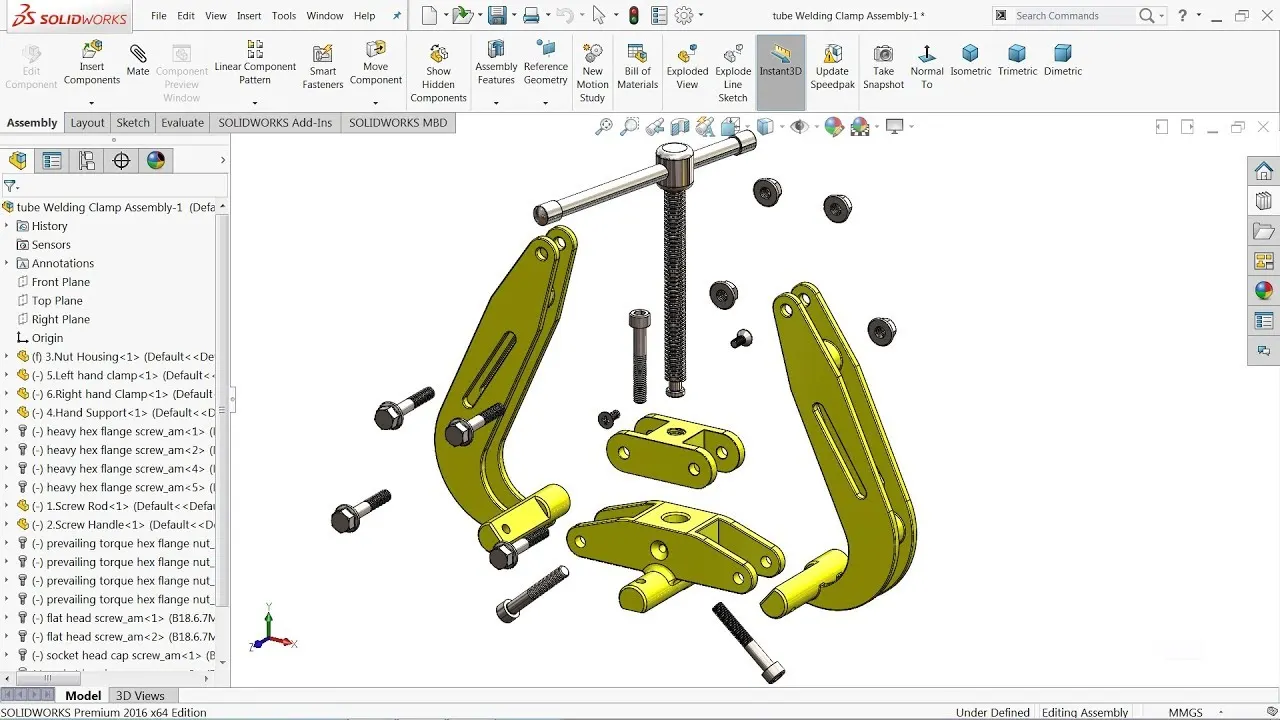
Smart Views & Exploded Views
Quickly create focused product views to improve assembly and service documentation.
- •Build exploded assemblies
- •Highlight key components
- •Improve assembly guidance
- •Enhance product visualization
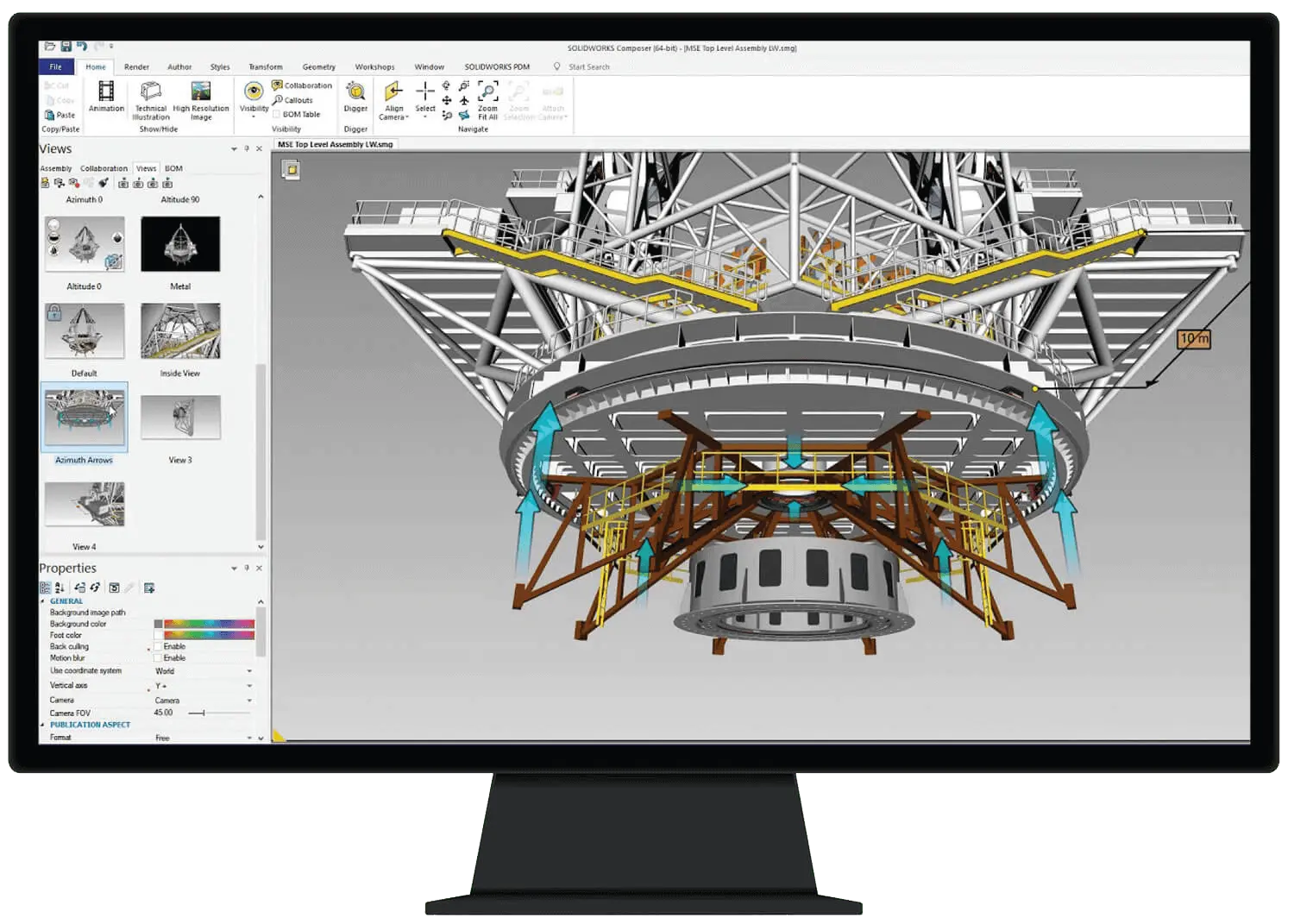
Real-Time Design Sync
Keep documentation aligned with the latest CAD design changes automatically.
- •Synchronize design updates
- •Eliminate rework efforts
- •Maintain document accuracy
- •Accelerate revision cycles
Frequently Asked Questions
Contact Us
Are you interested in a design or manufacturing solution, service, or technical support? Complete the form to contact the sales team.
Reach us
Connect with us
Need SOLIDWORKS or 3DEXPERIENCE information or have a few questions for our team? Contact us today!


