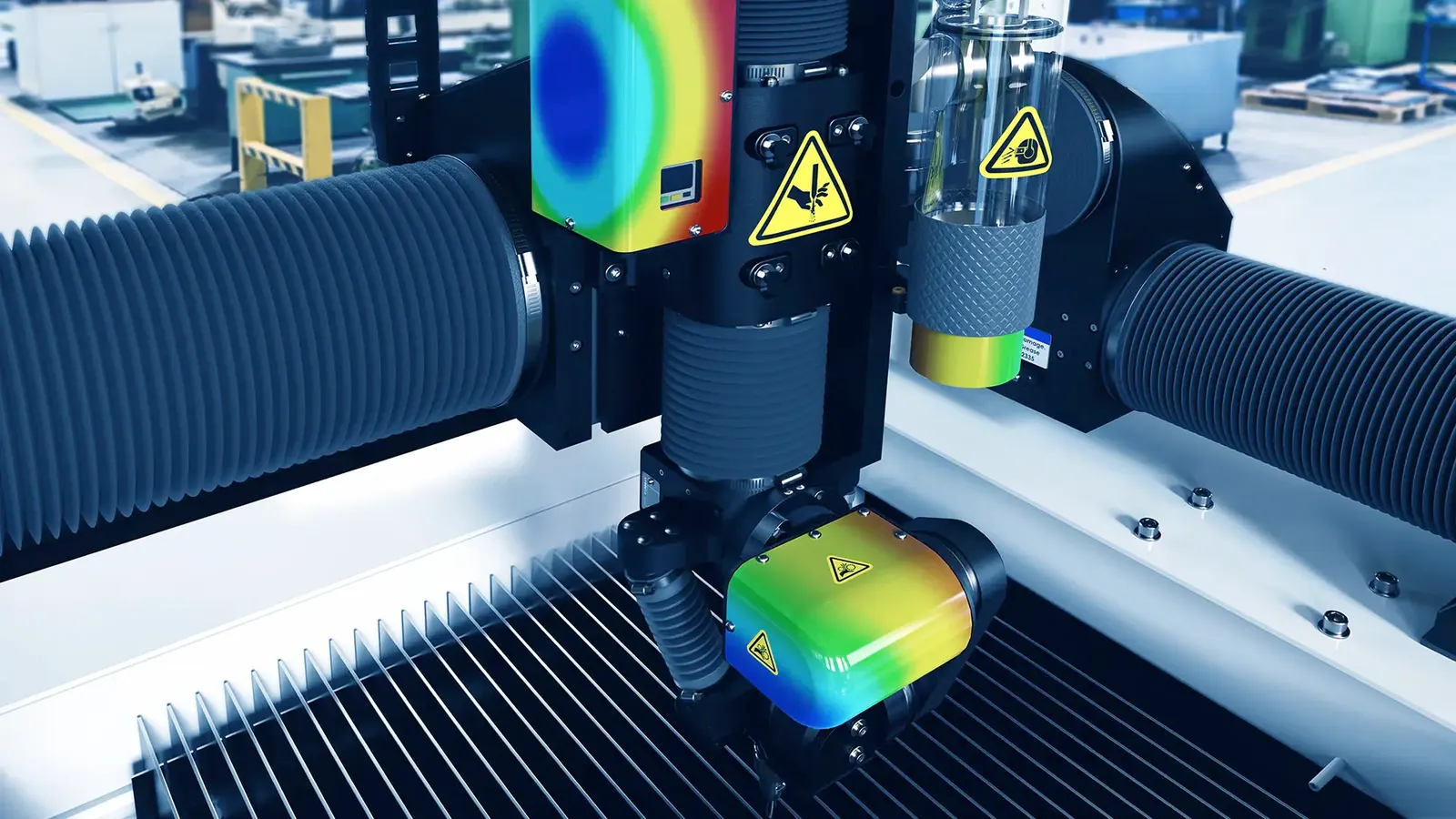
SOLIDWORKS Simulation
Simulate. Validate. Build with Confidence.
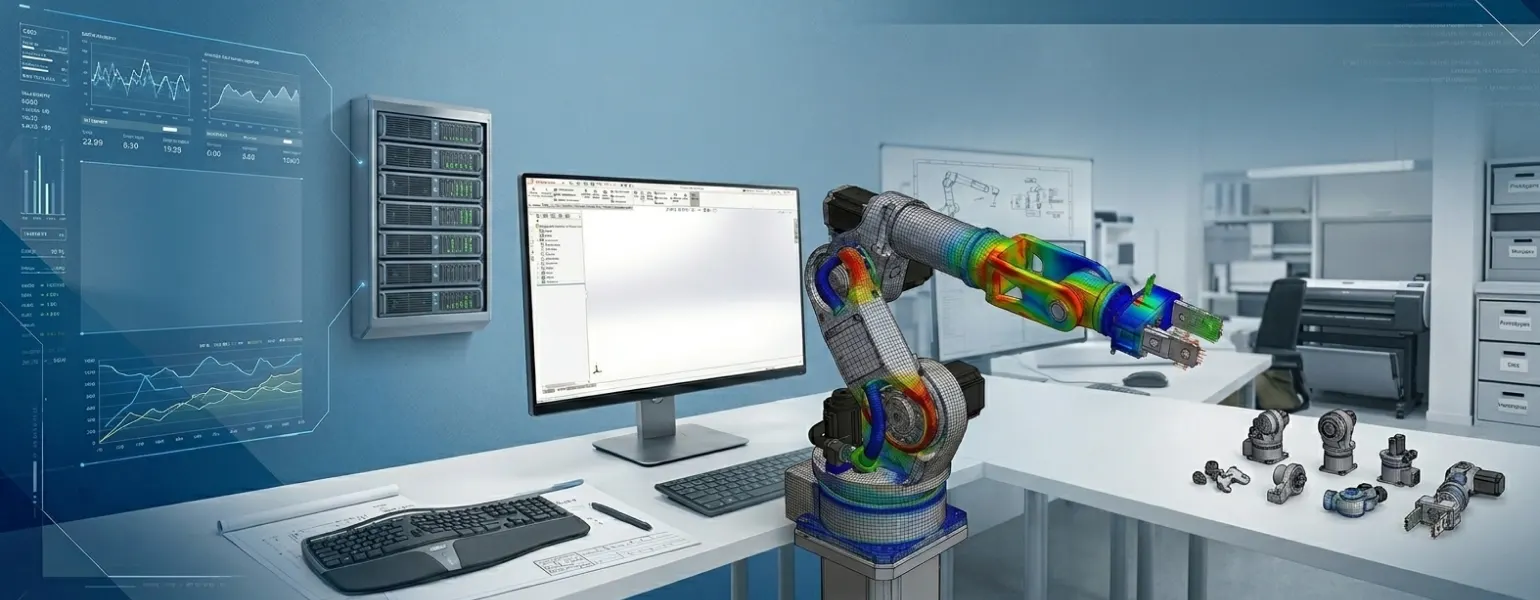
SolidWorks Simulation — Smarter Testing, Stronger Products
Stop guessing and start validating. SolidWorks Simulation lets engineers test real-world performance — stress, heat, motion, and more — directly within your SolidWorks 3D CAD environment. Catch failures before they happen, eliminate unnecessary prototypes, and bring better products to market, faster.
Why Choose Solidworks Simulation?
1. Reduce Costly Prototypes
Validate your design on computer with SolidWorks Simulation before making models. This saves a lot of time and money on rework.
2. Seamlessly Built Into Your Workflow
SolidWorks Simulation works directly in your SolidWorks design setup. You do not need extra tools or to switch platforms.
3. Trusted by Engineers Worldwide
Many engineers across the world and in industries use SolidWorks Simulation. It is known for accurate validation of engineering designs.
4. Flexible Licensing Options
SolidWorks Simulation is available with Standard, Professional and Premium SolidWorks licenses. You can choose the level that suits your team and budget.
5. Faster Time to Market
Find design problems early, make changes, and go from idea to production fast. This way you avoid delays.
6. Expert Local Support
Panshul Technologies, your authorized SolidWorks reseller in India, helps with setup and training. They offer this at a competitive price for SolidWorks.
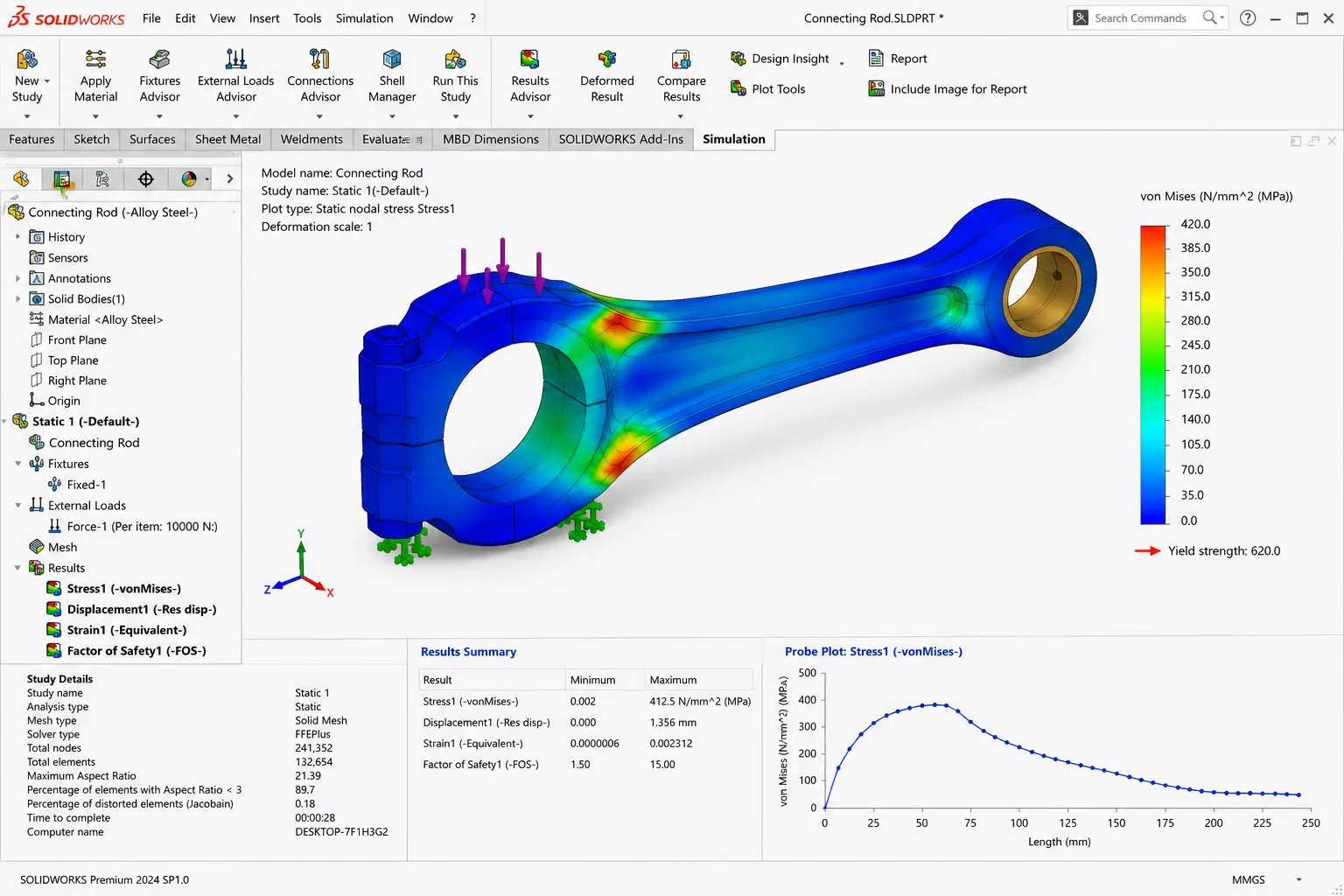
OVERVIEW DEMO
Virtual Testing with SOLIDWORKS Simulation Software
What's New in SOLIDWORKS Simulation 2026
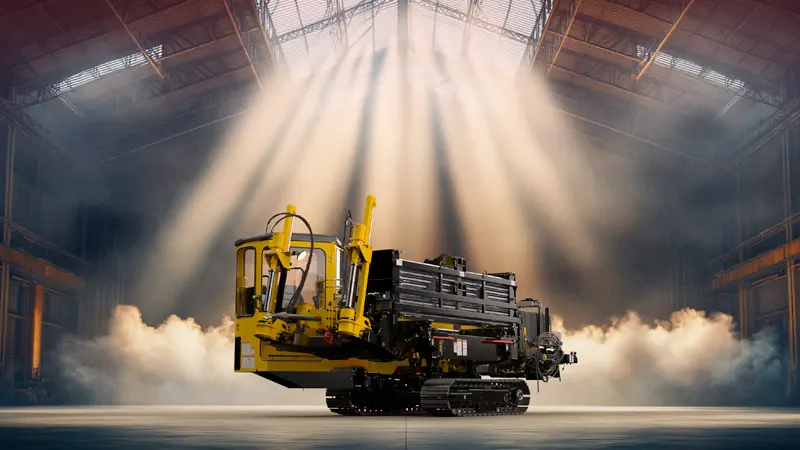
SOLIDWORKS 2026 is here
Every new release of SOLIDWORKS Simulation implements hundreds of enhancements requested by the global community of designers and engineers. Validate your designs faster and with greater confidence using the latest simulation capabilities in SOLIDWORKS 2026.
What's New in SOLIDWORKS Simulation
Linear Static Analysis−
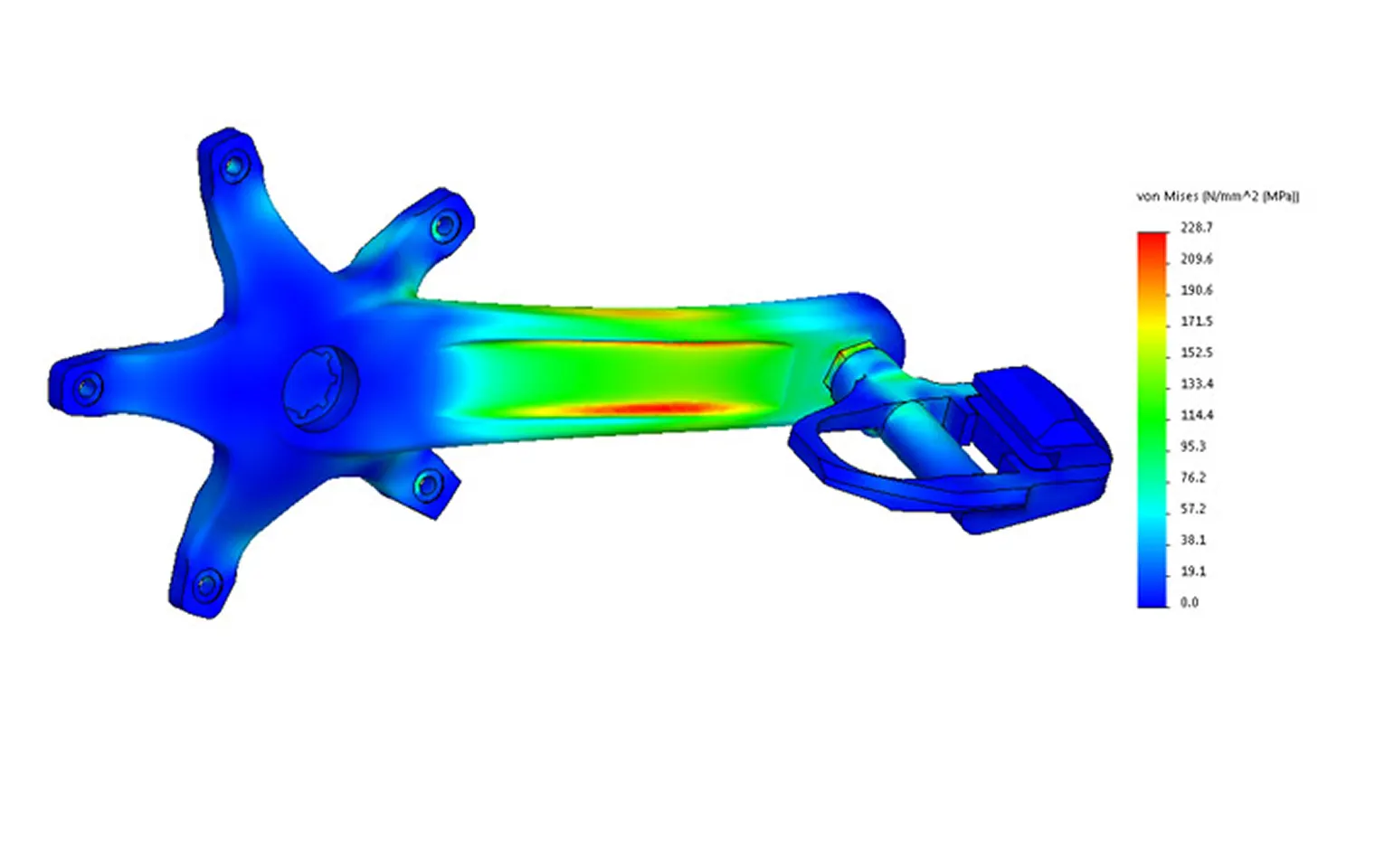
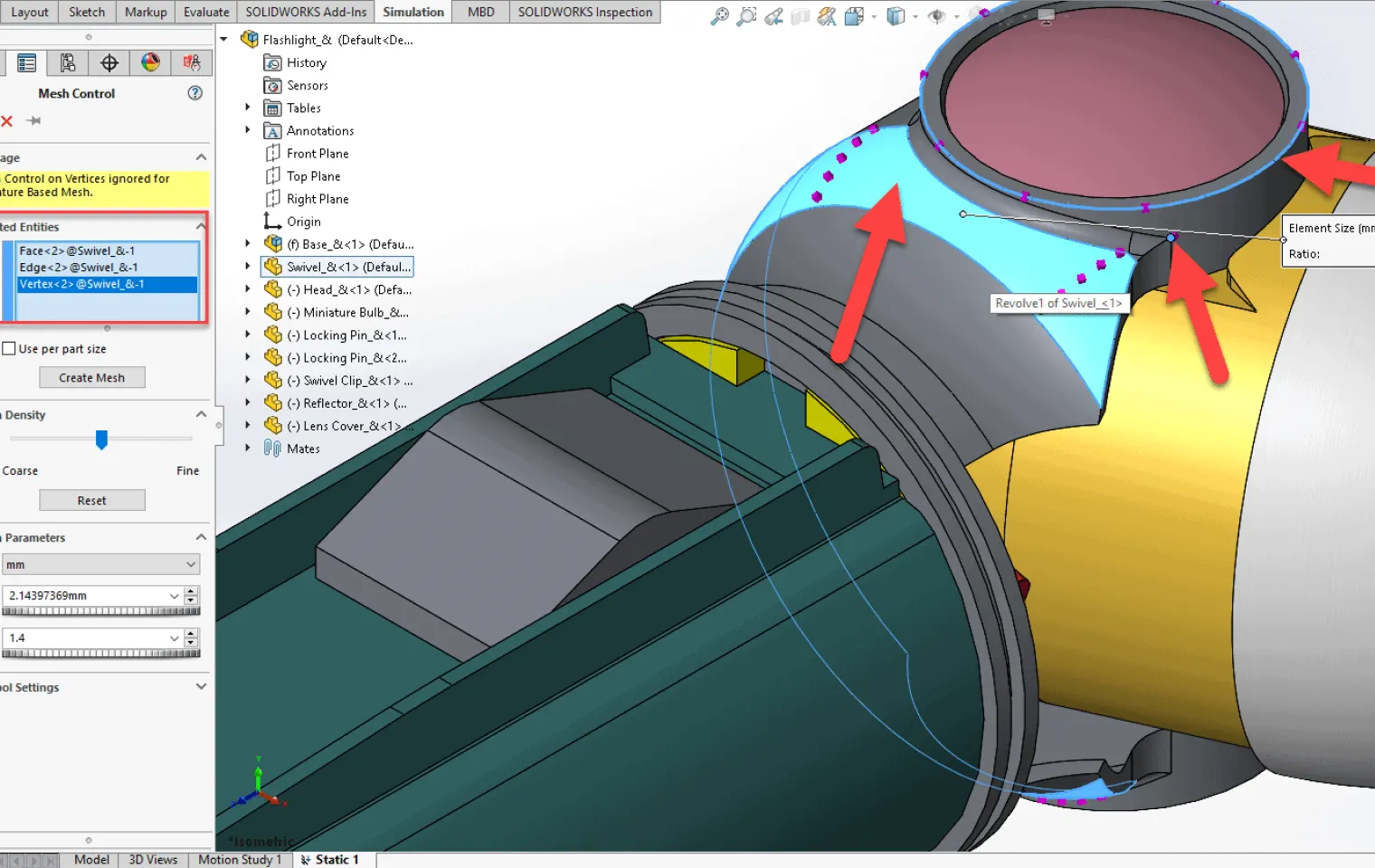
Meshing & Model Preparation+
Contact & Assembly Analysis+
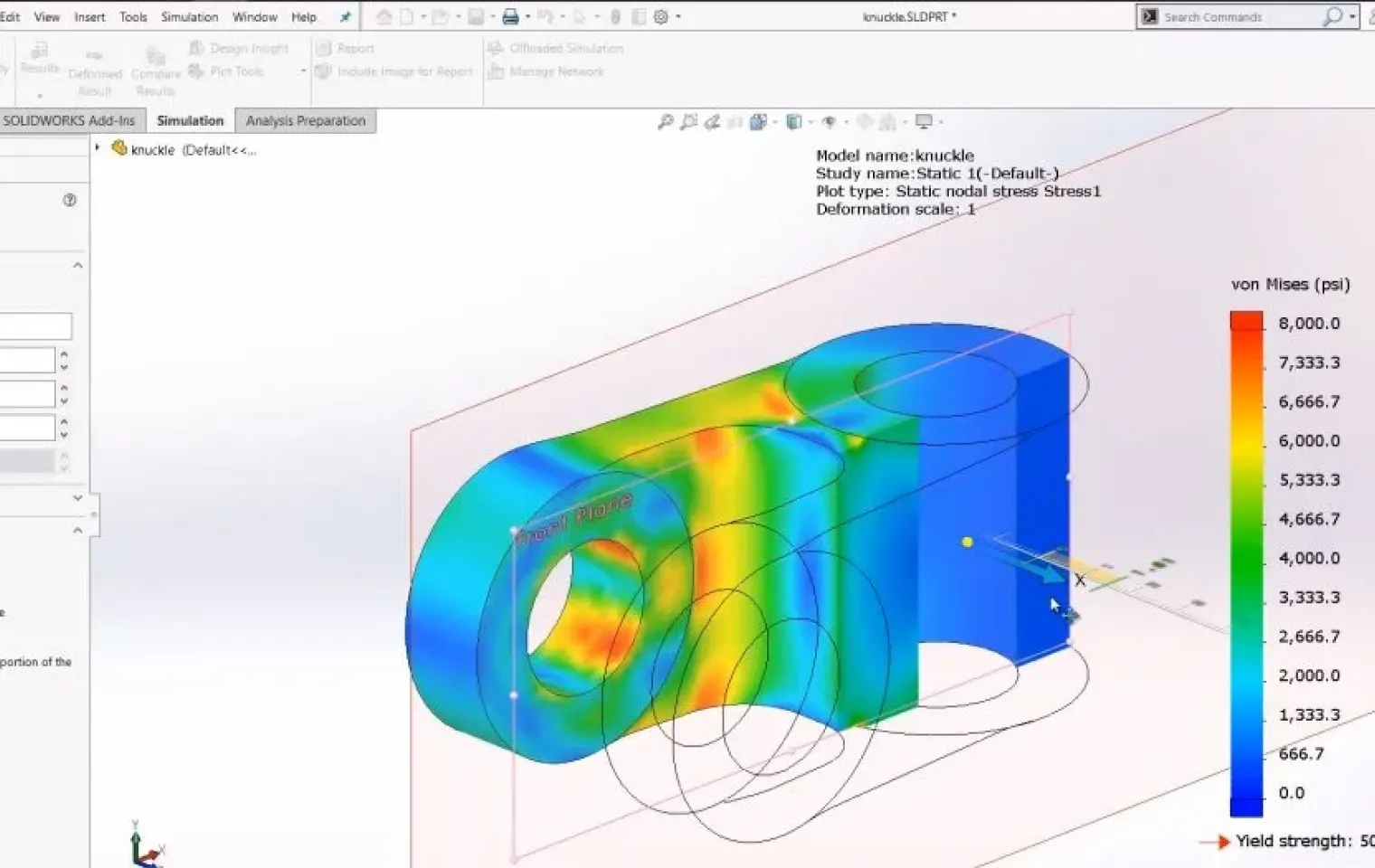
Results Visualization+
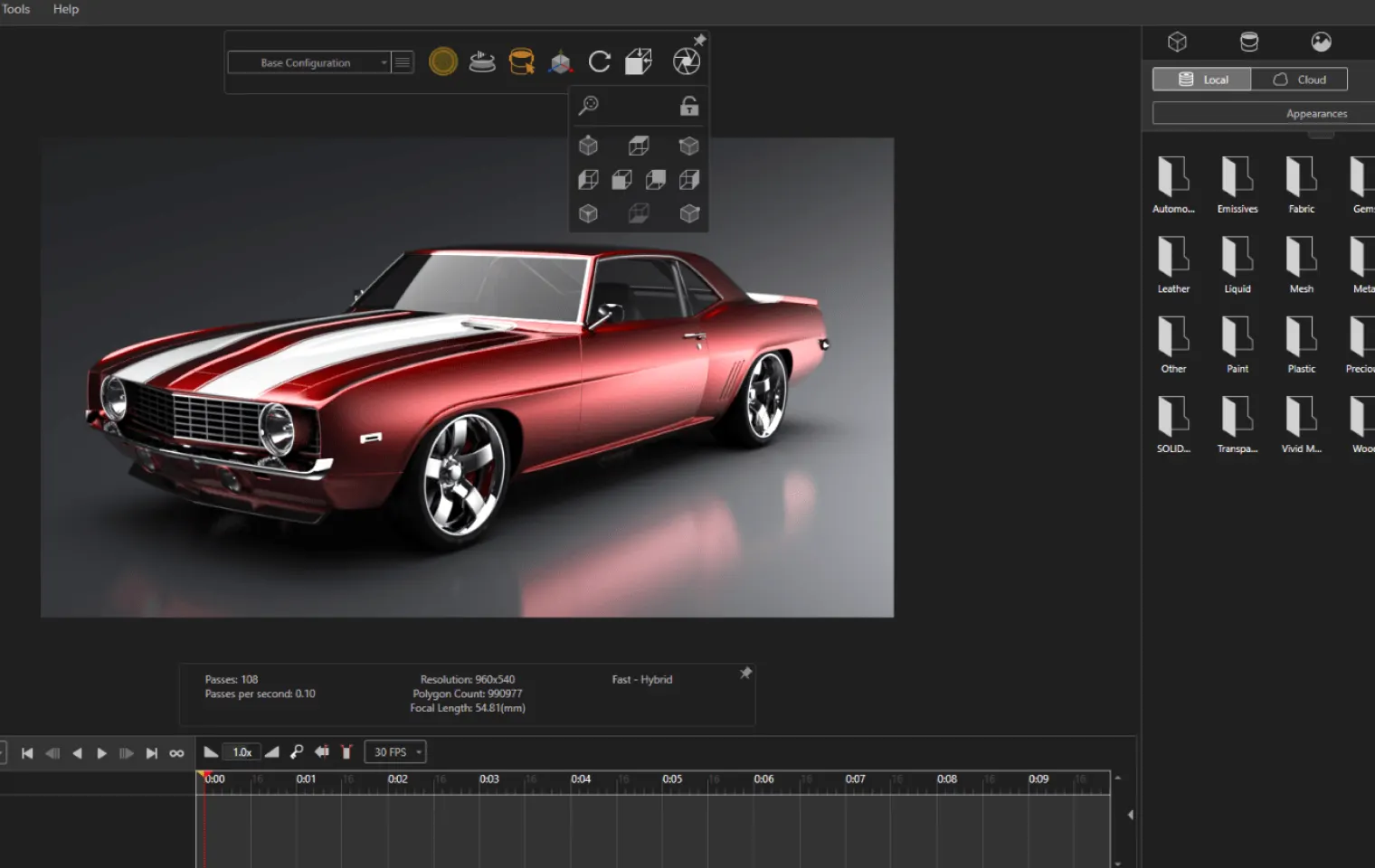
Design Optimization+
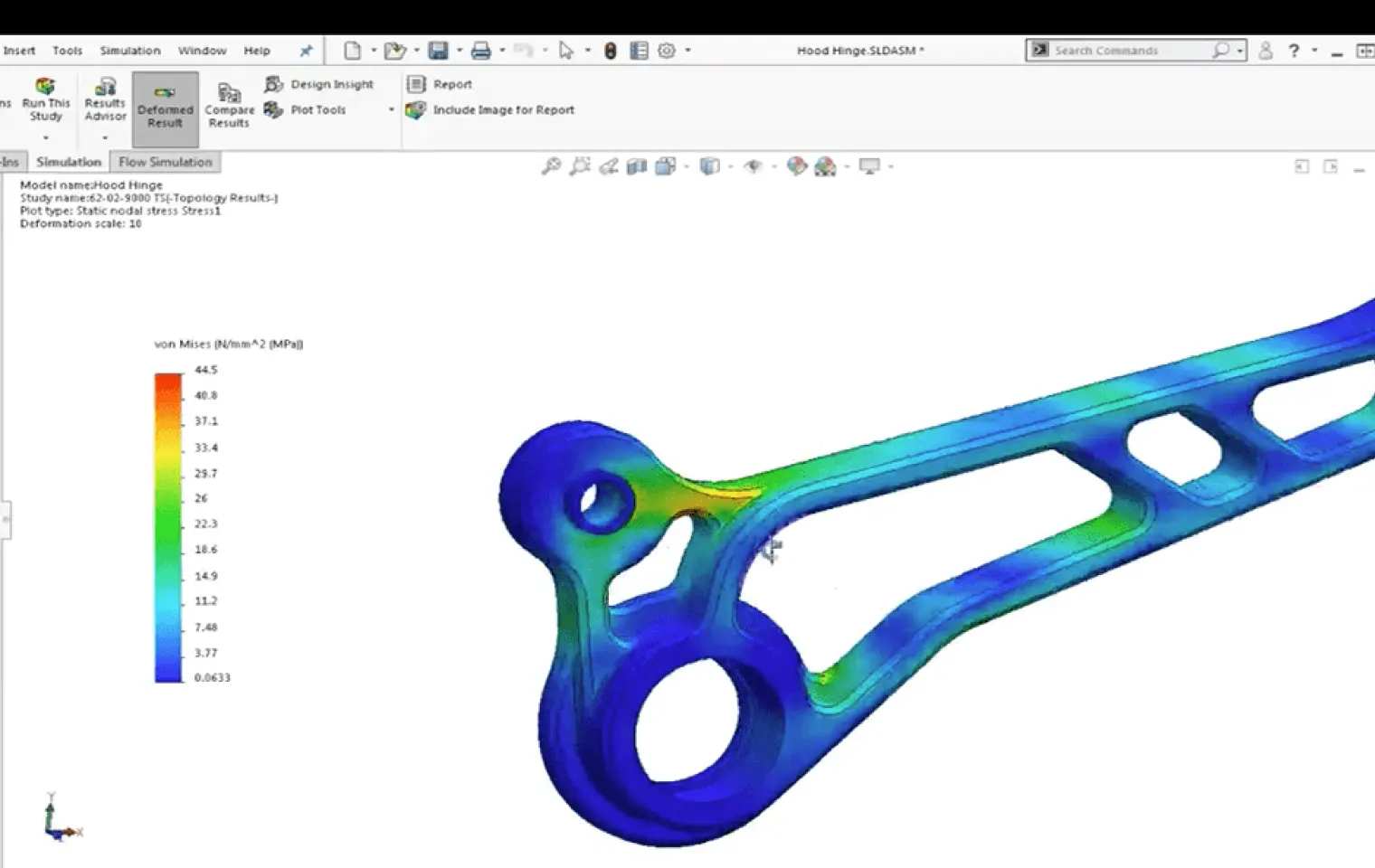
Capabilities of SolidWorks Simulation
SolidWorks Simulation gives engineers the confidence to validate every design decision before production.
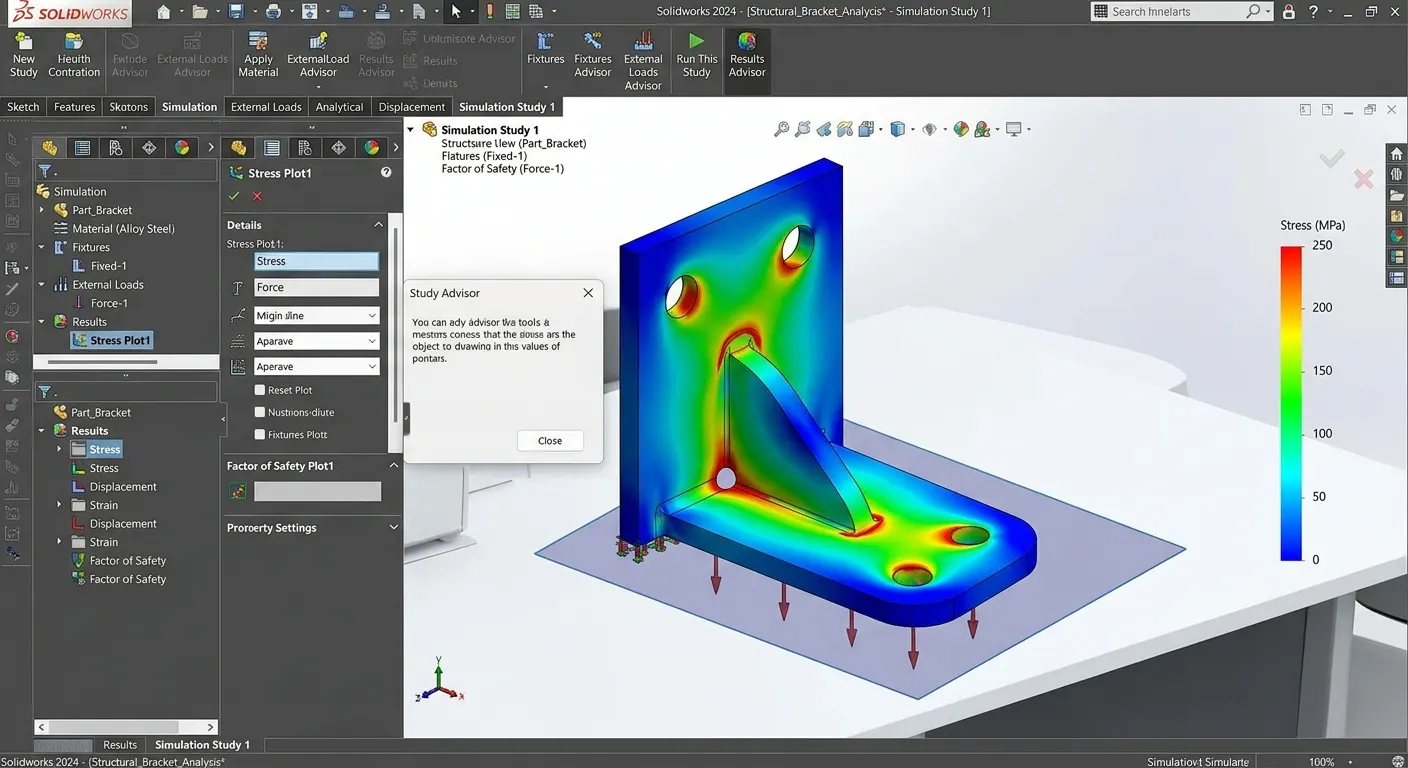
Structural & Stress Analysis
Test parts and assemblies under real-world loads to ensure strength, durability, and safety.
- •Identifies high-stress regions
- •Evaluates deformation and deflection
- •Verifies safety factors
- •Optimizes material usage
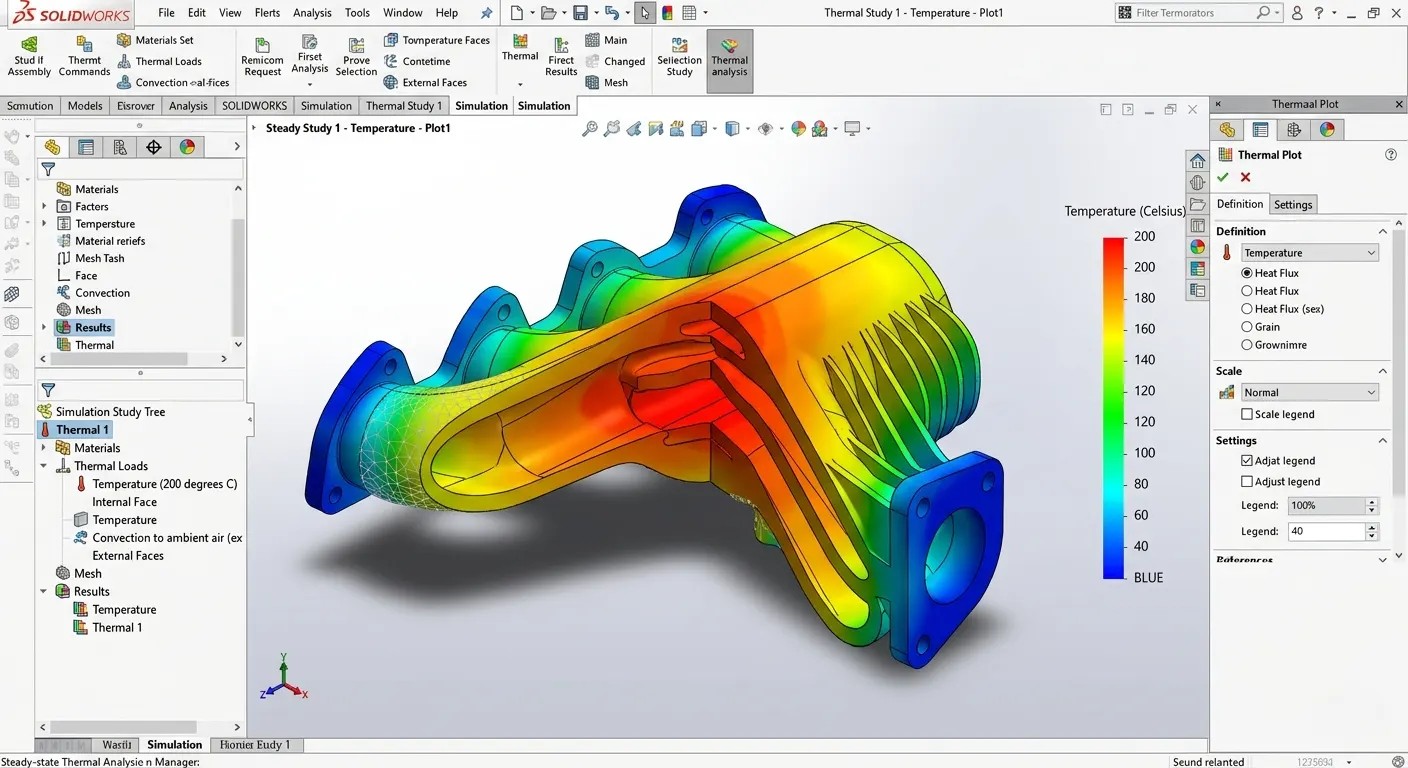
Thermal Analysis
Understand temperature behavior and heat transfer within products and assemblies.
- •Analyze heat distribution
- •Detect thermal hotspots
- •Improve cooling efficiency
- •Prevent thermal failure
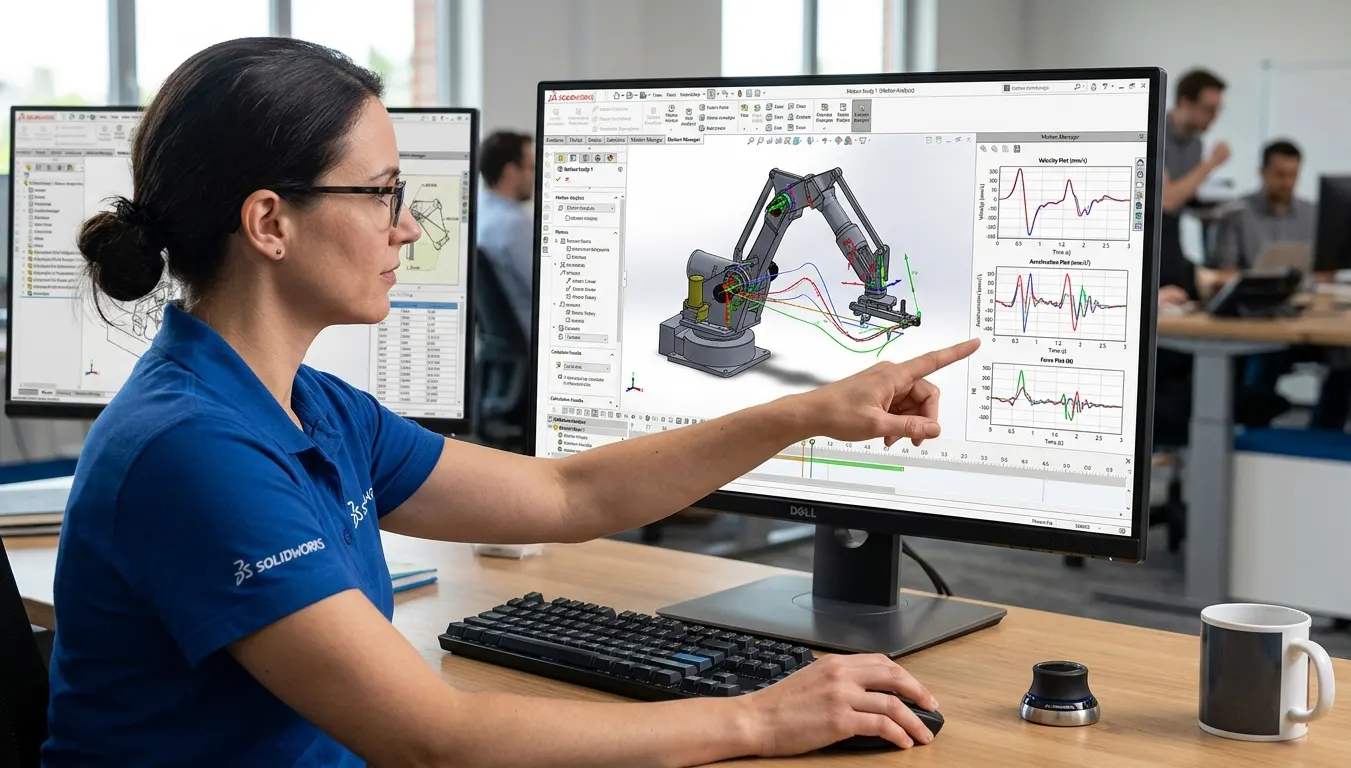
Motion Analysis
Simulate component movement to ensure smooth, reliable, and efficient operation.
- •Study mechanism behavior
- •Measure velocity and acceleration
- •Detect collisions and interference
- •Optimize motion performance
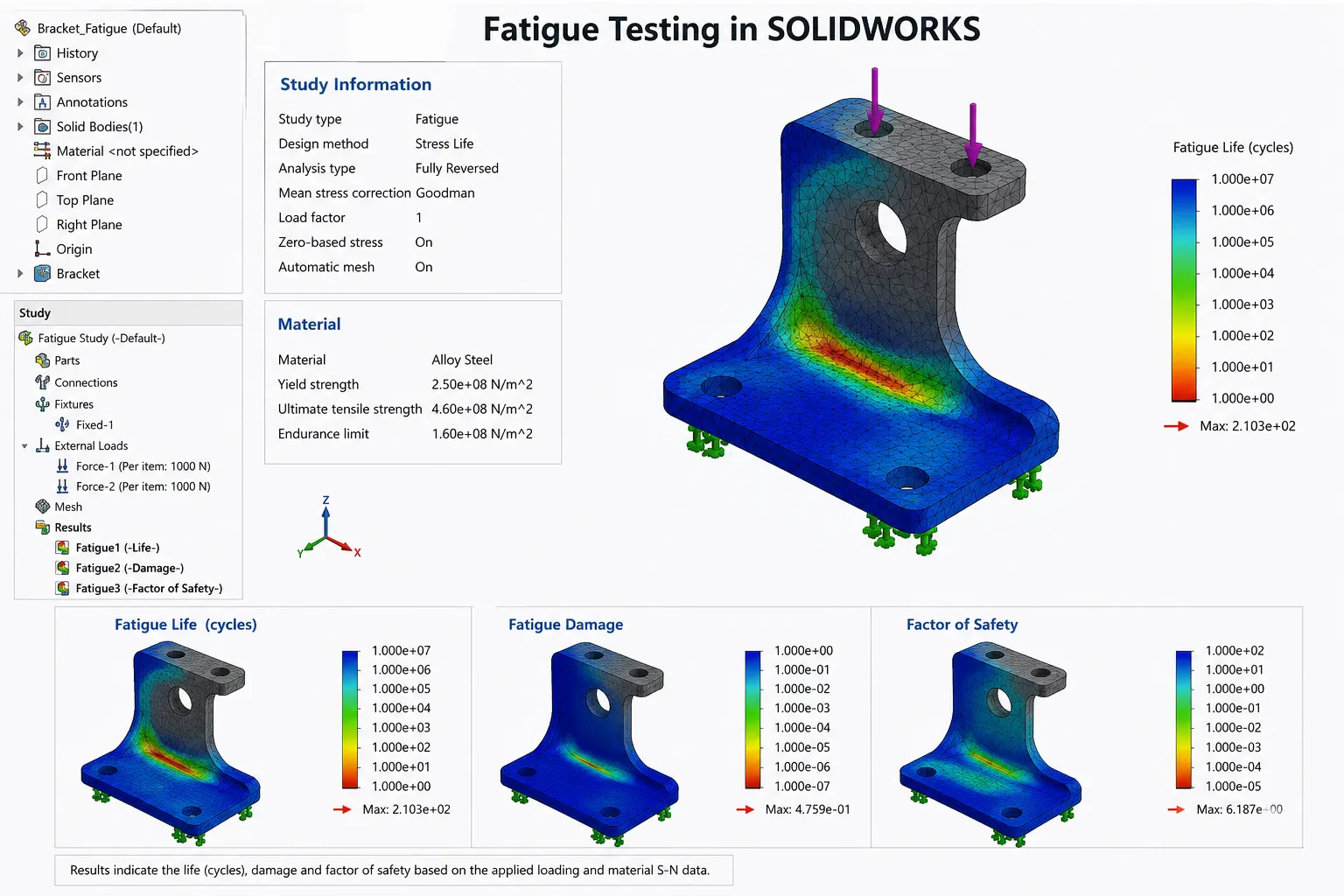
Fatigue Testing
Predict product durability and lifespan under repeated loading conditions.
- •Estimate service life
- •Identify fatigue-prone areas
- •Reduce failure risks
- •Improve long-term reliability
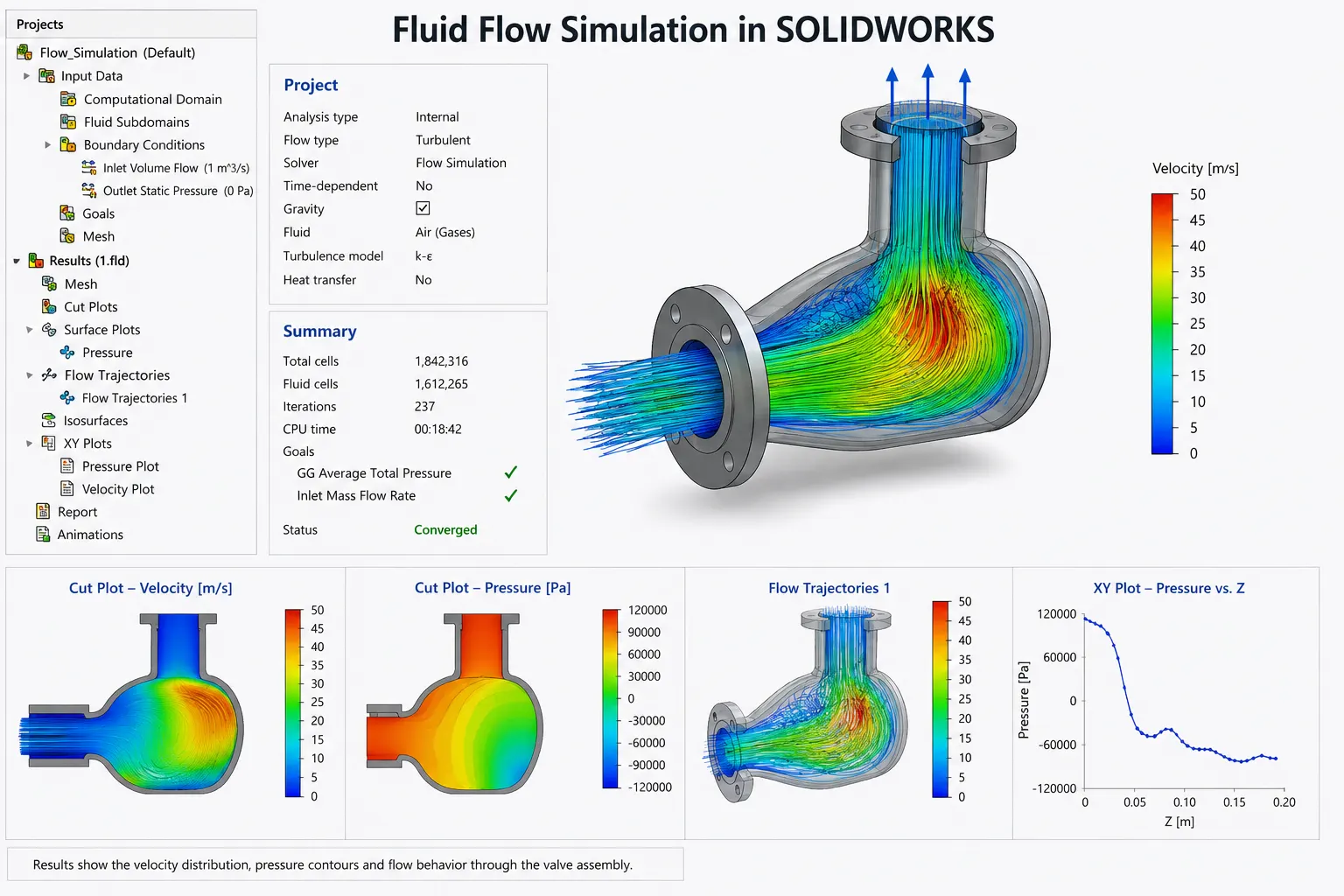
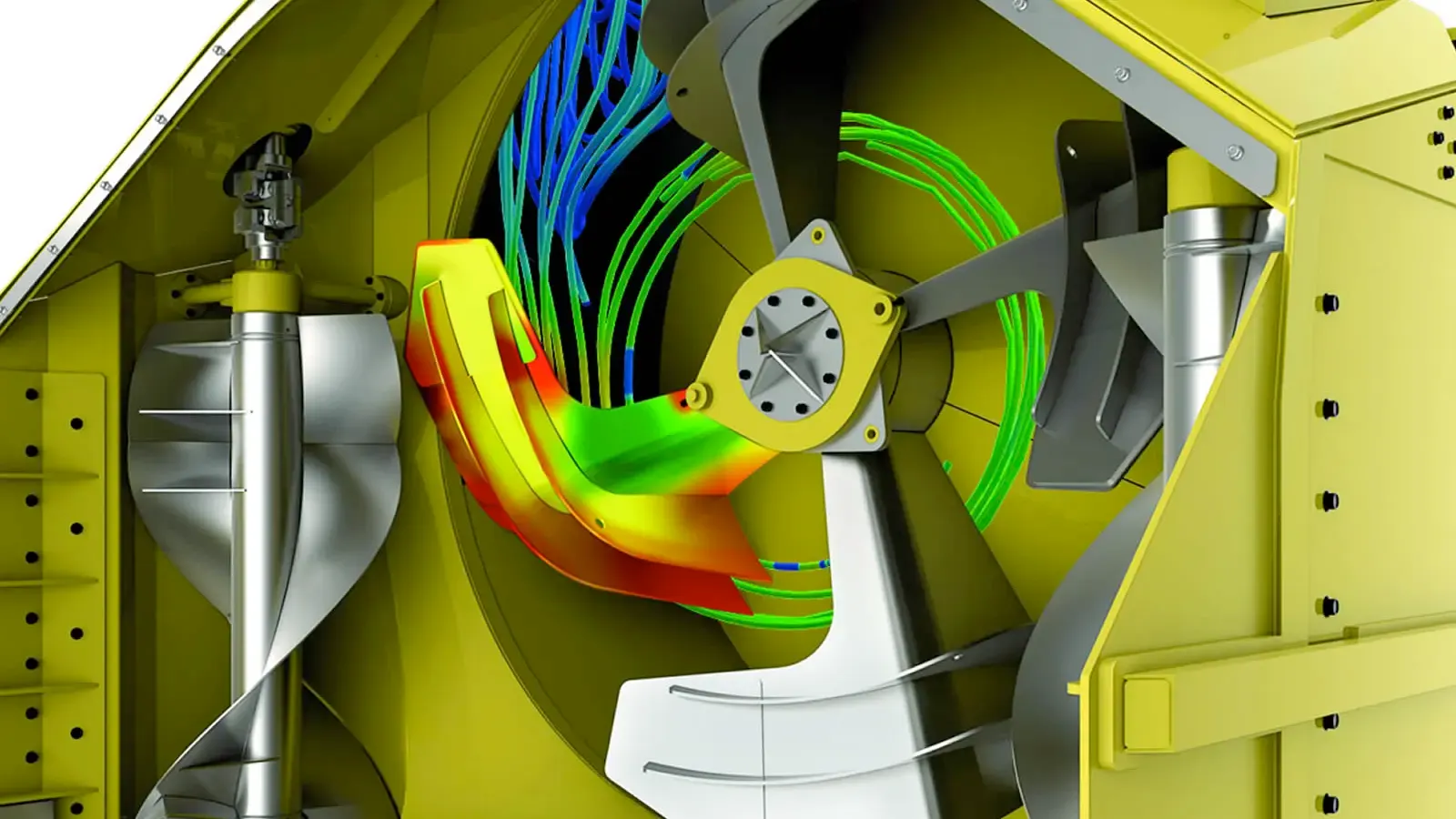
Fluid Flow Simulation
Evaluate fluid and airflow behavior to enhance product efficiency and performance.
- •Visualize flow patterns
- •Analyze pressure distribution
- •Improve aerodynamic performance
- •Optimize fluid pathways
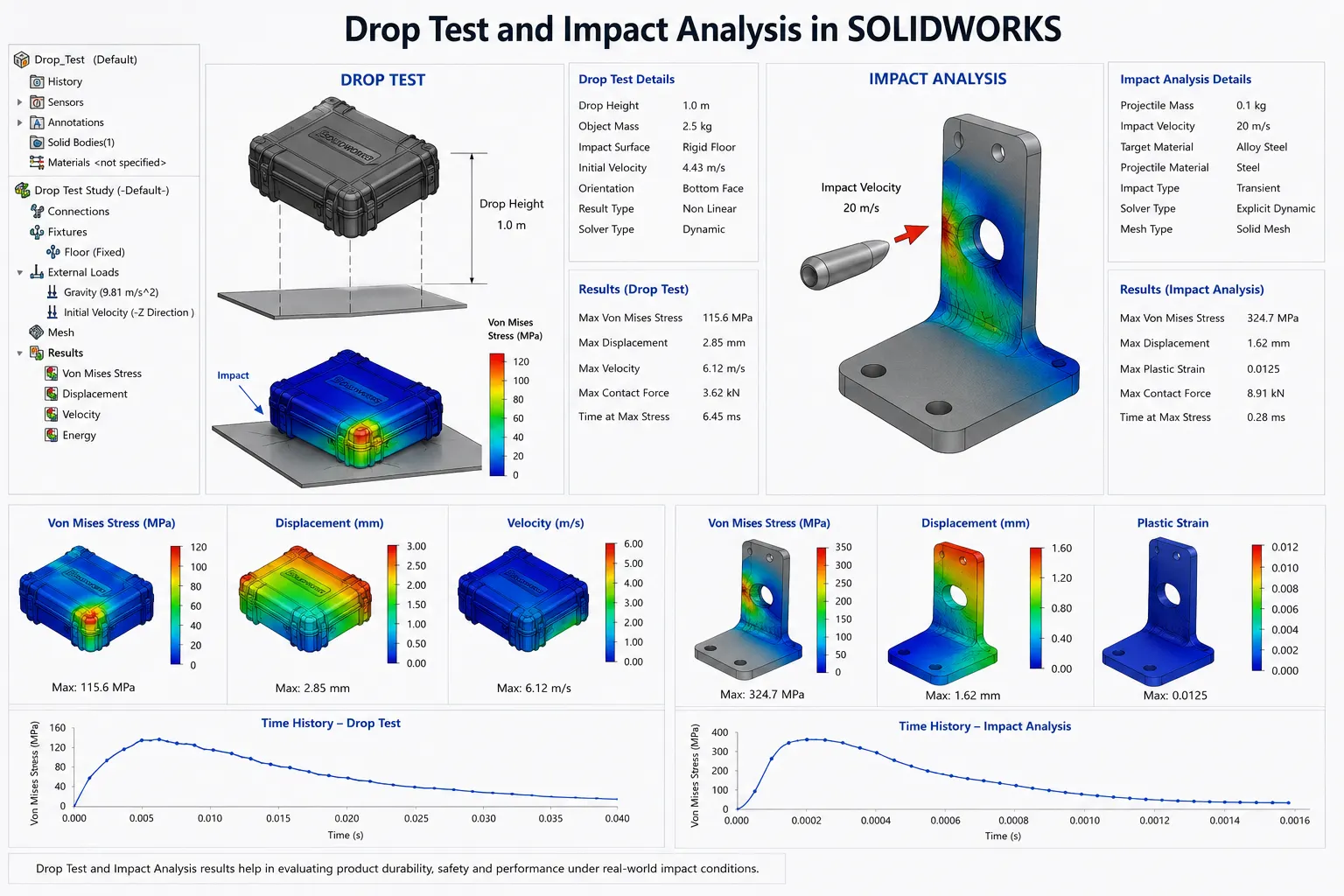
Drop Test & Impact Analysis
Assess product resilience against accidental drops, shocks, and impacts.
- •Simulate drop scenarios
- •Evaluate impact forces
- •Identify vulnerable components
- •Enhance product durability
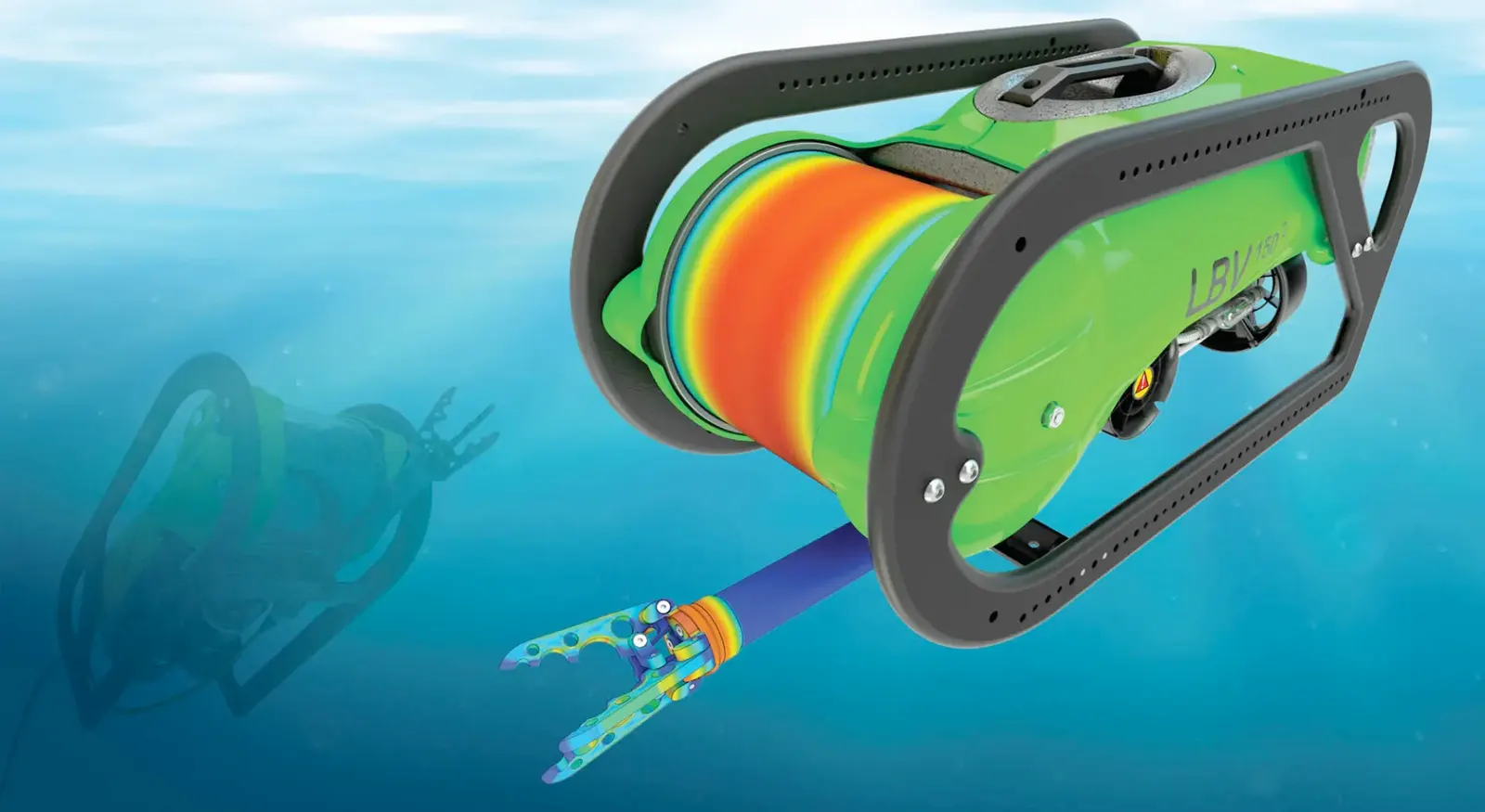 SOLIDWORKS Simulation
 SOLIDWORKS Flow SimulationSOLIDWORKS Plastic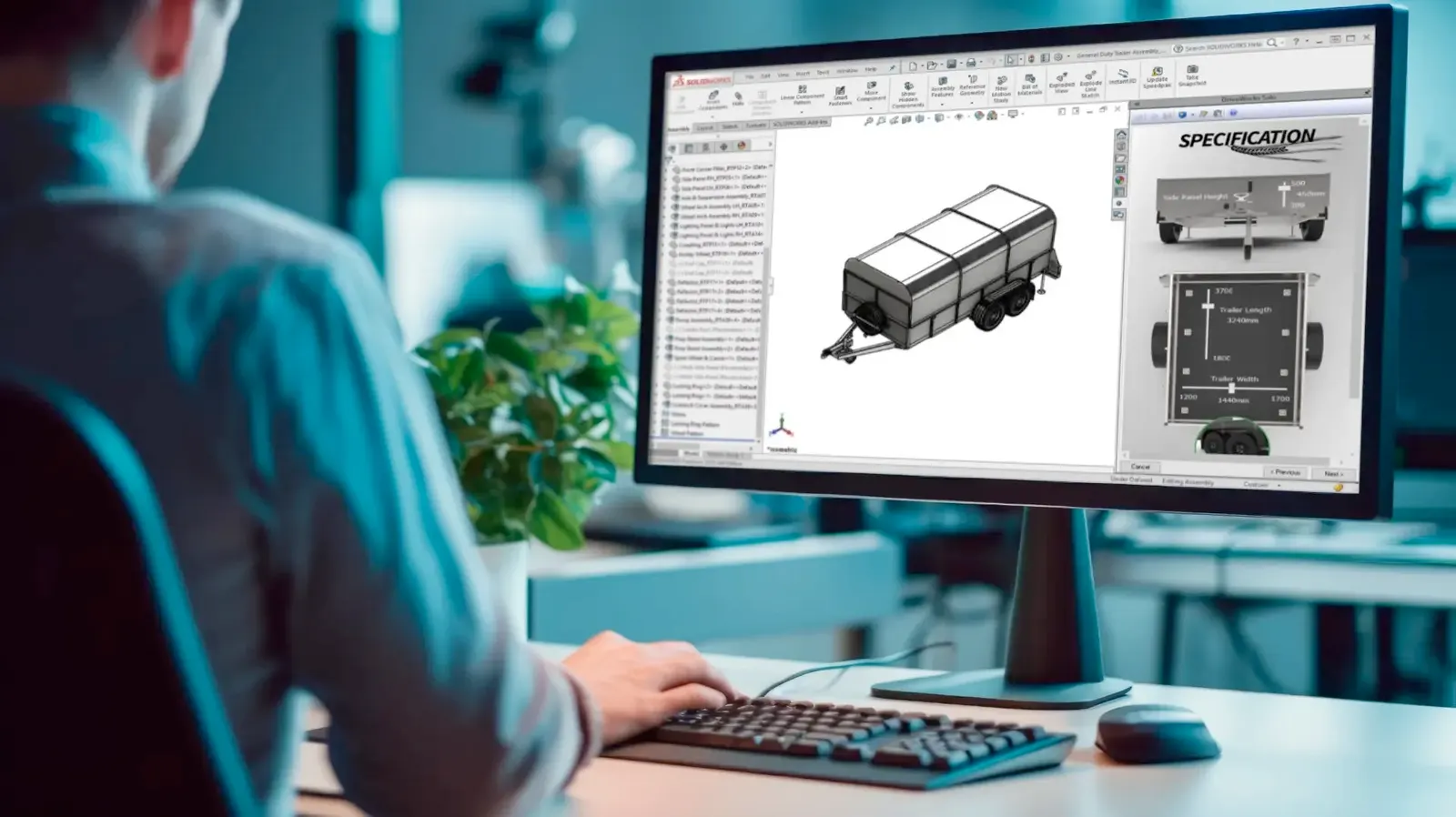
Frequently Asked Questions
Contact Us
Are you interested in a design or manufacturing solution, service, or technical support? Complete the form to contact the sales team.
Reach us
Connect with us
Need SOLIDWORKS or 3DEXPERIENCE information or have a few questions for our team? Contact us today!


