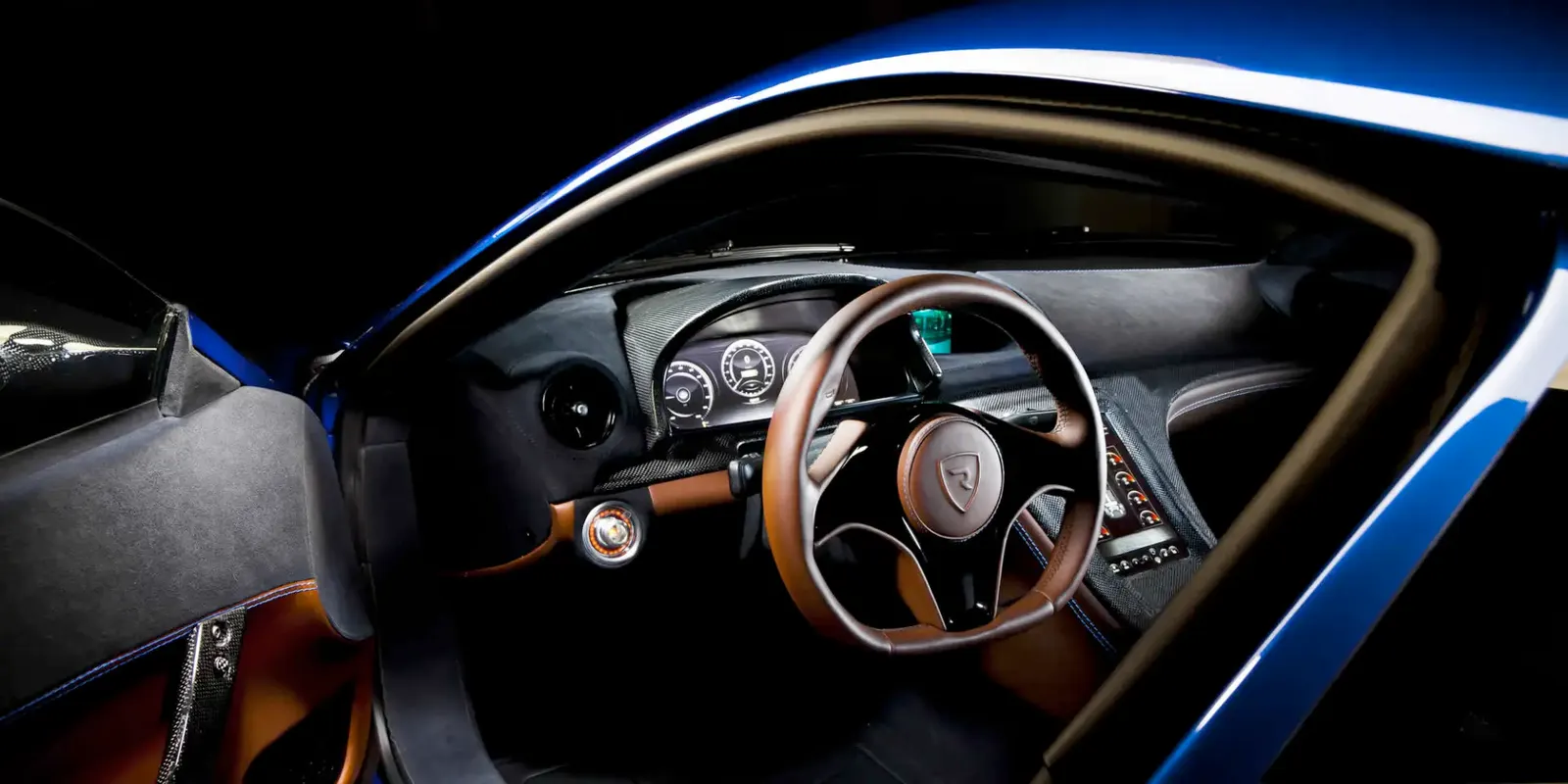
SOLIDWORKS Visualize
Render. Impress. Sell Your Design Before It's Built.
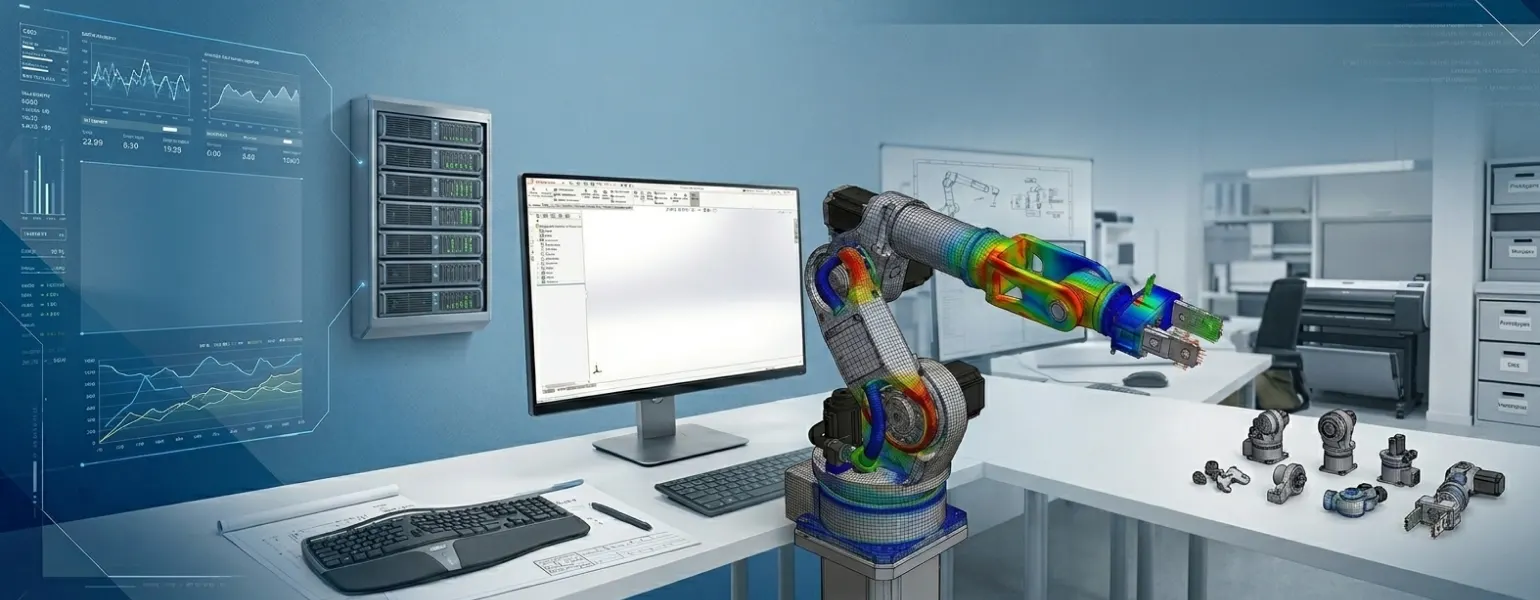
SolidWorks Visualize — Bring Your Designs to Life.
Create high-quality product renders faster to improve presentations, marketing, and customer approvals with SOLIDWORKS Visualize.
Why Choose Solidworks Visualize?
1. Fast & Easy Photo Realism
Create professional quality product images from SolidWorks model data (no photo sessions or prototypes required).
2. Compatible with SolidWorks 3D CAD
Import 3D models into SolidWorks Visualize instantly; no rebuilding or reformatting required.
3. Shorten Your Sales Cycle
Share amazing visuals with prospective customers & stakeholders before creating your first prototype — earlier in your design process.
4. GPU Powered Performance
SolidWorks enables real time ray tracing which utilizes the latest GPU technology — enabling high speed, accurate images, with little or no waiting time.
5. Flexible Licensing Options
You can buy the SolidWorks Visualize Application standalone (add-on) or as part of the SolidWorks Premium Edition. Please check with Panshul Technologies, your authorized SolidWorks Distributor in India.
6. Proven Across Many Industries
From consumer products to industrial equipment, design & marketing teams around the world are creating phenomenal visual graphics with SolidWorks Visualize!
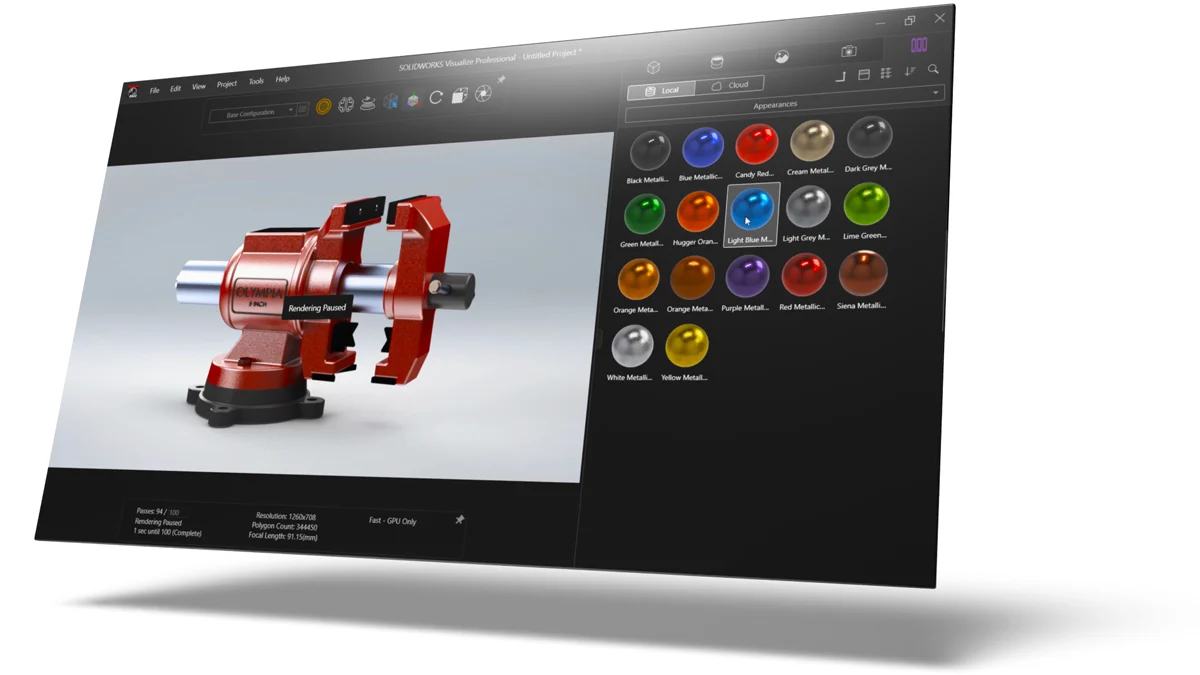
OVERVIEW DEMO
Get to know SOLIDWORKS Visualize
What's New in SOLIDWORKS Visualize 2026
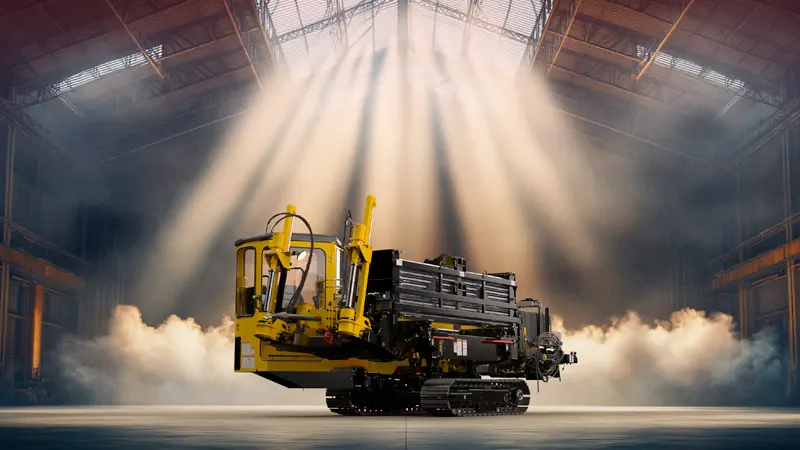
SOLIDWORKS 2026 is here
Every new release of SOLIDWORKS Visualize implements hundreds of enhancements requested by the global community of designers and engineers. Create stunning photorealistic visuals and animations faster than ever with the latest capabilities in SOLIDWORKS 2026.
What's New in SOLIDWORKS Visualize
Rendering Performance−
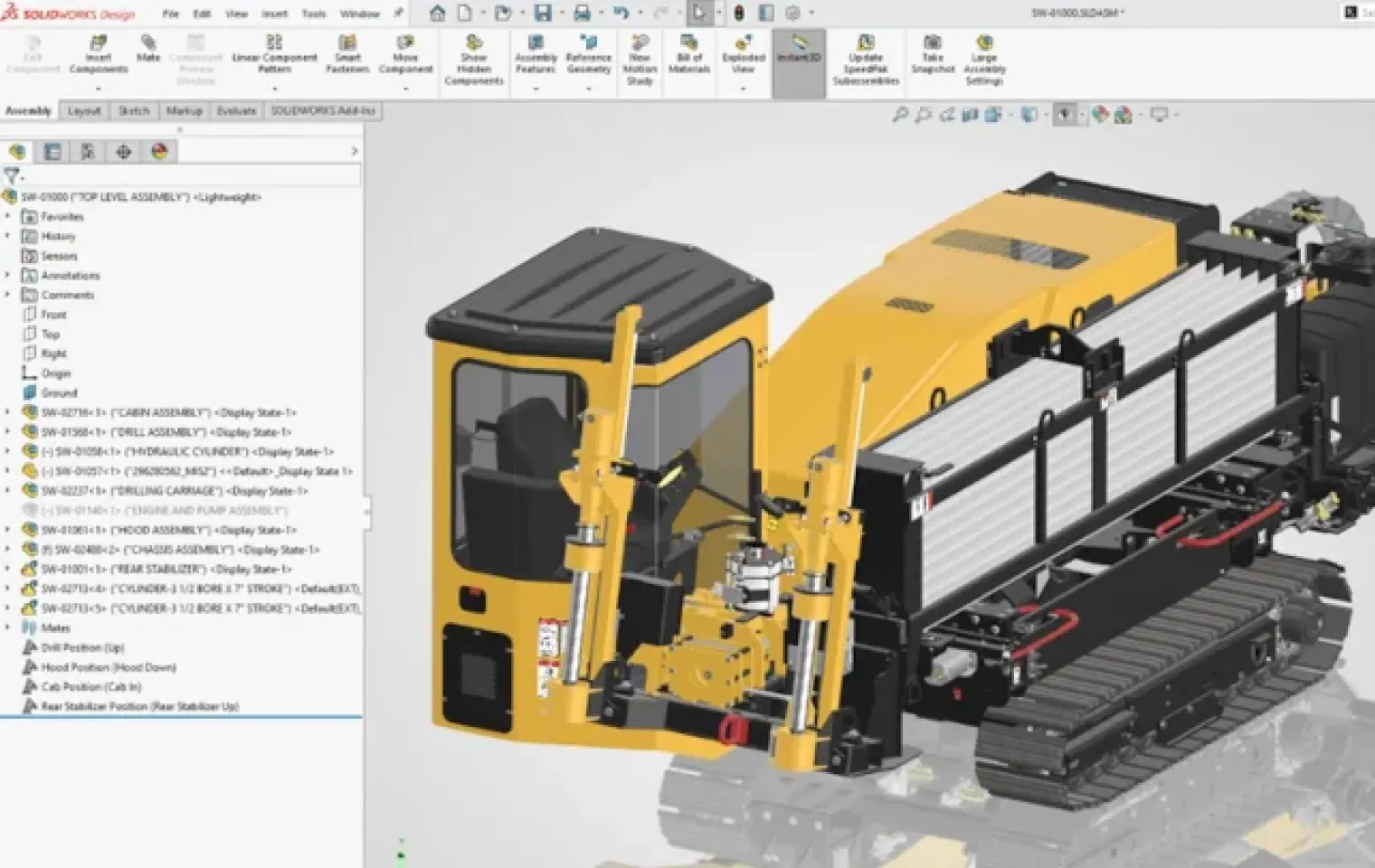
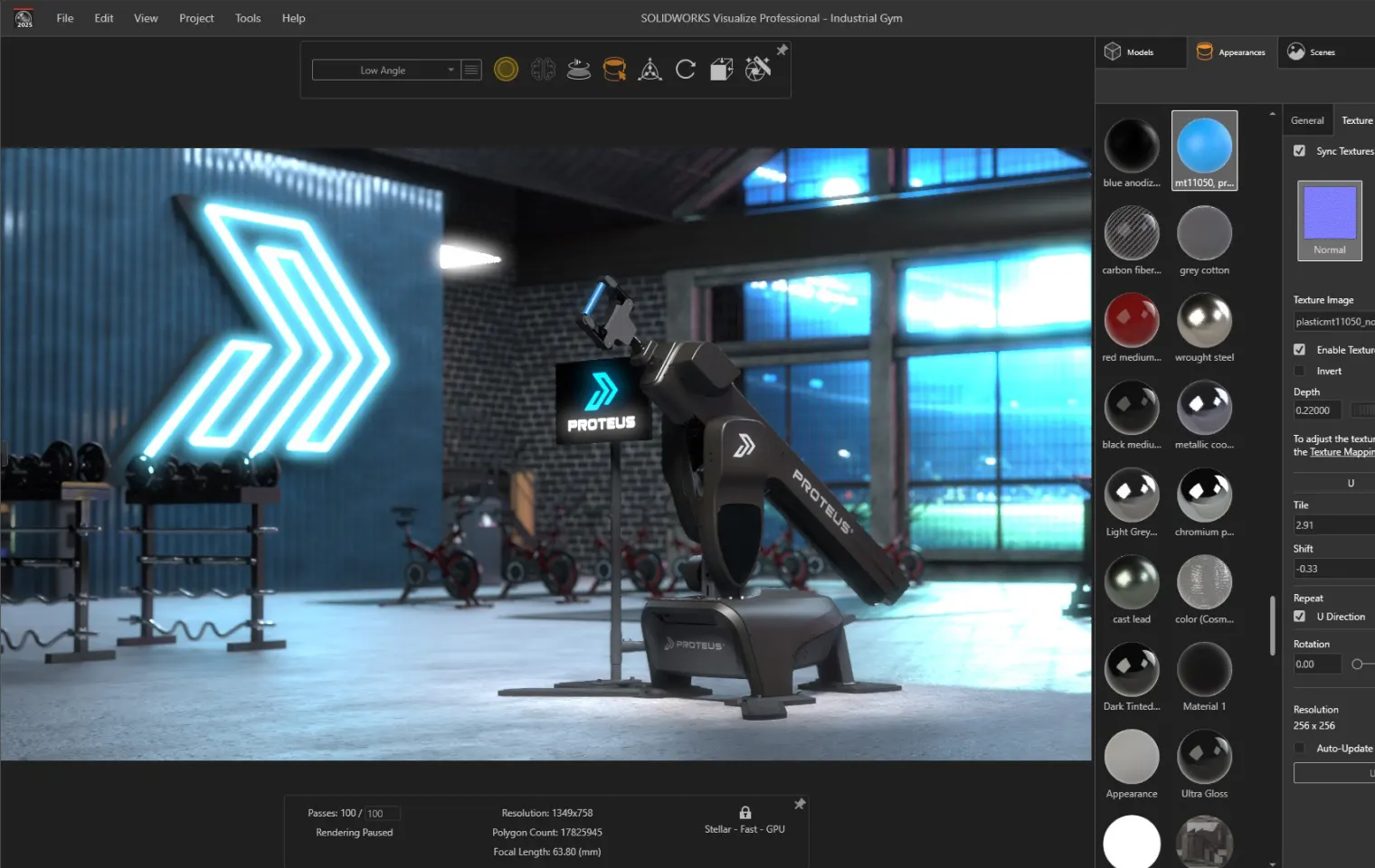
Materials & Appearances+
Animation & Motion Studies+
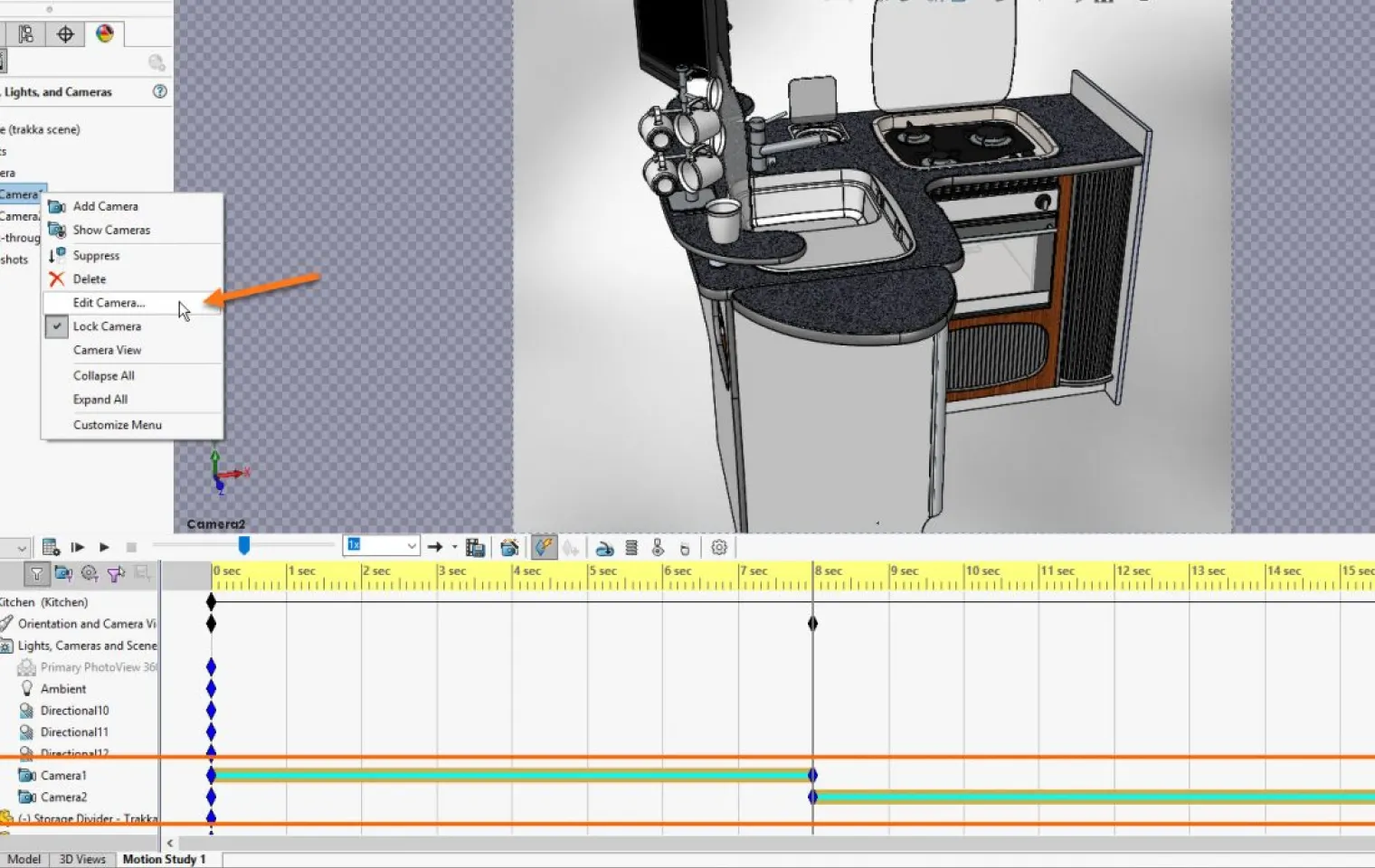
Camera & Lighting Controls+
Output Quality & Collaboration+
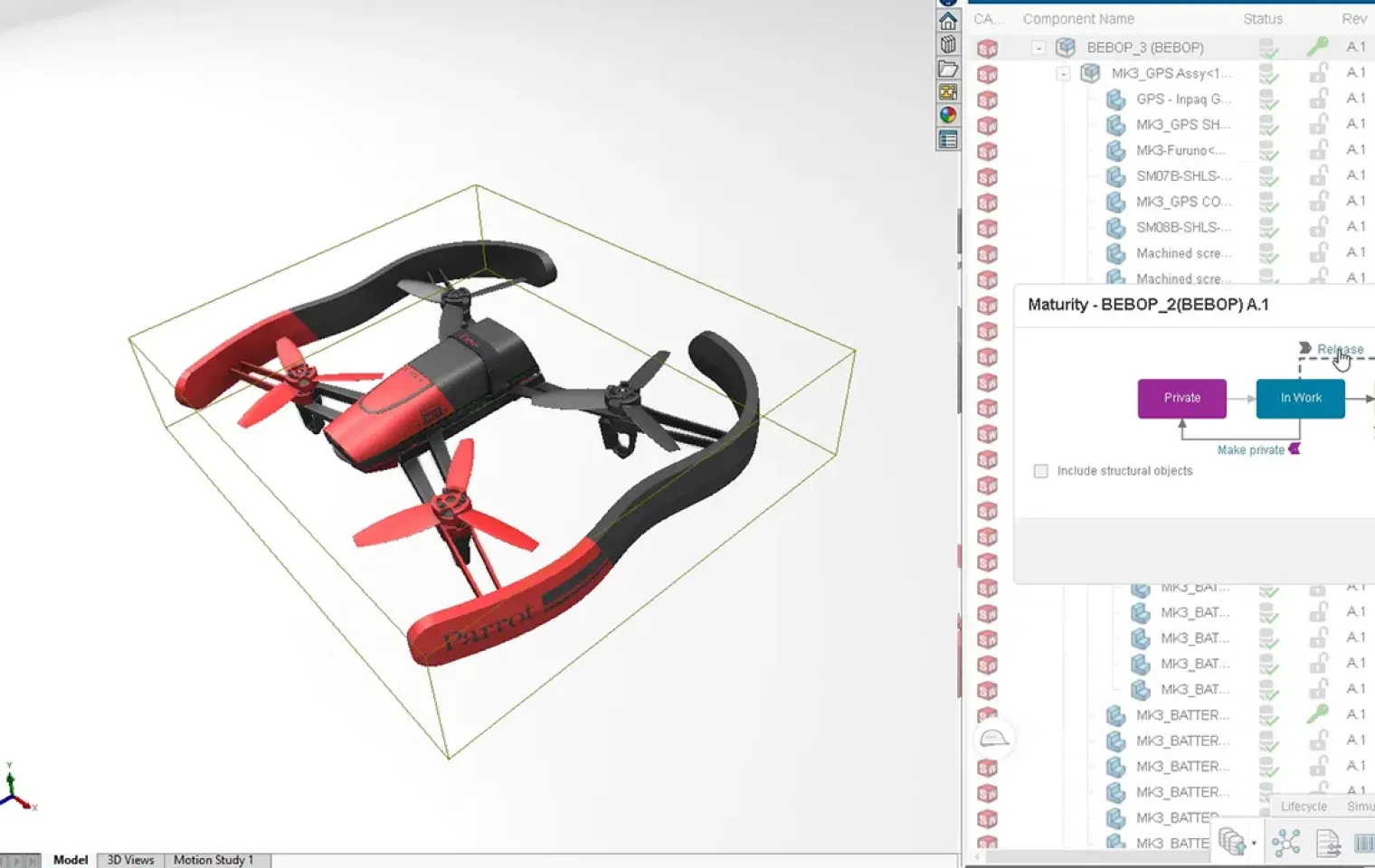
Capabilities of SolidWorks Visualize
SolidWorks Visualize bridges the gap between design and marketing — turning your 3D models into photo-realistic content ready for presentations, catalogues, and digital campaigns.
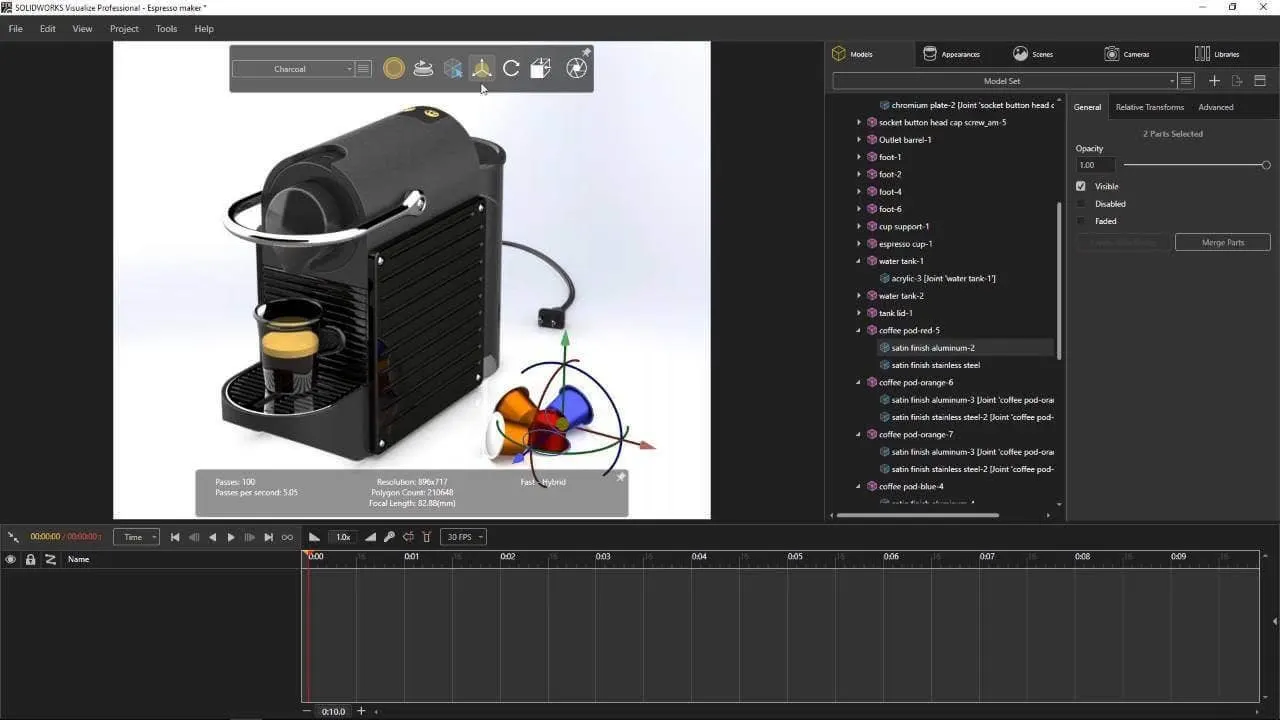
Life-Like Renderings of Products
Create photorealistic product visuals directly from your 3D CAD models.
- •Generate realistic product images
- •Simulate lights and shadows
- •Apply accurate materials
- •Showcase final product appearance
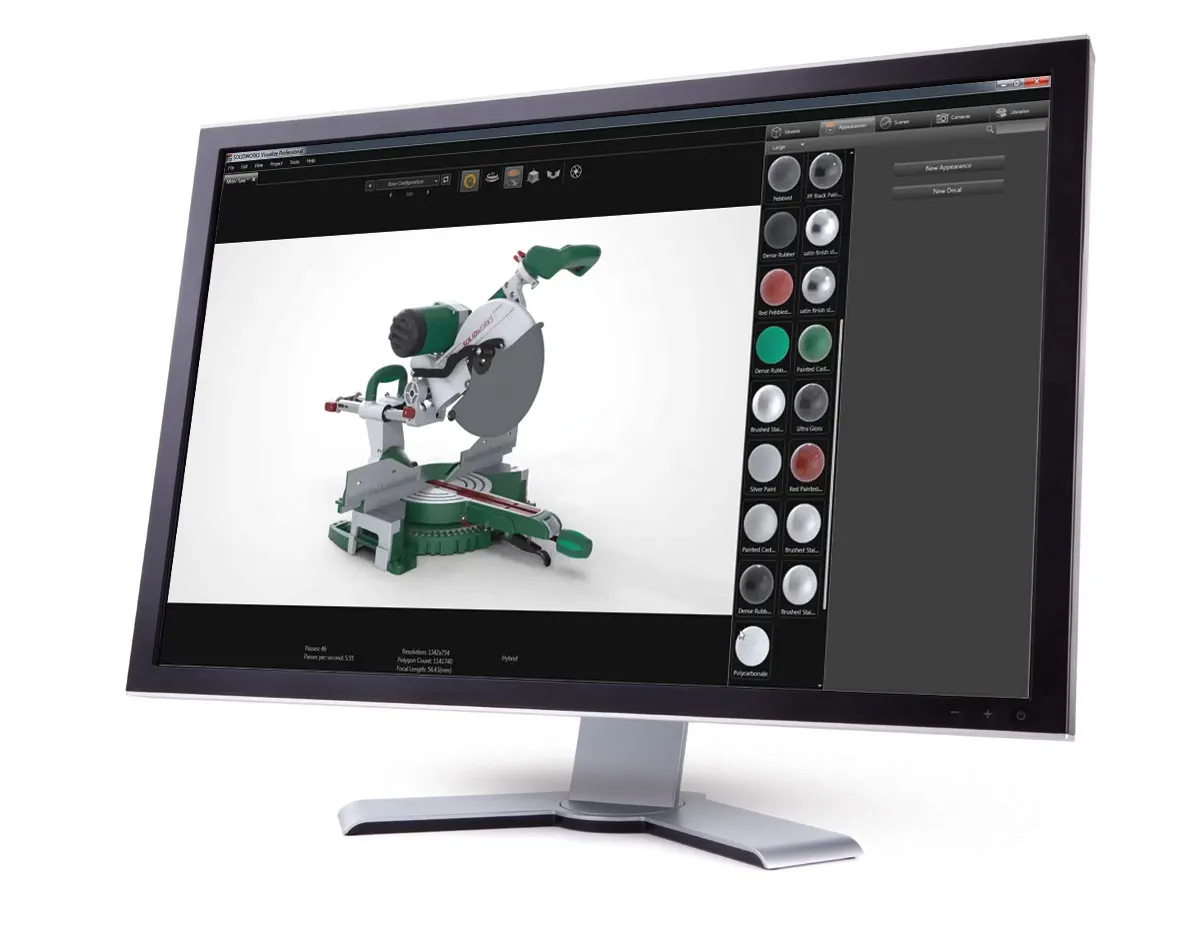
Immersive 360° Experiences for Customers
Deliver interactive product experiences that allow customers to explore designs from every angle.
- •Create 360° product spins
- •Enhance customer engagement
- •Improve product presentations
- •Showcase design details

3D Animated Product Videos
Produce professional product animations for marketing, sales, and design reviews.
- •Visualize product functionality
- •Create marketing videos
- •Simplify design communication
- •Support client approvals
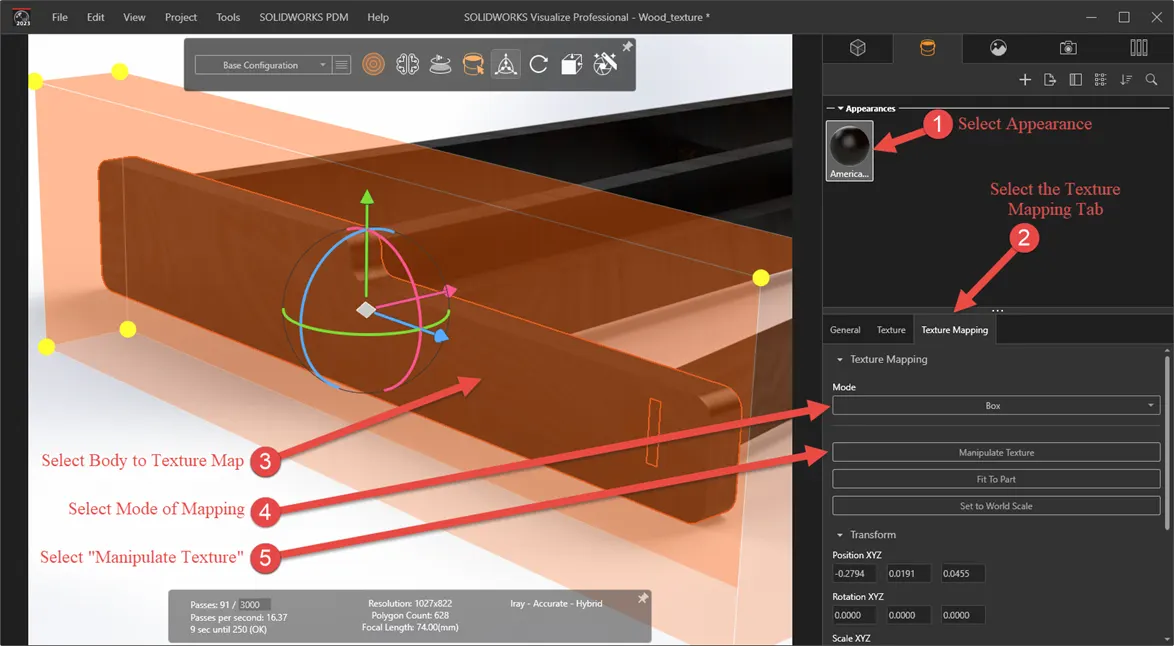
High-Quality Materials & Textures Library
Apply realistic materials and finishes to accurately represent the final product.
- •Access extensive material libraries
- •Apply authentic textures
- •Simulate real-world finishes
- •Improve visual realism
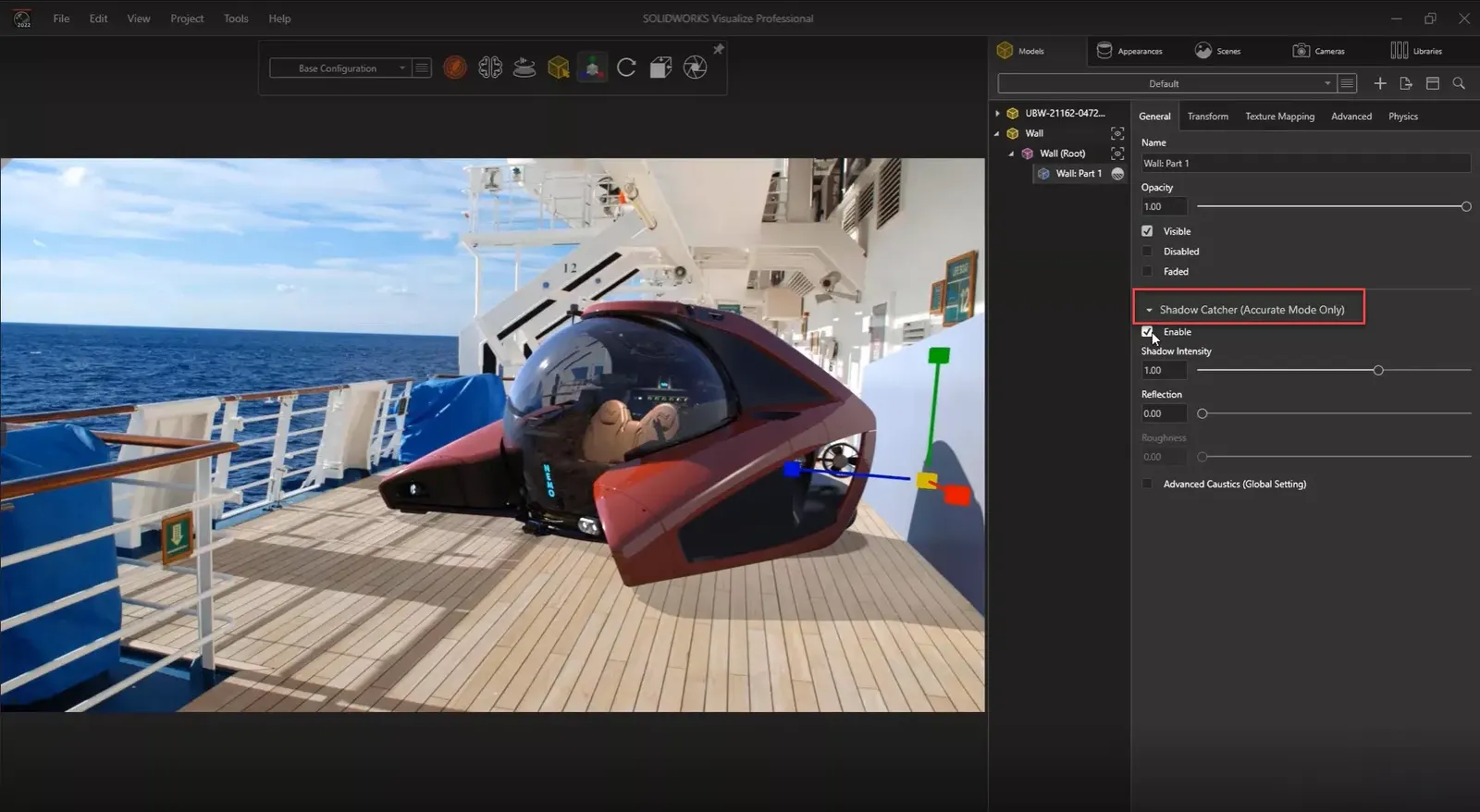
Multiple Camera Viewpoint & Lighting Setup
Capture products from multiple perspectives with customized lighting environments.
- •Create multiple camera angles
- •Configure lighting scenarios
- •Generate diverse visual assets
- •Highlight key design features
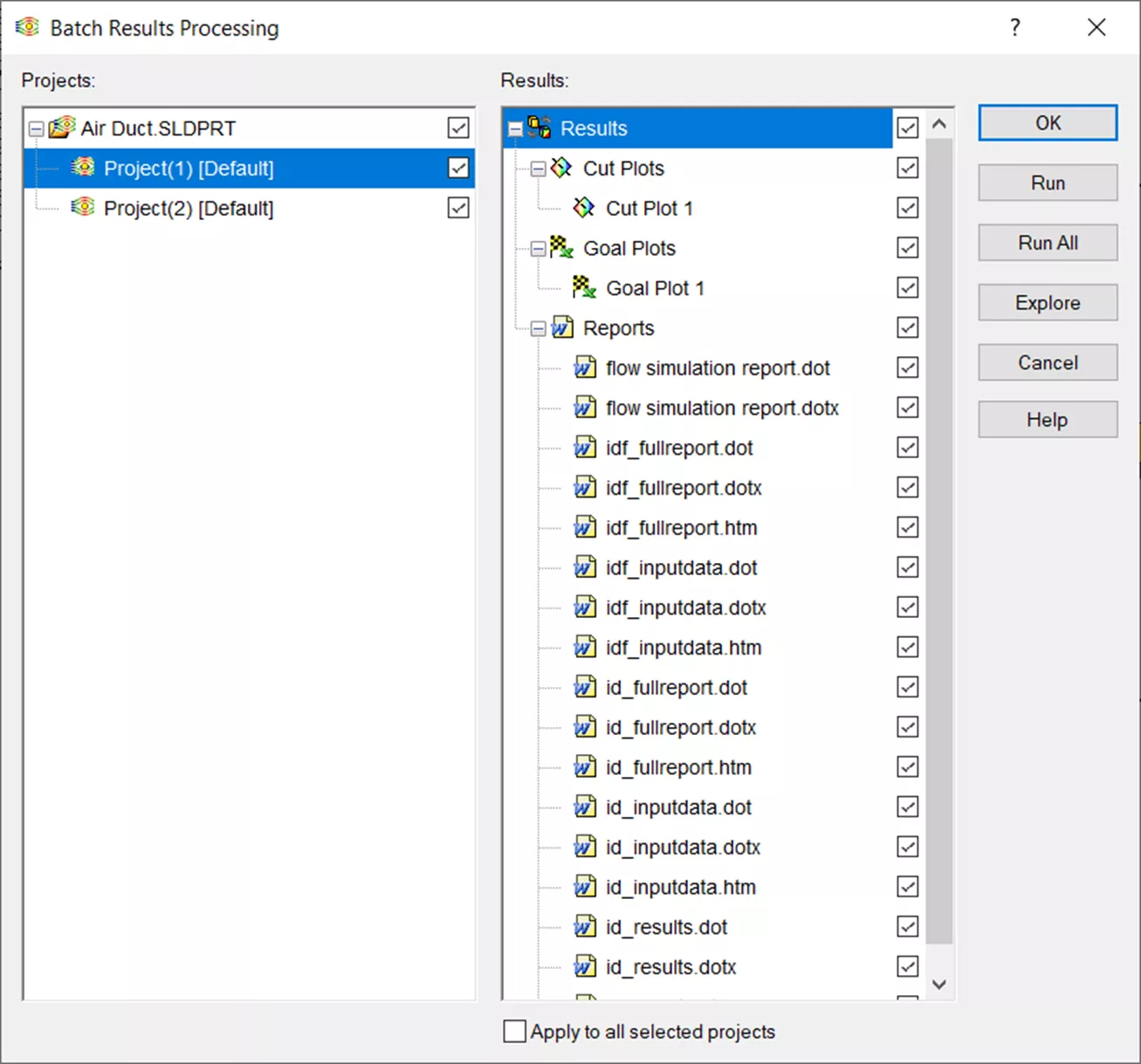
Batch Rendering Capabilities
Render multiple products or views simultaneously to accelerate project delivery.
- •Render multiple scenes at once
- •Save production time
- •Increase rendering efficiency
- •Support large-scale projects
SOLIDWORKS Visualize Features
Create photo-realistic images, animations, and VR experiences for any industry
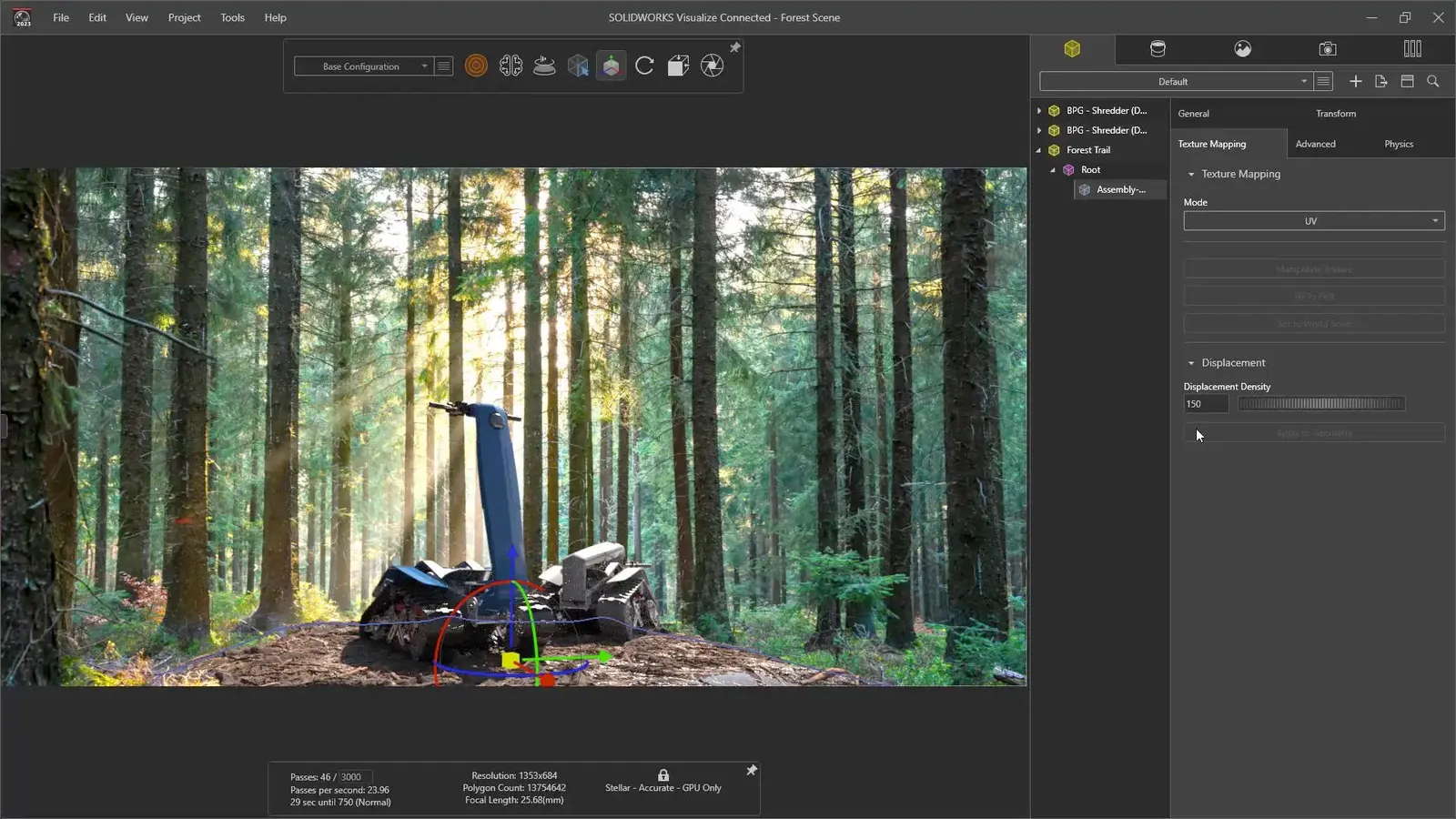
You no longer need to compromise your marketing and presentation materials by relying on screen grabs, or budget for costly photographs of prototypes to show your latest product.
With SOLIDWORKS Visualize, you can quickly and easily create:
- Lifelike photo-quality images
- A mood board of different colours and finishes
- High-resolution images ready for print and the web
- Technical illustrations of key features
Add-on product to SOLIDWORKS Visualize Professional that instantly increases rendering speed and productivity.
Similar to a printer queue in your office, SOLIDWORKS Visualize Boost allows users to send jobs to other machines, freeing up your computer to continue using Visualize or other applications.
Produce more SOLIDWORKS Visualize Professional content faster!
- Stack up multiple jobs in your Render Queue
- Install Visualize Boost on machines in your render farm
- Leverage both CPUs and GPUs across your network
- Send rendering jobs directly to those machines
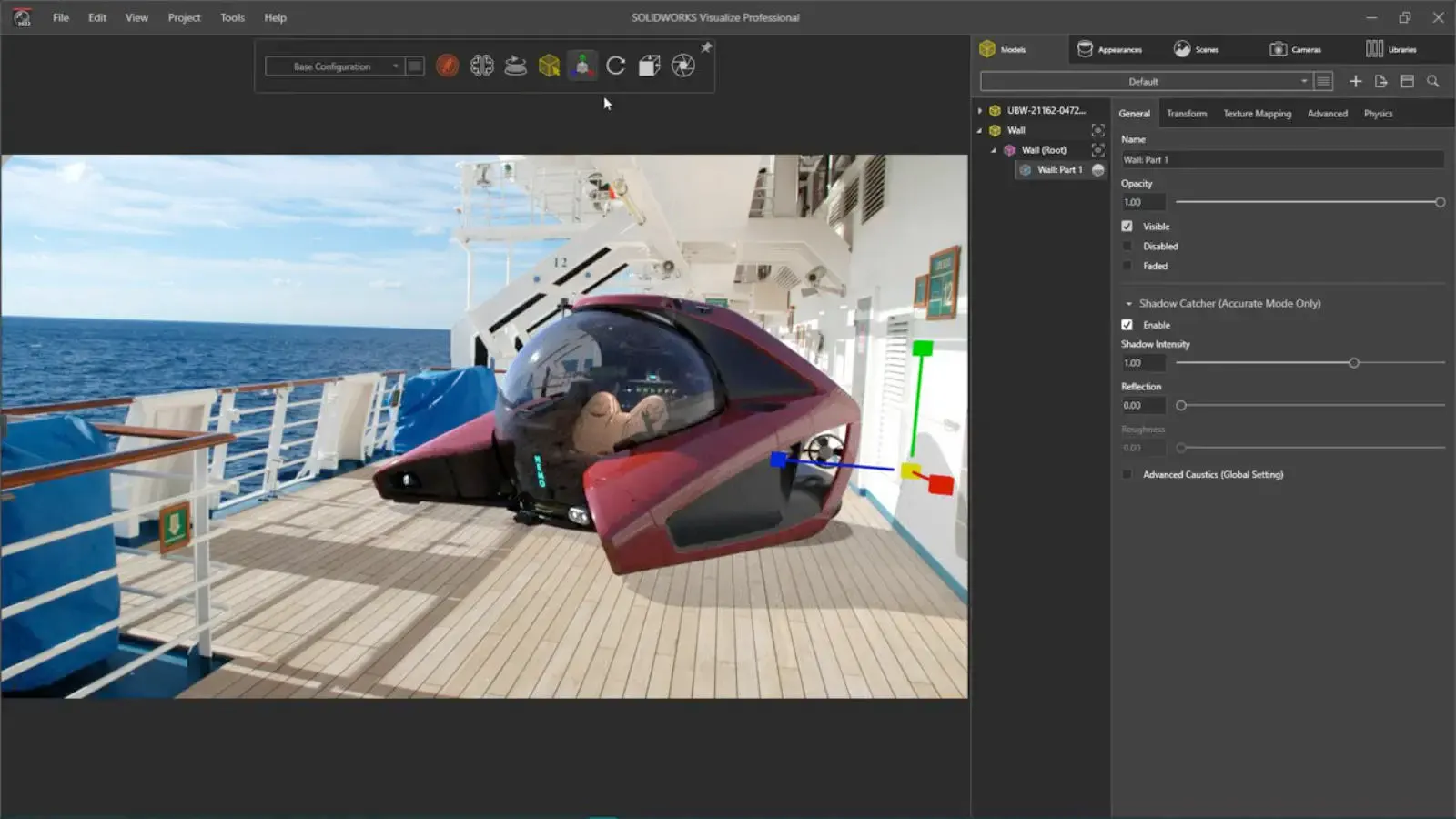
SOLIDWORKS Visualize Standard
SOLIDWORKS Visualize Standard is the fastest and easiest way to produce photo-quality images for taking “photos” of 3D data, cutting costs, and accelerating time-to-market with compelling imagery.
SOLIDWORKS Visualize Professional
SOLIDWORKS Visualize Professional lets you tell a deeper story with your CAD data by generating photo-quality imagery, interactive animations, 360-degree spins, immersive Virtual Reality (VR), and much more. Communicate complex design details with ease and beat your competition to market.
Frequently Asked Questions
Contact Us
Are you interested in a design or manufacturing solution, service, or technical support? Complete the form to contact the sales team.
Reach us
Connect with us
Need SOLIDWORKS or 3DEXPERIENCE information or have a few questions for our team? Contact us today!


