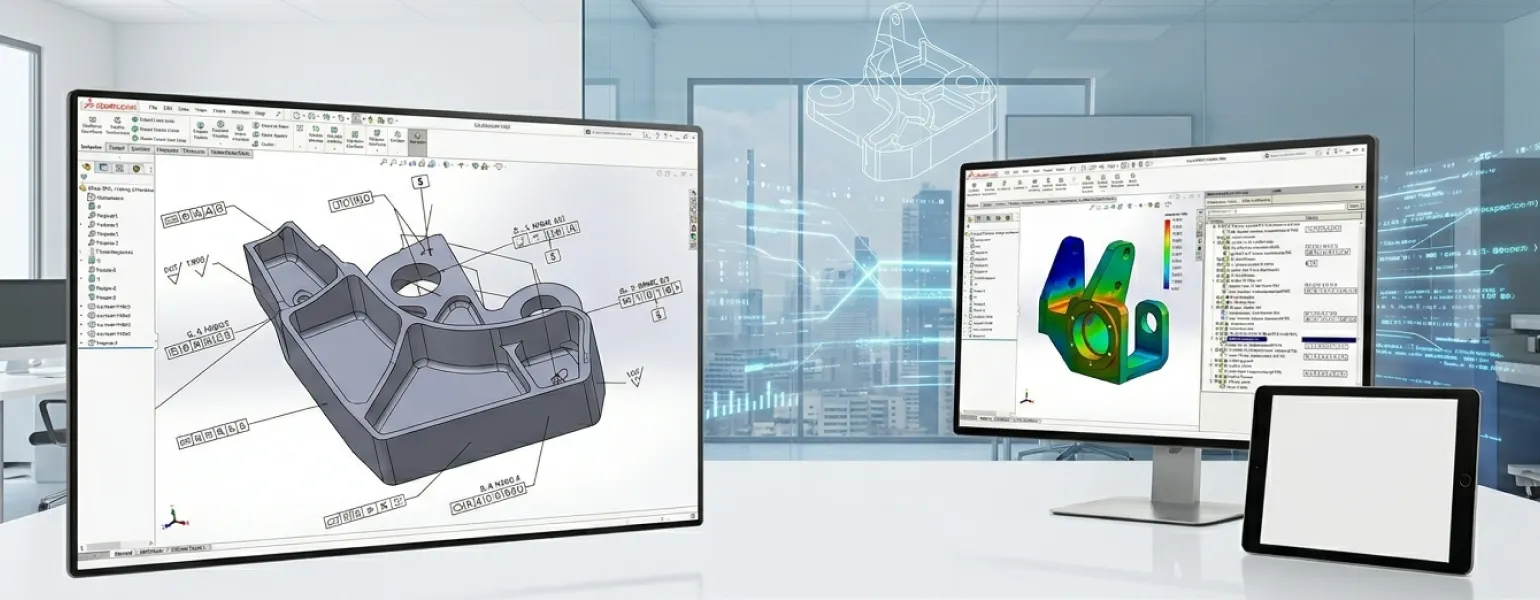
SOLIDWORKS MBD
The Future of Manufacturing Documentation is Here.
SolidWorks MBD — Define, Communicate & Manufacture Without Drawings.
Eliminate traditional 2D drawings by adding manufacturing information directly to 3D models with SOLIDWORKS MBD.
Why Choose Solidworks MBD?
1. Eliminate Drawing Errors
By putting all product and manufacturing information into your SolidWorks 3D CAD model SolidWorks MBD removes the risk of using old or wrong 2D drawings on the shop floor.
2. Accelerate Time to Production
Skip the back-and-forth of drawing creation. SolidWorks MBD gets your design to manufacturing with one intelligent data source.
3. Fully Integrated with SolidWorks 3D CAD
No new platform to learn. SolidWorks MBD works within your existing SolidWorks design environment.
4. Industry Standard Compliance
SolidWorks MBD supports ASME and ISO GD&T standards. This ensures your models meet manufacturing and quality requirements.
5. Reduce Overall SolidWorks Cost
Cutting drawing creation and revision cycles significantly reduces production costs. This makes SolidWorks MBD a smart long-term investment.
6. Flexible SolidWorks Licensing
Available as part of SolidWorks Professional and SolidWorks Premium editions. Panshul Technologies, your authorized SolidWorks reseller, in India will help you choose the plan at the best SolidWorks price.
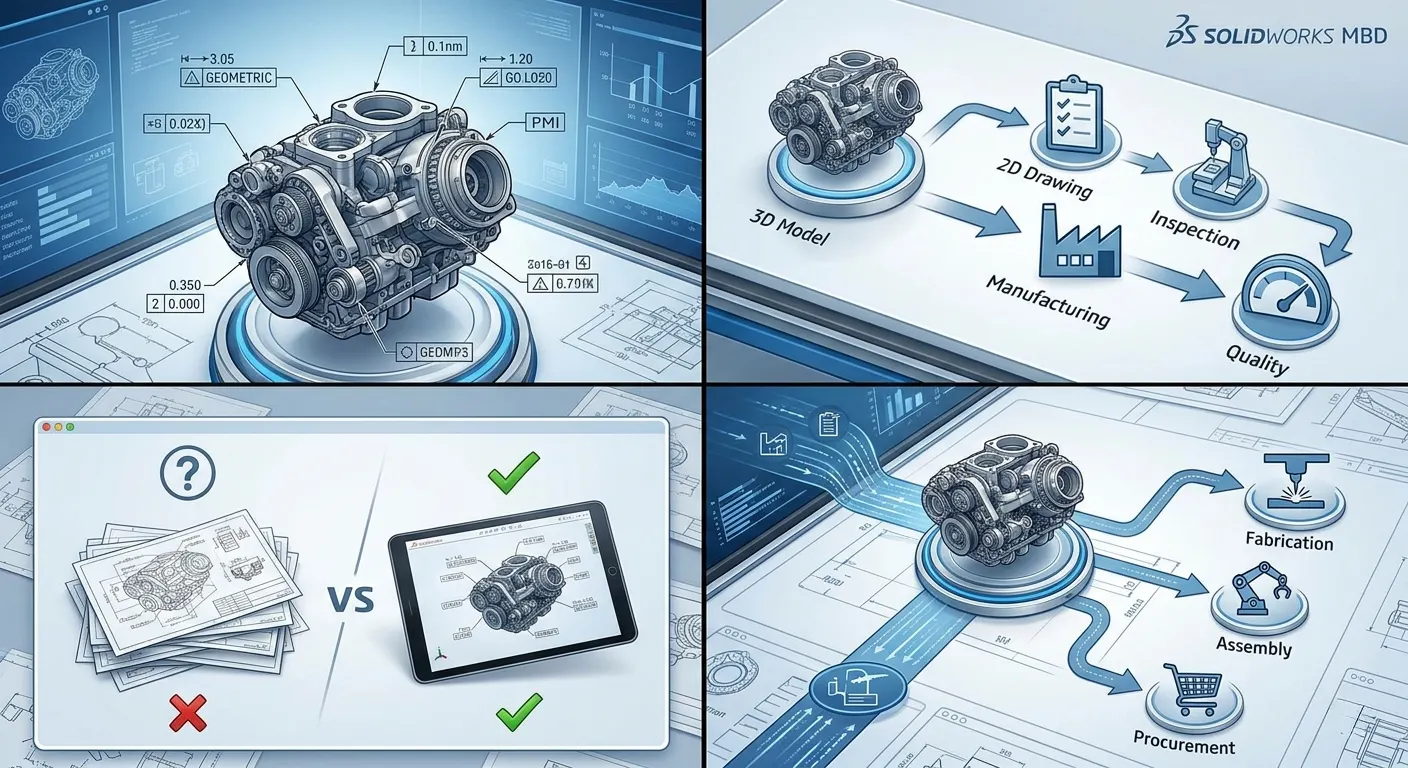
OVERVIEW DEMO
Take a first look at SOLIDWORKS MBD
What's New in SOLIDWORKS MBD 2026
SOLIDWORKS 2026 is here
Every new release of SOLIDWORKS MBD implements hundreds of enhancements requested by the global community of designers and engineers. Eliminate 2D drawing dependency and communicate complete product definitions through intelligent 3D models with the latest capabilities in SOLIDWORKS 2026.
What's New in SOLIDWORKS MBD
3D PMI Annotations−
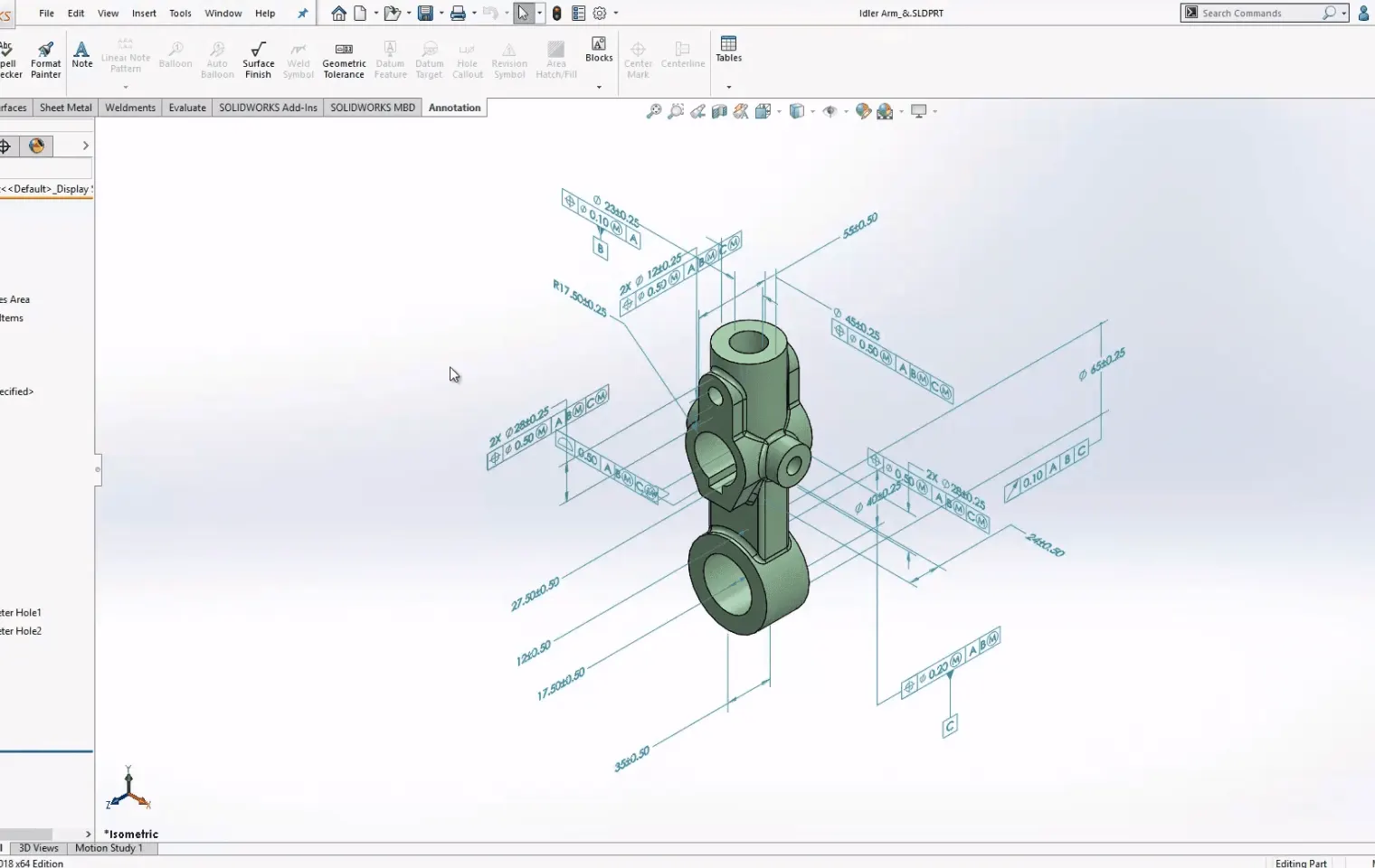
GD&T Enhancements+
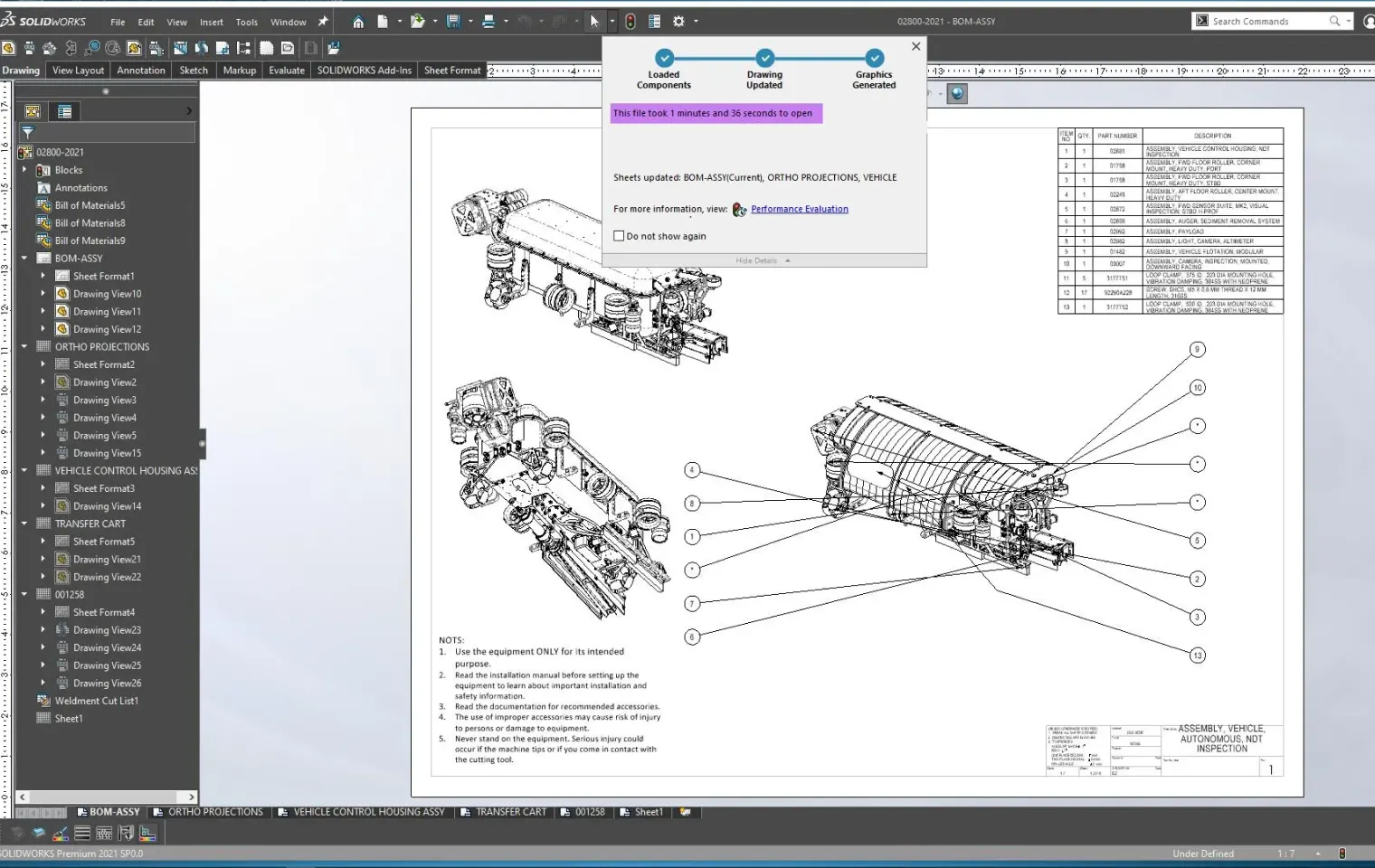
3D PDF Publishing+
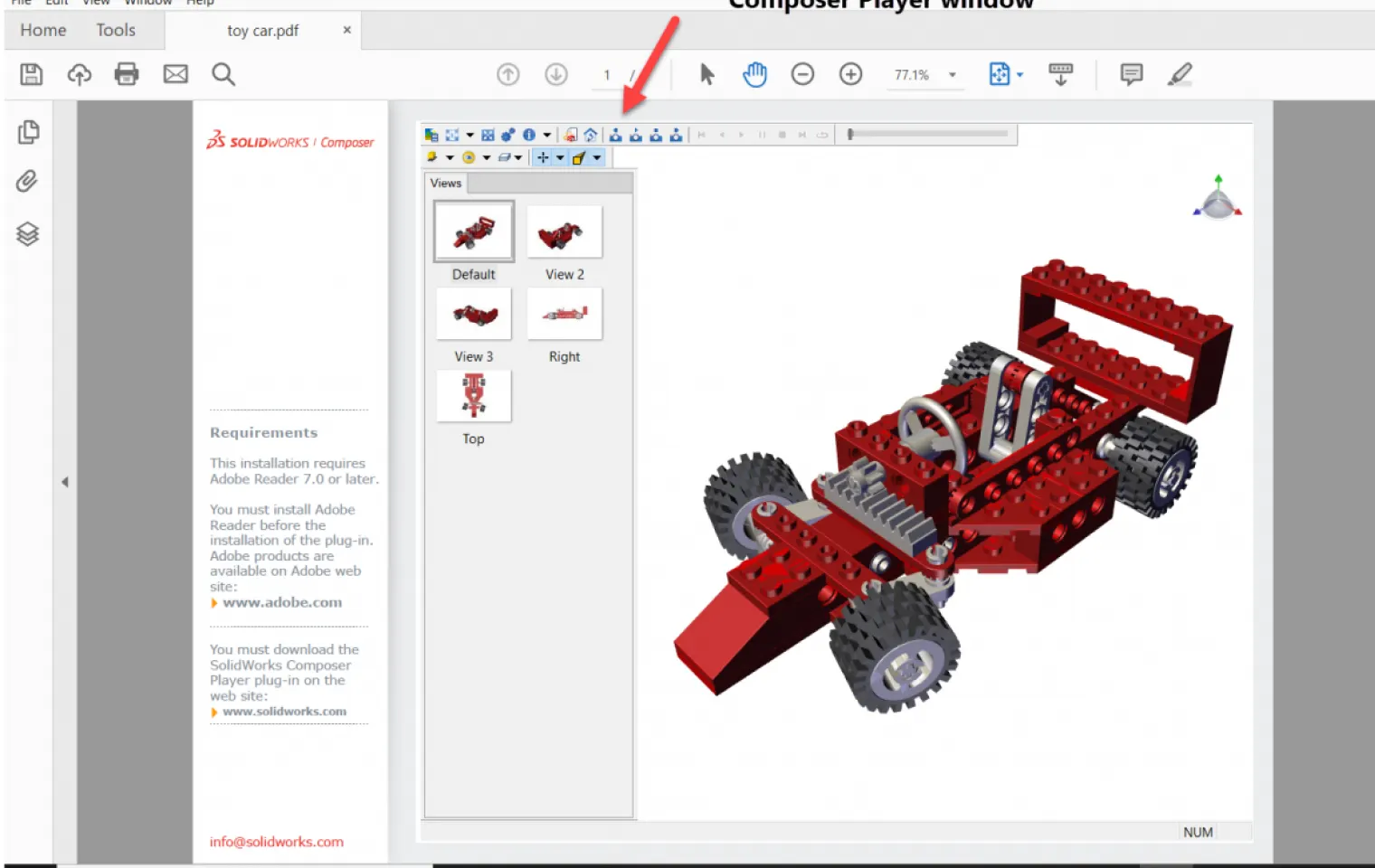
Manufacturing Communication+
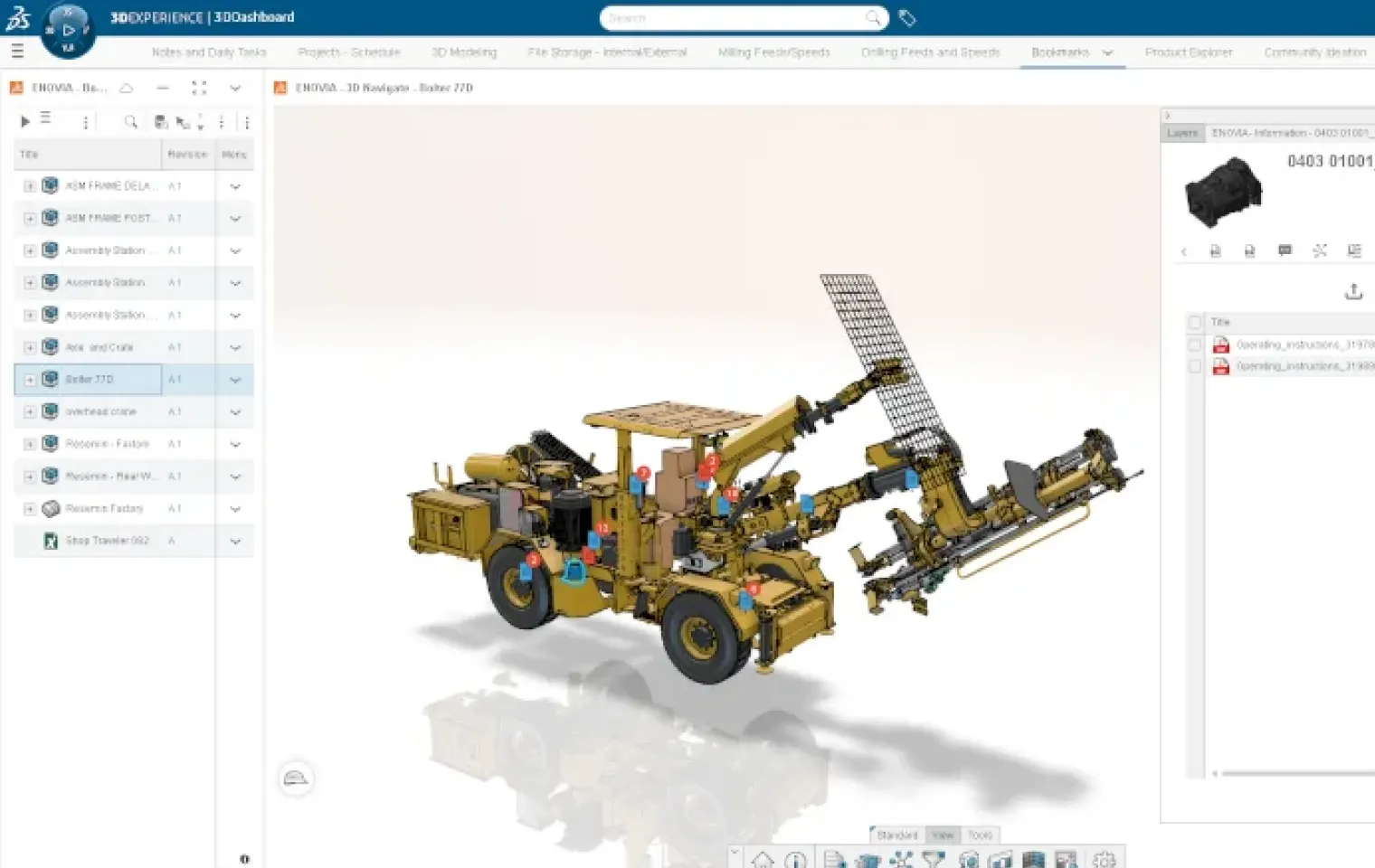
Quality & Inspection Readiness+
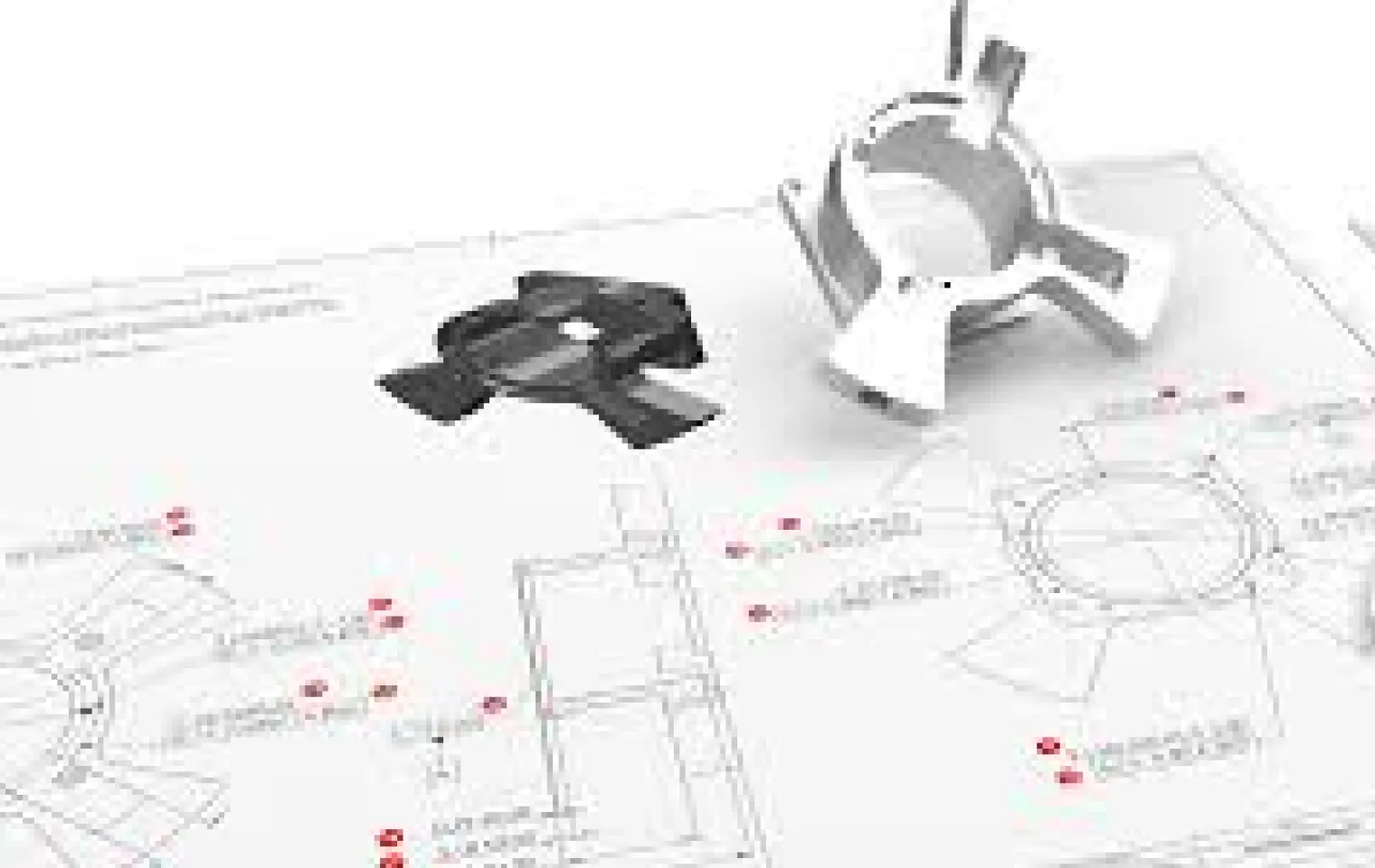
Capabilities of SolidWorks MBD
SolidWorks MBD enables a fully drawingless manufacturing workflow — embedding rich 3D data directly in your models so every team has the right information at the right time.
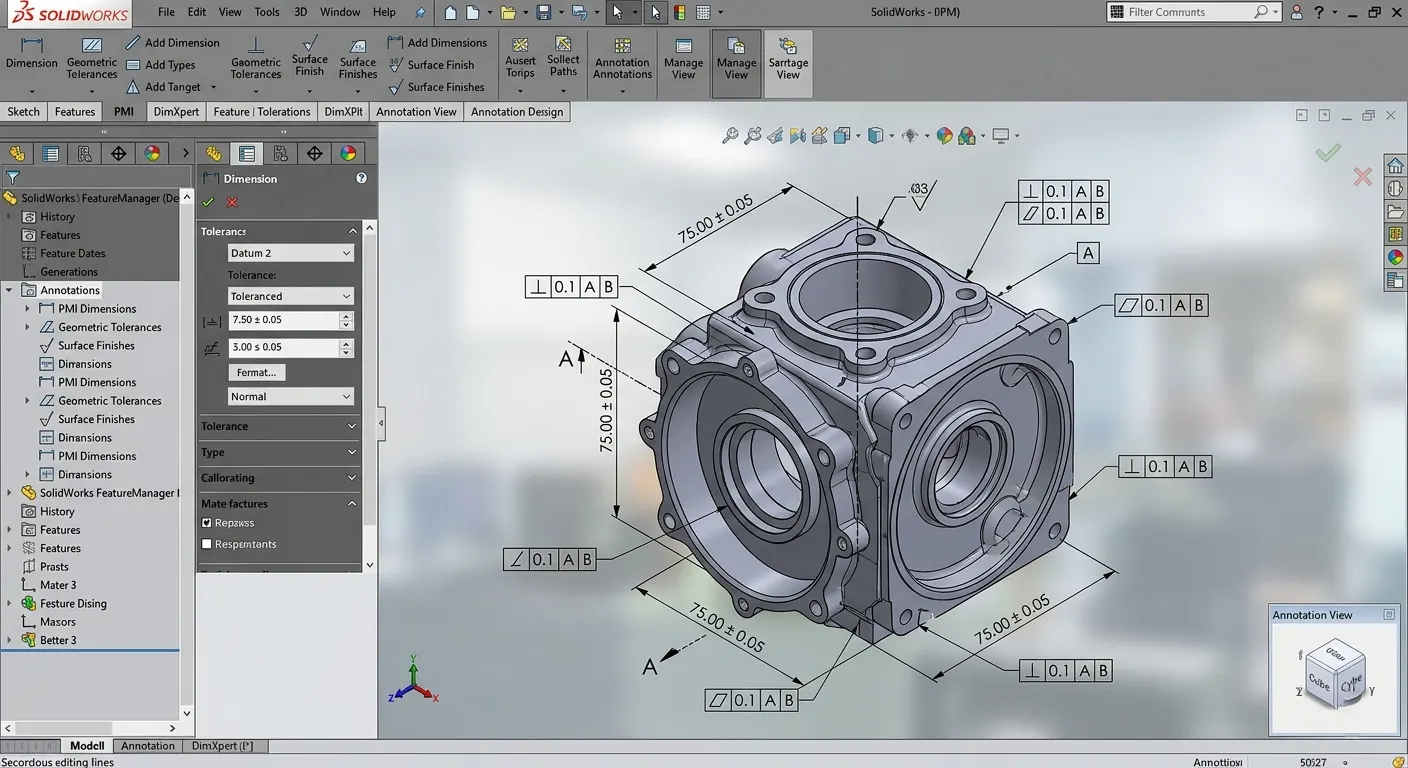
3D PMI Annotations
Embed complete manufacturing information directly within your 3D models to eliminate traditional 2D drawings.
- •Add dimensions and tolerances
- •Include GD&T annotations
- •Define surface finishes
- •Reduce drawing dependency
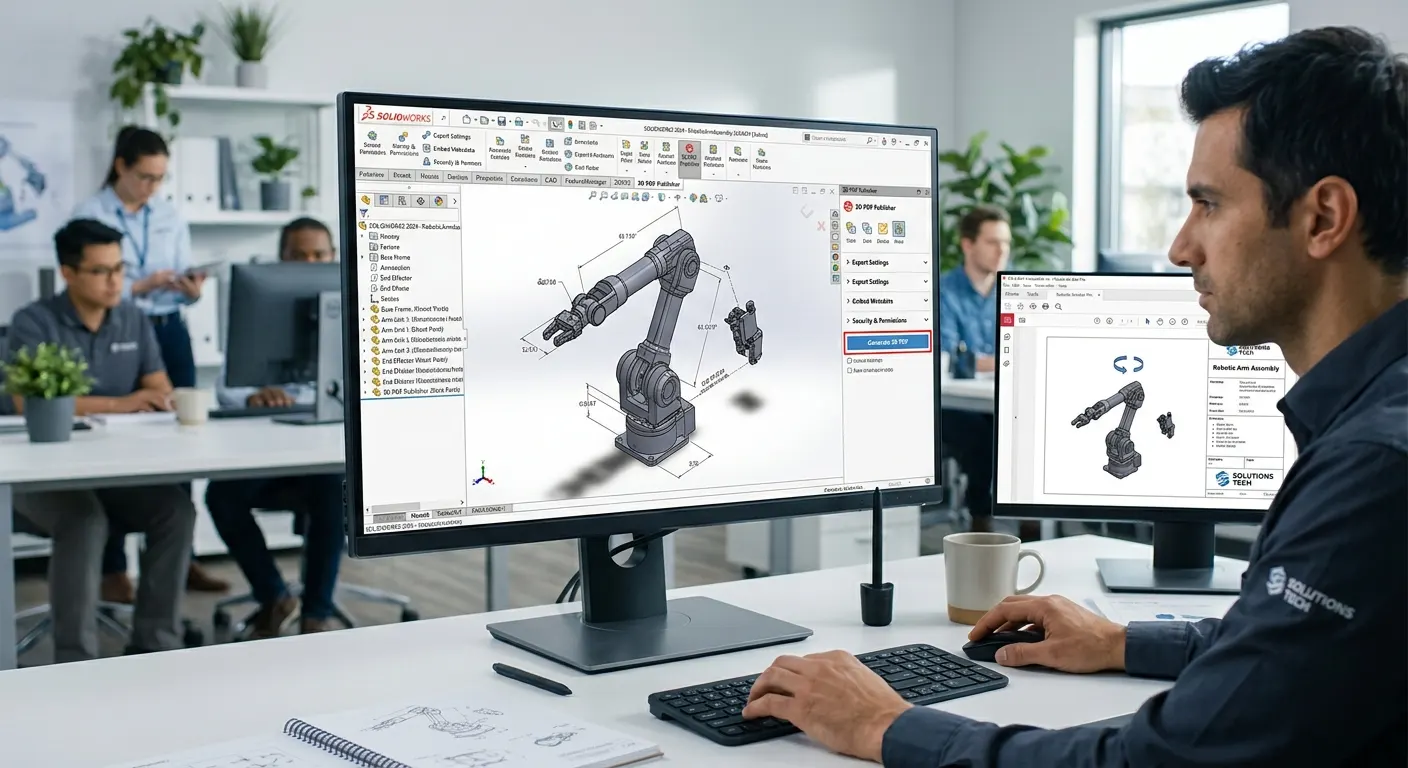
3D PDF Publishing
Share interactive 3D product data with stakeholders without requiring CAD software.
- •Publish interactive 3D PDFs
- •Simplify design communication
- •Improve stakeholder collaboration
- •Enable easy design reviews
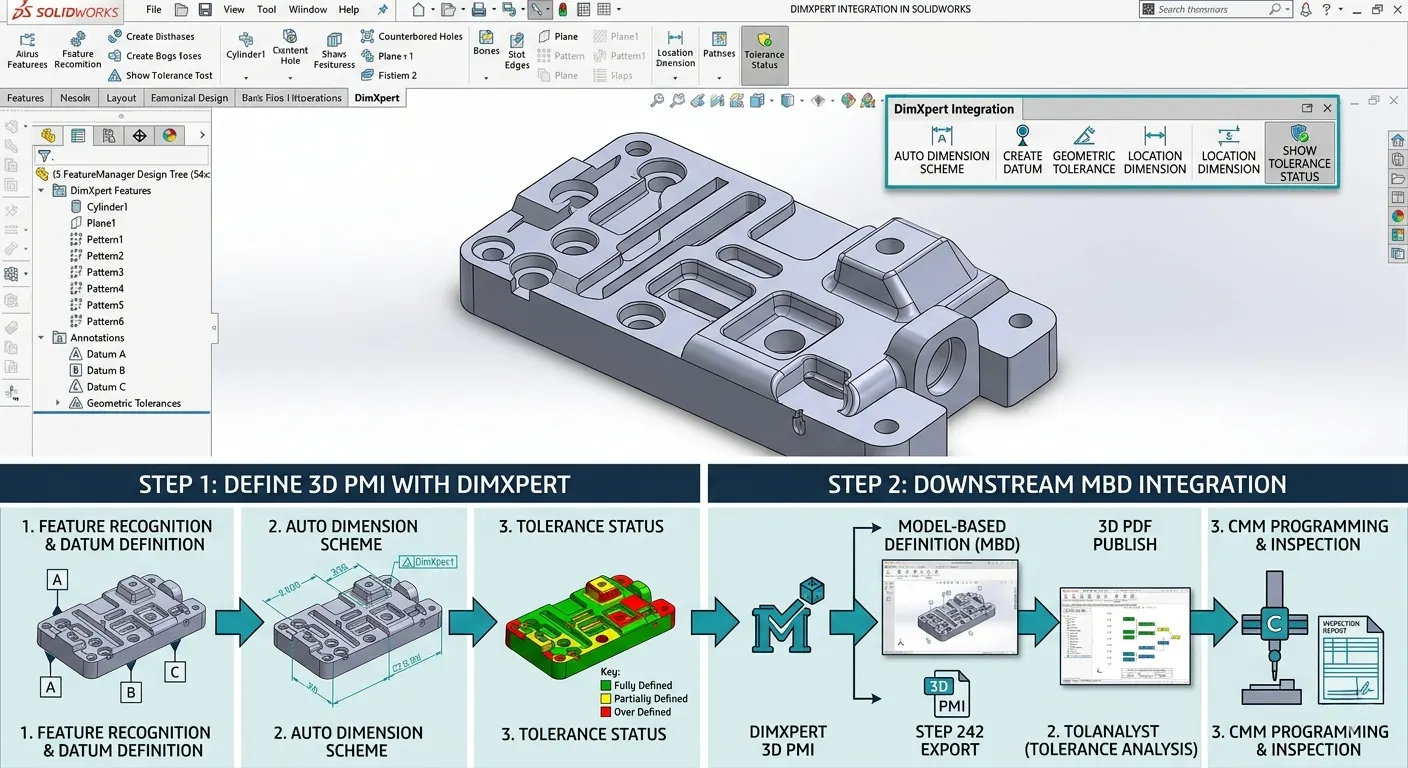
DimXpert Integration
Automate dimensioning and validation processes to ensure manufacturing accuracy.
- •Automate dimension creation
- •Validate manufacturing requirements
- •Ensure annotation completeness
- •Reduce manual errors
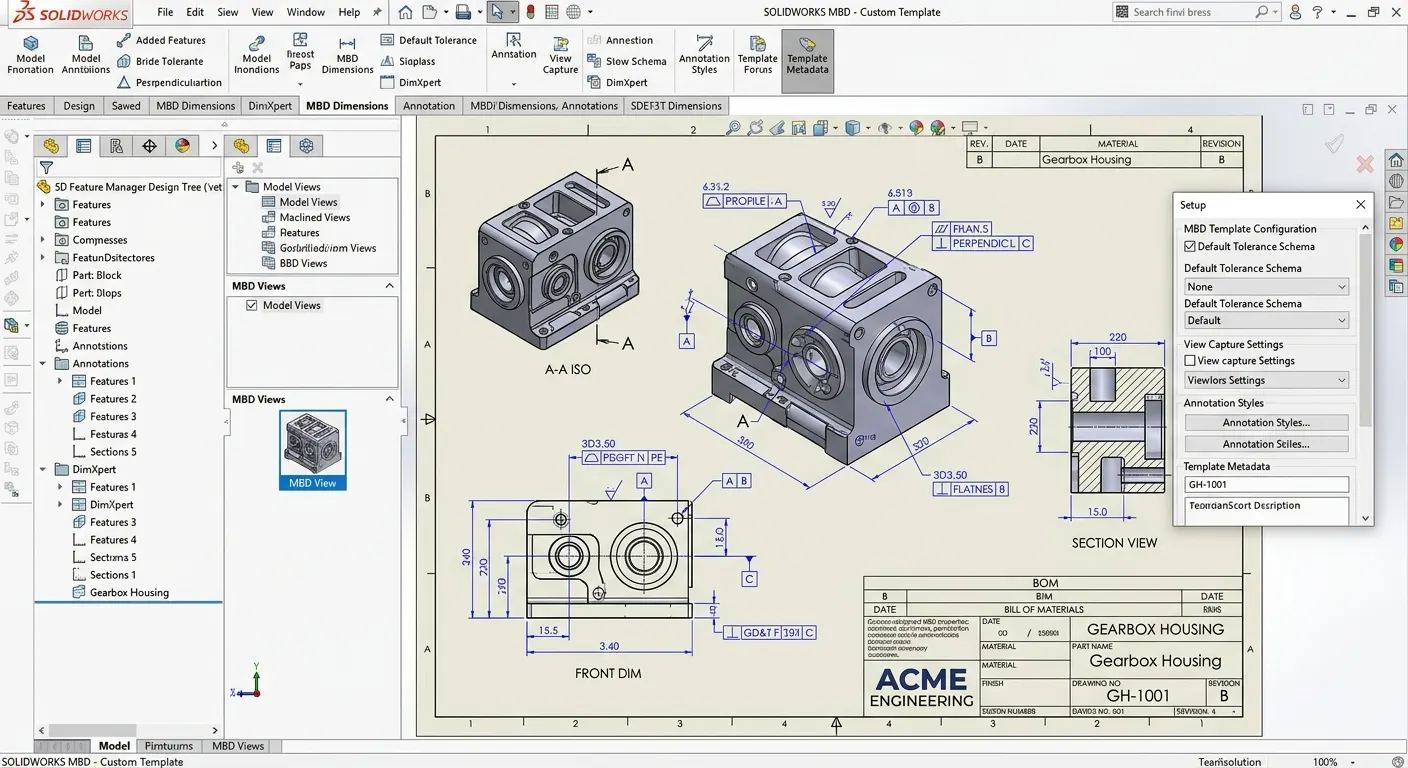
Custom MBD Templates
Standardize model-based documentation across teams with customizable templates.
- •Create company standards
- •Ensure documentation consistency
- •Improve process efficiency
- •Maintain professional outputs
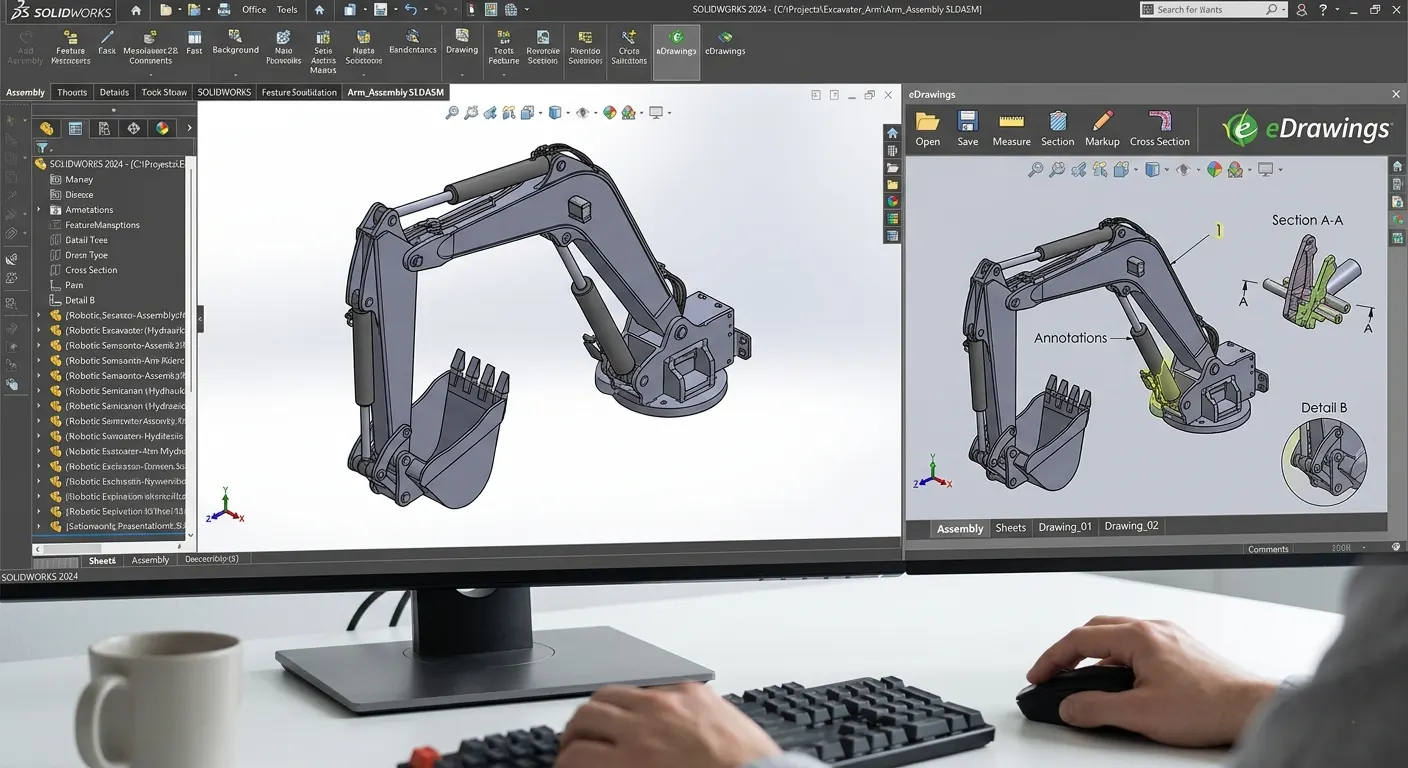
eDrawings Integration
Share and review 3D models easily across your supply chain without CAD licenses.
- •Share models securely
- •Enable design collaboration
- •Simplify stakeholder reviews
- •Reduce software dependencies
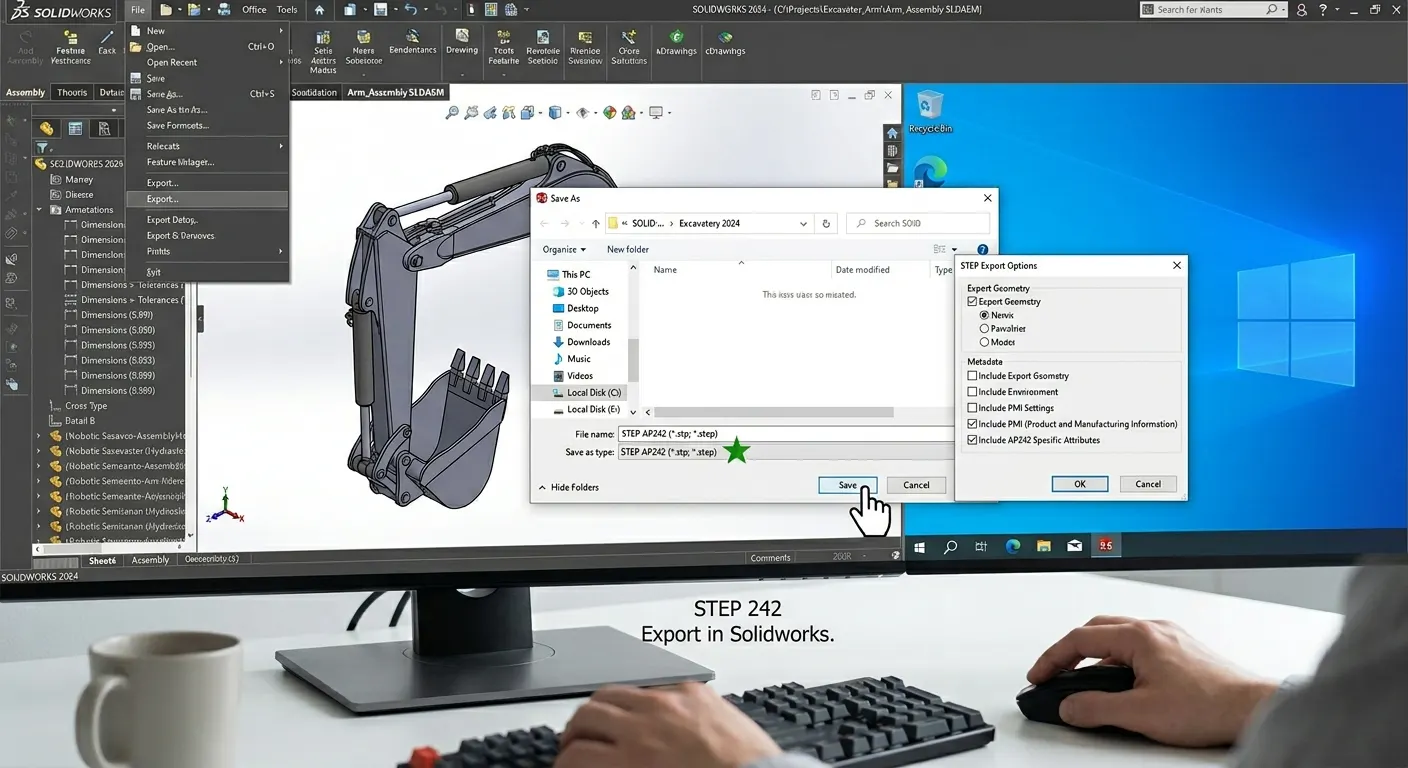
STEP 242 Export
Exchange rich 3D product data seamlessly across manufacturing and supply chain systems.
- •Preserve manufacturing data
- •Support industry standards
- •Improve supplier collaboration
- •Enable smooth data exchange
Frequently Asked Questions
Contact Us
Are you interested in a design or manufacturing solution, service, or technical support? Complete the form to contact the sales team.
Reach us
Connect with us
Need SOLIDWORKS or 3DEXPERIENCE information or have a few questions for our team? Contact us today!


